

Ask any rep how a deal is going and you will get a confident answer in ten seconds. Ask Pipedrive the same question and you get a stage from three weeks ago and a note that says "called". Both are describing the same deal and only one of them has read the chat.
Eazybe closes the distance between those two answers. Its WhatsApp AI Agents sit on the conversation itself, keep the person, the deal and the notes and the next follow up in step with whatever the customer said last. In this blog, we explain how to update Pipedrive from WhatsApp automatically and which objects change and which fields the AI fills.
What Happens To Pipedrive When Reps Never Open It
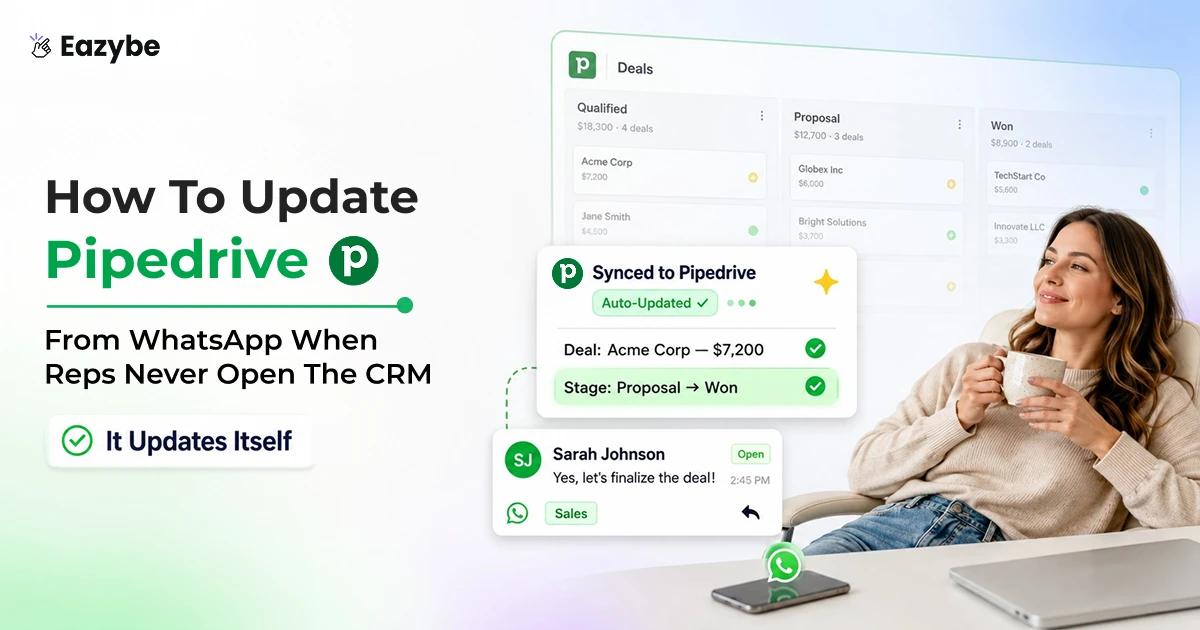
To update Pipedrive from WhatsApp means letting an AI layer read your chats and write the outcome onto the matching Pipedrive records. So, persons, deals and activities stay current without anyone typing them in.
This was never a discipline problem. You hired people to talk to buyers and then asked them to double as data entry clerks. They will pick the conversation every single time.
So, the record keeps whatever survives that choice:
- The discount they asked for never moves the deal value.
- The date they said they would sign never becomes the close date.
- The follow up your rep promised never becomes an activity.
- The number they switched to leaves the thread orphaned from the person.
What you are left with is not a pipeline. It is a list of deals everybody still feels good about.
Also Read: Top 7 CRM With WhatsApp Integration
How Eazybe Updates Pipedrive From WhatsApp Automatically

The chat moves the deal; Pipedrive updates itself.
Eazybe is a Chrome extension that loads beside WhatsApp Web so reps never leave the thread. Nothing migrates and it runs on personal WhatsApp and on the Business App and on the API through coexistence.
The work splits four ways:
- Reads: the full thread so it catches the commitment made three days ago.
- Writes: the person and the deal and the note and the activity.
- Backs up: the chat to the Chat Backup view on the contact.
- Waits for you: on scope since you pick the fields it can touch.
That reading layer is covered in depth in WhatsApp Sales Intelligence.
The AI is assisted and not hands off magic. You set which fields stay current and you can review what lands, so the typing goes and the judgement stays with your team.
Which Pipedrive Persons And Deals And Activities Get Updated
Most tools here stop at saving a contact, which is the least useful object you could pick because the money sits on the deal. Eazybe writes across four:
- Persons: created from the open chat so a new number becomes a real contact.
- Deals: tied to that person so the conversation attaches to the opportunity.
- Notes: carrying what was actually discussed.
- Activities: created as follow up tasks with an owner and a date.
Pipedrive models leads as Persons plus Deals rather than a separate Leads object and it has no Tickets object at all. So, Eazybe writes what Pipedrive genuinely supports instead of inventing objects.
A wider view of how these records fit together sits on the WhatsApp CRM page.
Which Pipedrive Fields The AI Fills From Your Chats
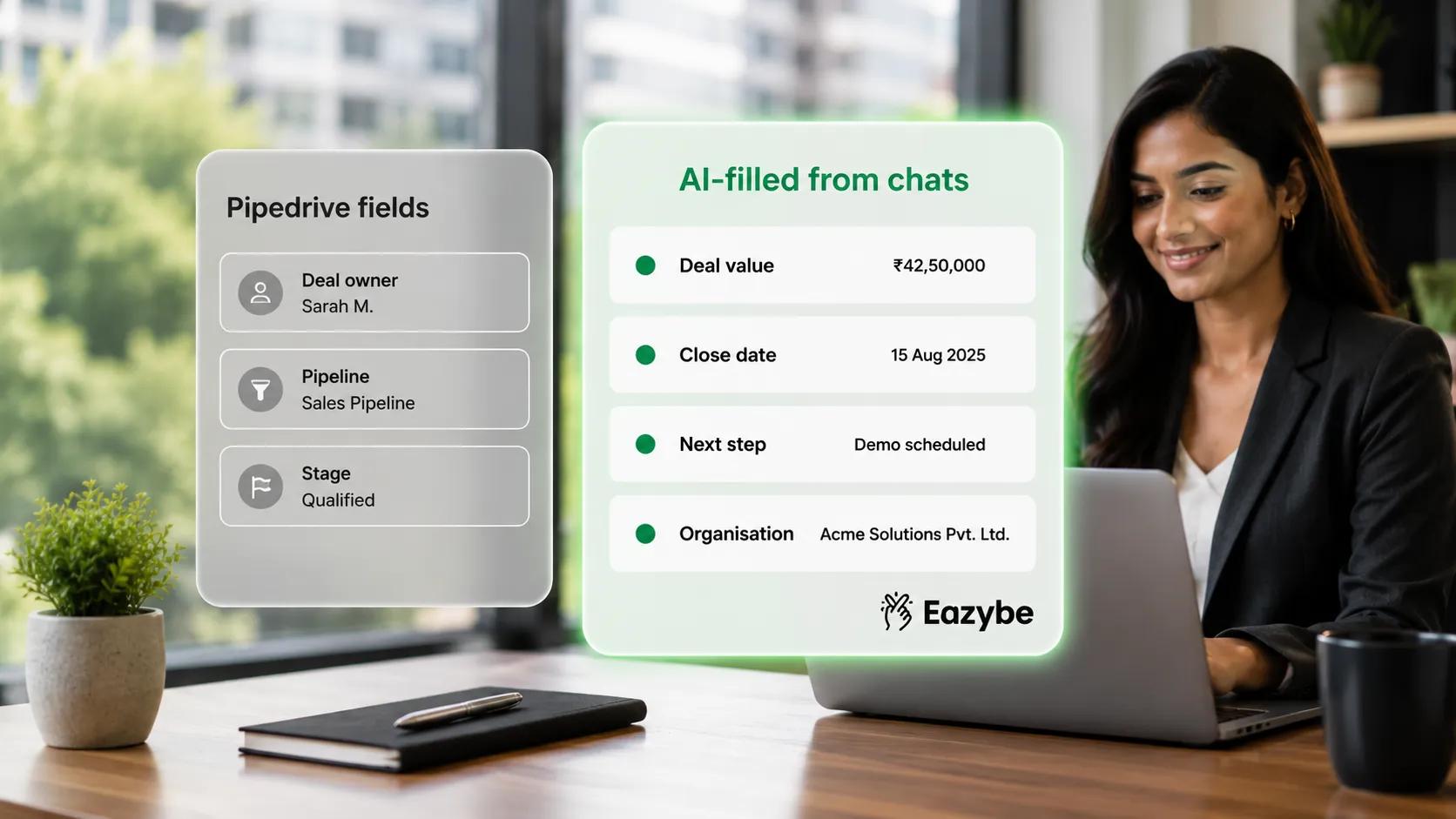
You choose which Pipedrive fields the AI fills from conversations.
A record is only as useful as the fields inside it:
- Deal value: follows the figure the customer agreed to, not a round guess.
- Close date: follows the date they said they would sign.
- Next step: follows what your rep promised in the thread.
- Person details: come from the email and company they already typed.
You choose which properties appear in the Mini CRM view and the AI writes only against those, so nothing extra lands.
The same field led approach drives the HubSpot WhatsApp integration if you run both.
The Follow Up Nobody Logged Becomes A Pipedrive Activity

The follow-up nobody logged becomes a Pipedrive activity.
This is the biggest leak in the pipeline and it is the one Pipedrive is built to catch.
Reps promise follow ups all day. Send the proposal Thursday. Check back after the board meeting. None of it becomes a task because writing it down means leaving the chat.
Update Pipedrive from WhatsApp and those promises land as Activities with dates on them, so the follow up either happens or shows up overdue.
Once that runs across the team the pattern becomes visible too, which is what WhatsApp sales performance analytics reads for.
What Actually Lands On The Pipedrive Record
Nobody wants to open a deal and scroll two hundred messages to work out where it stands.
So Eazybe writes the gist and not the transcript:
- A short summary of what the customer wants and what is blocking it.
- The field values you selected and nothing else.
- The full chat underneath in the Chat Backup view on the contact.
The cloud backup keeps the raw history available without it becoming the thing you read every day.
How To Set Up The Pipedrive WhatsApp Integration

Four steps: domain, API token, pick your fields, start syncing.
Setup is a connection with Pipedrive WhatsApp integration and not a migration:
- Add Eazybe to Chrome and open WhatsApp Web so your chats stay where they are.
- Copy your Company Domain which is the subdomain in your Pipedrive URL.
- Generate an API Token in Pipedrive under Personal Preferences then API.
- Connect Eazybe by pasting the Company Domain and the token.
- Pick your fields and objects in the Mini CRM view and work as normal.
Free and paid Pipedrive plans both work since all you need is the domain and a token. Teams that want chats tagged as they arrive pair this with WhatsApp automation.
Eazybe vs Manual Pipedrive Updates
The gap is not about effort. It is about whether Pipedrive waits on someone finding time to type:
| Dimension | Manual updates | With Eazybe |
|---|---|---|
| Who logs it | The rep when they remember | The AI reads the thread and writes it |
| What reaches the record | A note reading "called" | Persons and deals and notes and activities |
| How current it stays | Days behind or blank | Current with the conversation |
| Follow ups | Promised and never logged | Activities with dates |
| Reading the history | Scroll the whole thread | A short gist with backup beneath |
| Which fields update | Ad hoc | Only the ones you selected |
| Forecast inputs | Guessed by the rep | Taken from what the customer said |
| When a rep leaves | The history goes too | The history stays |
Bottom line: manual updating depends on the one task reps avoid while automatic updating does not depend on them at all.
Teams that switch notice the pipeline review shrinks first, which is the clearest early read on sales efficiency.
The Honest Limits Of Updating Pipedrive From WhatsApp
Better to set the expectation now than let you find it in week three:
- Only the objects Pipedrive has: Persons and Deals and Notes and Activities, with no Tickets and no separate Leads object.
- Backup runs one way: WhatsApp writes into Pipedrive rather than acting as a messaging bridge.
- Short chats carry little signal: A two word thread gives any AI almost nothing to work with.
- Only labelled chats sync: That gives you control but labelling becomes part of the job.
- The AI stays assisted: You set the fields it can write and you can review what lands.
Give your largest deals a human glance because AI sales agents remove the typing and not the responsibility.
Final Verdict
Pipedrive is only ever as current as the last person who felt like typing and that is a weak base for a forecast. Reading the conversation and writing the record fixes the input rather than the reporting habit. Which is why deal value and close dates and follow ups finally carry real values.
Know the edges first: four object types and one way backup and labelled chats only. Inside those the stage in Pipedrive starts matching the conversation underneath it.