






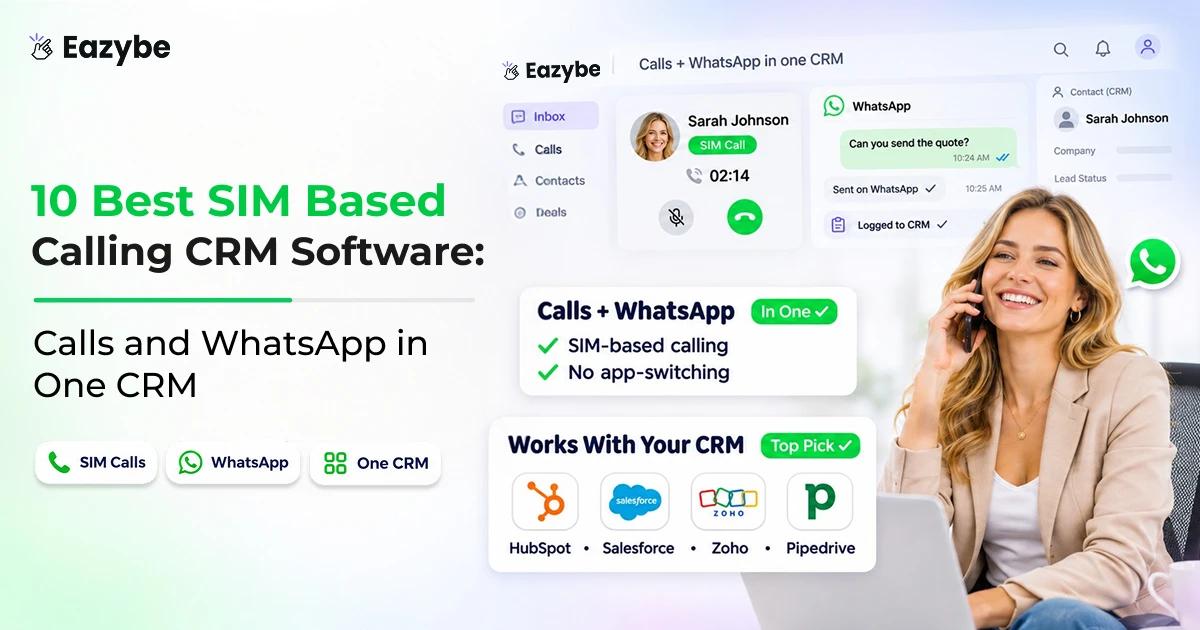


SIM based calling CRM software tracks every call your reps make from their own phone and SIM, and saves it in your CRM automatically. No manual notes, no missed follow-ups, and no calls lost on someone's phone.
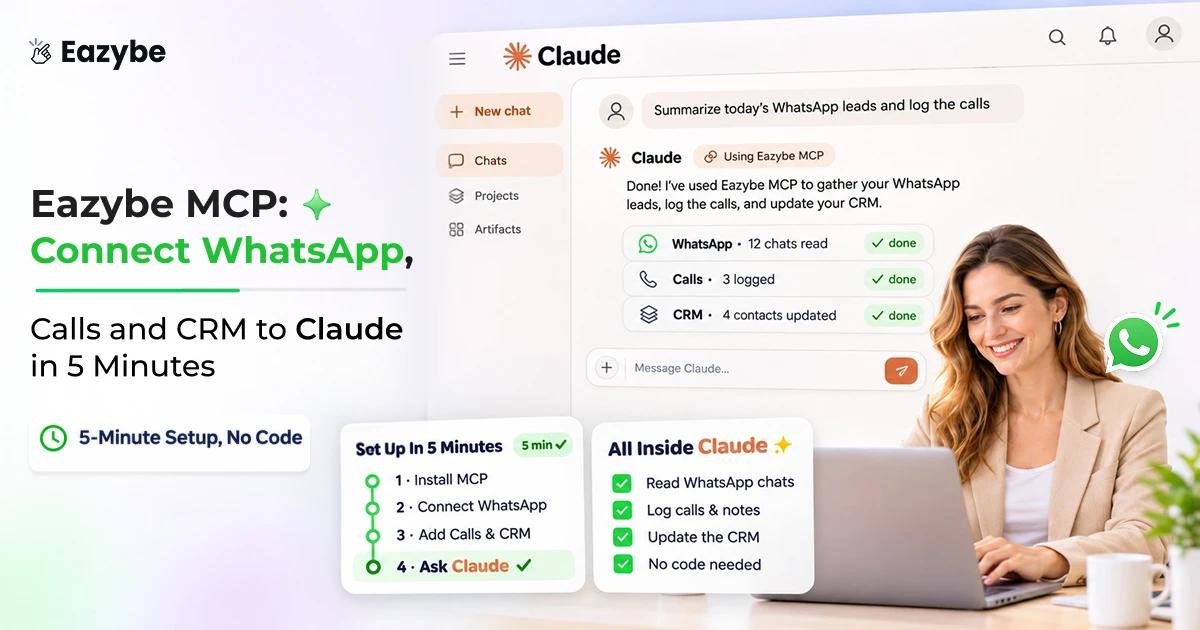
Most sales teams make hundreds of calls a day, yet only a few reach the CRM. Eazybe's SIM based calling fixes this: reps call from their own Android phones, and every call is logged next to the customer's WhatsApp chats. In this blog, we compare the 10 best tools and show you Calls and WhatsApp in One CRM.
What Is SIM Based Calling CRM Software?
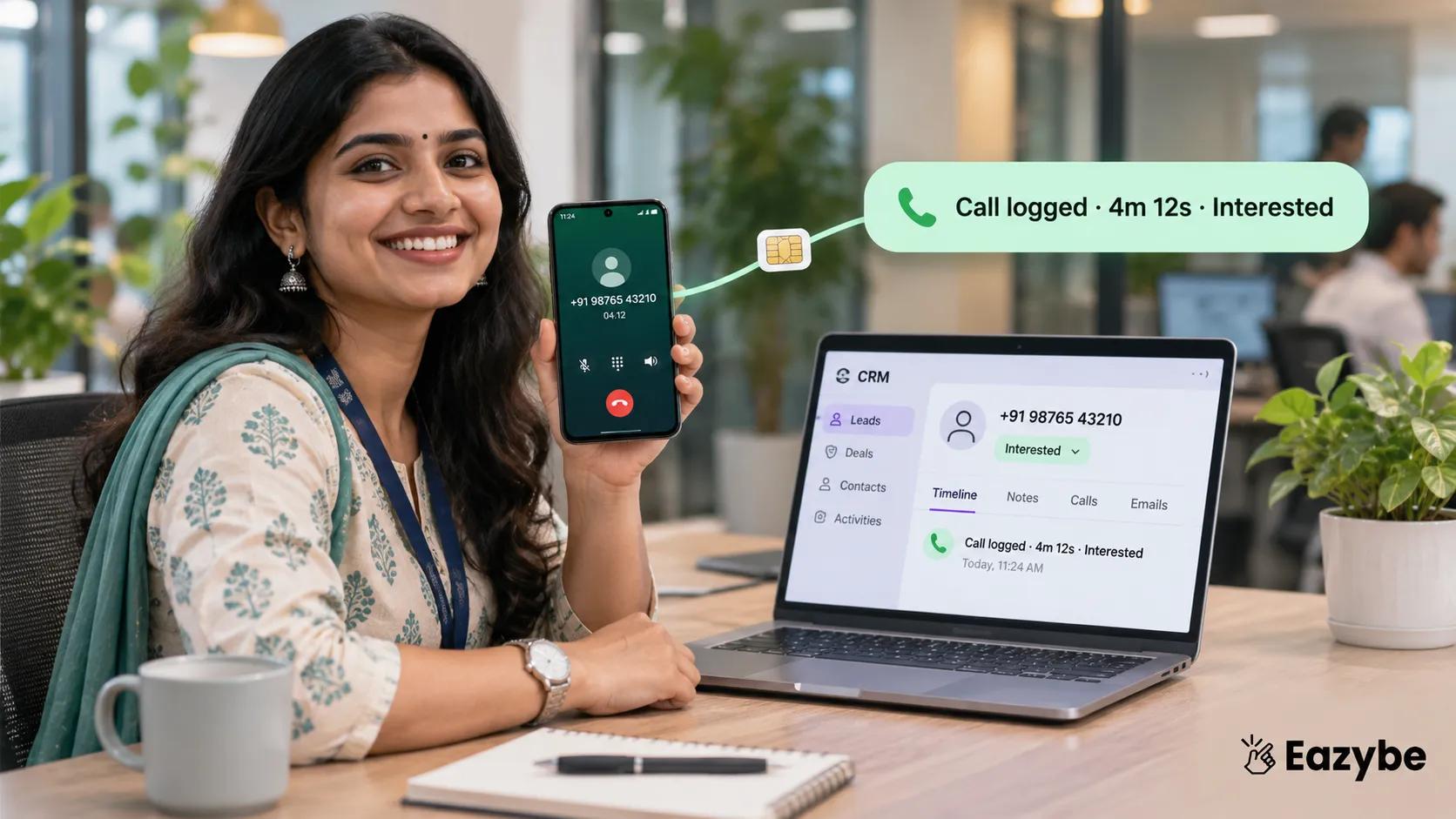
Calls logged to CRM
SIM based calling CRM software is a tool that tracks calls your reps make from their own mobile phone and SIM, and logs each call's time, length and outcome in your CRM. Calls go over the normal mobile network, so there's no internet phone line to set up and customers see an ordinary mobile number.
Here's how it works in practice:
- The rep calls a lead from their phone, either from the dialler or from a lead list in the app.
- The app on the phone captures the call details as soon as the call ends.
- The call is saved on the right lead or contact in the CRM.
- The rep sets a follow-up or next step, and the manager sees it in the team report.
For a closer look at how this works on Android phones, see Eazybe's guide to SIM based calling.
SIM Based Calling CRM vs Cloud Telephony
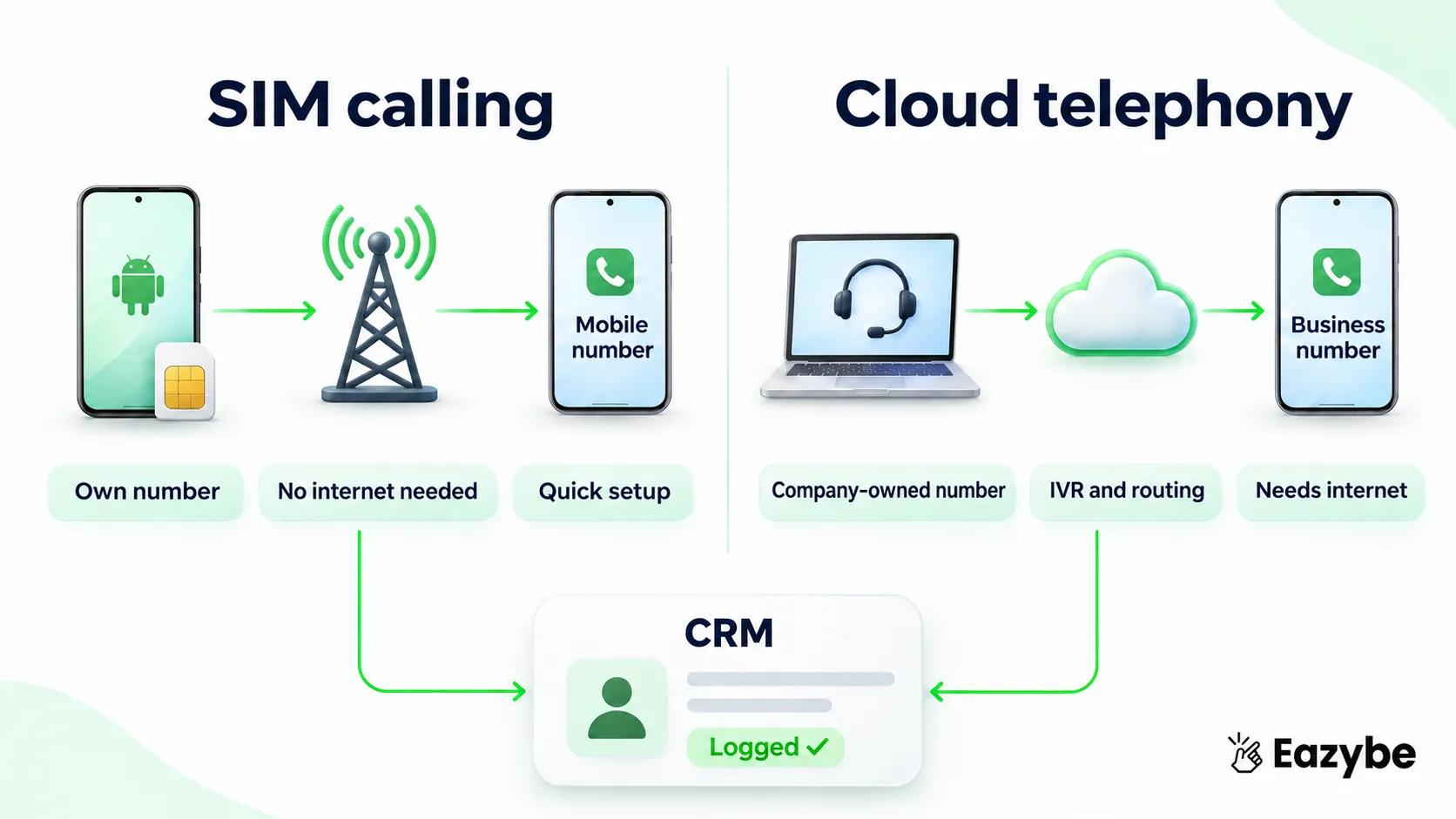
Two routes, one CRM
SIM calling uses the mobile network and the SIM inside the rep's phone. Cloud telephony routes calls over the internet through a virtual business number. Both can log calls in a CRM, but they suit different teams.
- Number the customer sees: SIM calling shows the rep's mobile number. Cloud telephony shows a virtual business number.
- Setup: SIM calling needs only an app on the phone. Cloud telephony needs numbers, users and call routing.
- Internet: SIM calls don't need internet to connect. Cloud calls do.
- Cost: SIM calling often runs on the rep's existing mobile plan. Cloud telephony charges for numbers, users and minutes.
- Number ownership: a SIM number belongs to the rep. A cloud number stays with the company.
- Best for: SIM calling suits field and mobile-first sales teams. Cloud telephony suits call centres, inbound support and IVR.
Many teams use both: SIM calling for reps on the move, and cloud calling for a shared inbound line. If you're deciding between the two, Eazybe SIM vs cloud calling guide compares cost, setup, number ownership and compliance.
What to Check Before Choosing SIM Based Calling CRM Software
Before you compare tools, check these eight things against how your team actually works:
- Automatic call logging: Every incoming, outgoing and missed call should reach the CRM without the rep typing anything.
- Call recording: Useful for training and disputes. Check local consent rules and which phones support it.
- Follow-up reminders: The rep should be able to set the next step the moment a call ends.
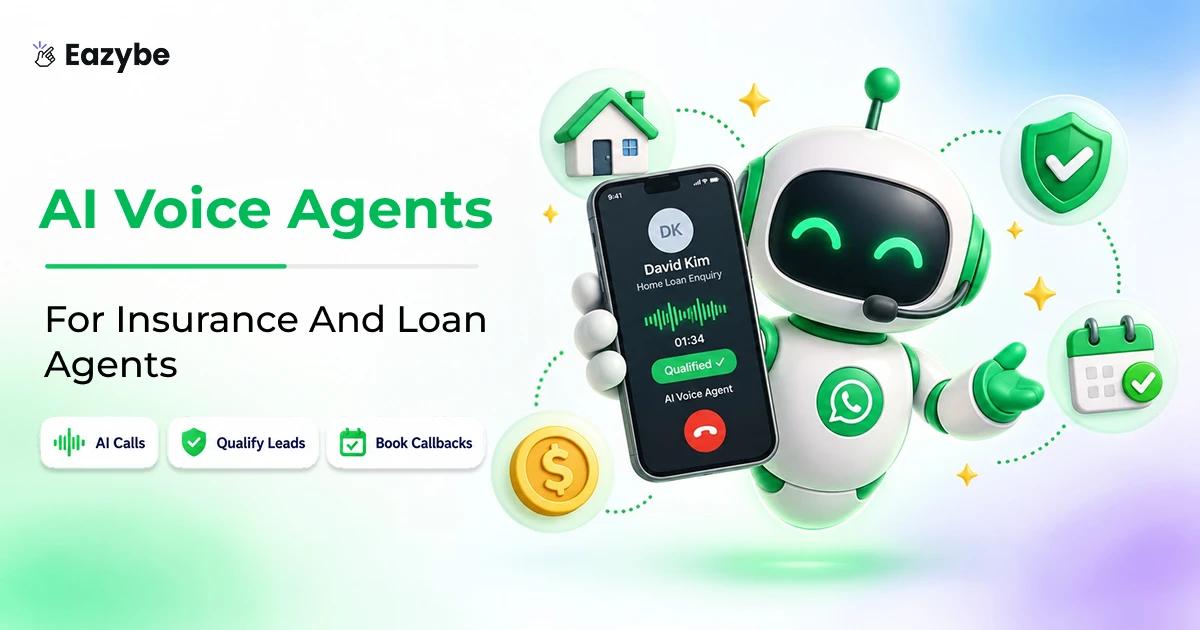
- Auto dialler: For teams calling long lead lists, an auto dialler saves time between calls.
- CRM integration: Decide whether you want a new all-in-one CRM or a tool that logs calls into the CRM you already use.
- WhatsApp alongside calls: Many leads who miss a call reply on WhatsApp, so the chat should sit next to the call history.
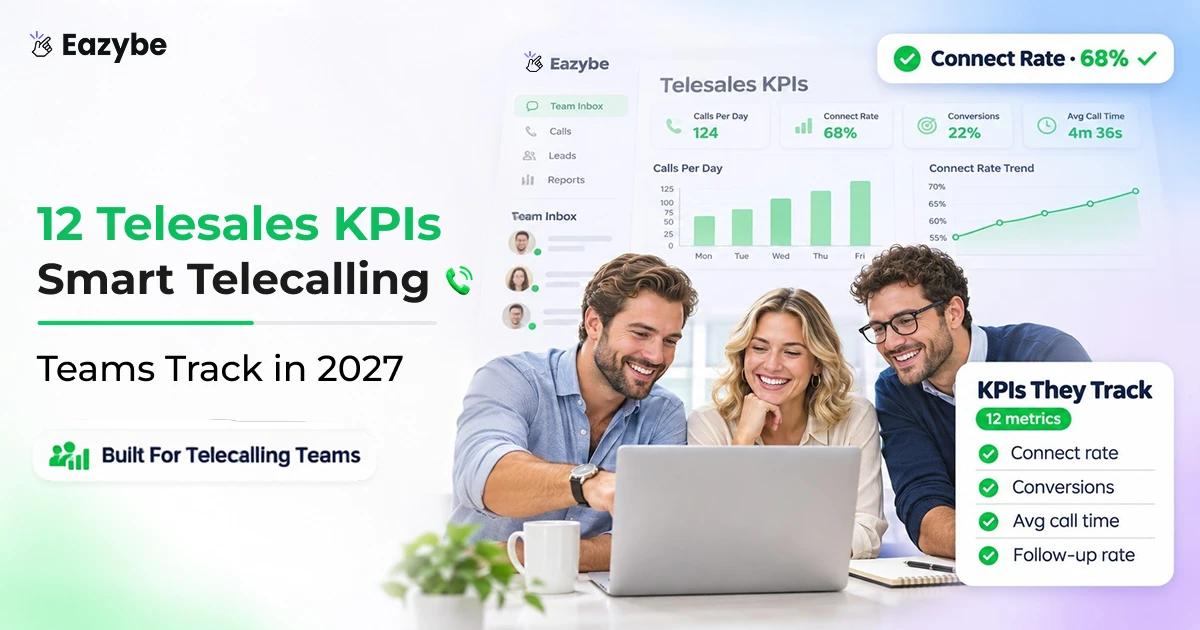
- Team reports: Managers need calls per rep, connect rates, talk time and missed calls.
- Privacy and phone support: Check Android and iPhone support, and whether personal calls stay out of the CRM.
Comparison of the 10 Best SIM Based Calling CRM Software
| Tool | Best For | CRM | Auto Dialler | Phones | |
|---|---|---|---|---|---|
| Eazybe | Calls and WhatsApp in your CRM | Works with your CRM | To confirm | Yes | Android |
| Runo | All-in-one telecalling | Own CRM | Yes | No | Android, iOS |
| TeleCRM | Indian sales teams | Own CRM | Yes | Yes | Android |
| Callyzer | Call reports for managers | Reports only | No | No | Android |
| Salestrail | Global teams | Works with your CRM | No | Yes, calls only | Android, iOS |
| LeadSquared | Large field teams | Own CRM | No | No | Android |
| NeoDove | SIM and cloud calling | Own CRM | Yes | Yes | Android |
| Calley | Fast dialling from a list | Works with HubSpot | Yes | No | Android, iOS |
| GoDial | Small teams on a budget | Own CRM | Yes | Yes, after calls | Android, iOS |
| CallBlaze | WhatsApp after missed calls | Works with your CRM | No | Yes | Android |
Bottom line: if you don't have a CRM yet, an all-in-one telecalling CRM like Runo, TeleCRM or NeoDove is simpler. If you already run HubSpot, Zoho or Salesforce, a sync tool like Eazybe or Salestrail keeps your data where it already lives.
10 Best SIM Based Calling CRM Software for Sales Teams
Here are the 10 tools, with what each does well and where it falls short:
1. Eazybe
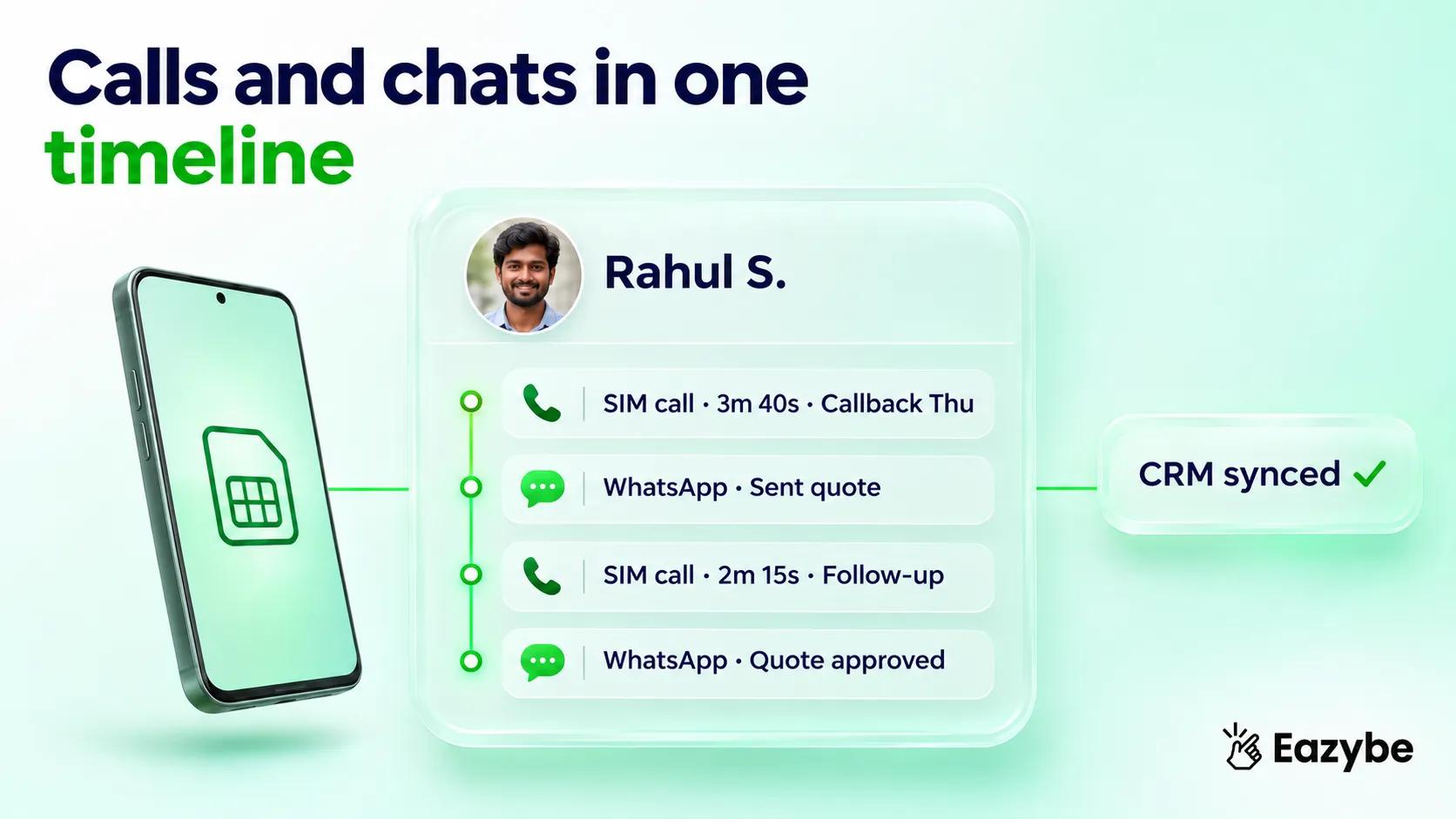
Eazybe - Calls and chats together
Eazybe is a WhatsApp AI agent platform with built-in SIM based calling. Reps keep calling from their own Android phones and SIMs and Eazybe logs each call's time, length and outcome in your CRM, right next to the customer's WhatsApp chats. The whole deal sits in one place, so calls stop disappearing into one person's phone.
How it works:
- The rep calls a lead from their own Android phone, as usual.
- Eazybe captures the call in the background, with no manual notes.
- The call is saved on the right contact in your CRM, beside the WhatsApp chat history.
- Managers see who is calling, how long the calls run, and which customers have gone quiet.
Key features:
- SIM call logging: time, length and outcome of every call, saved automatically.
- Calls and WhatsApp together: one timeline per customer, so the next rep sees the full story.
- Works with your CRM: HubSpot, Salesforce and Zoho, as well as Eazybe CRM. No need to switch.
- Virtual calling too: add a business number for reps who call over the internet.
- Coaching: use real calls to show new reps what good conversations sound like.
- Normal caller ID: customers see an ordinary mobile number they're more likely to answer.
Pros: no new phones or SIMs, no CRM migration, and WhatsApp and calls in one view.
Cons: SIM call tracking works on Android phones only.
Best for: sales teams that sell on both calls and WhatsApp and already use a CRM.
See how it works on the Eazybe call tracking page.
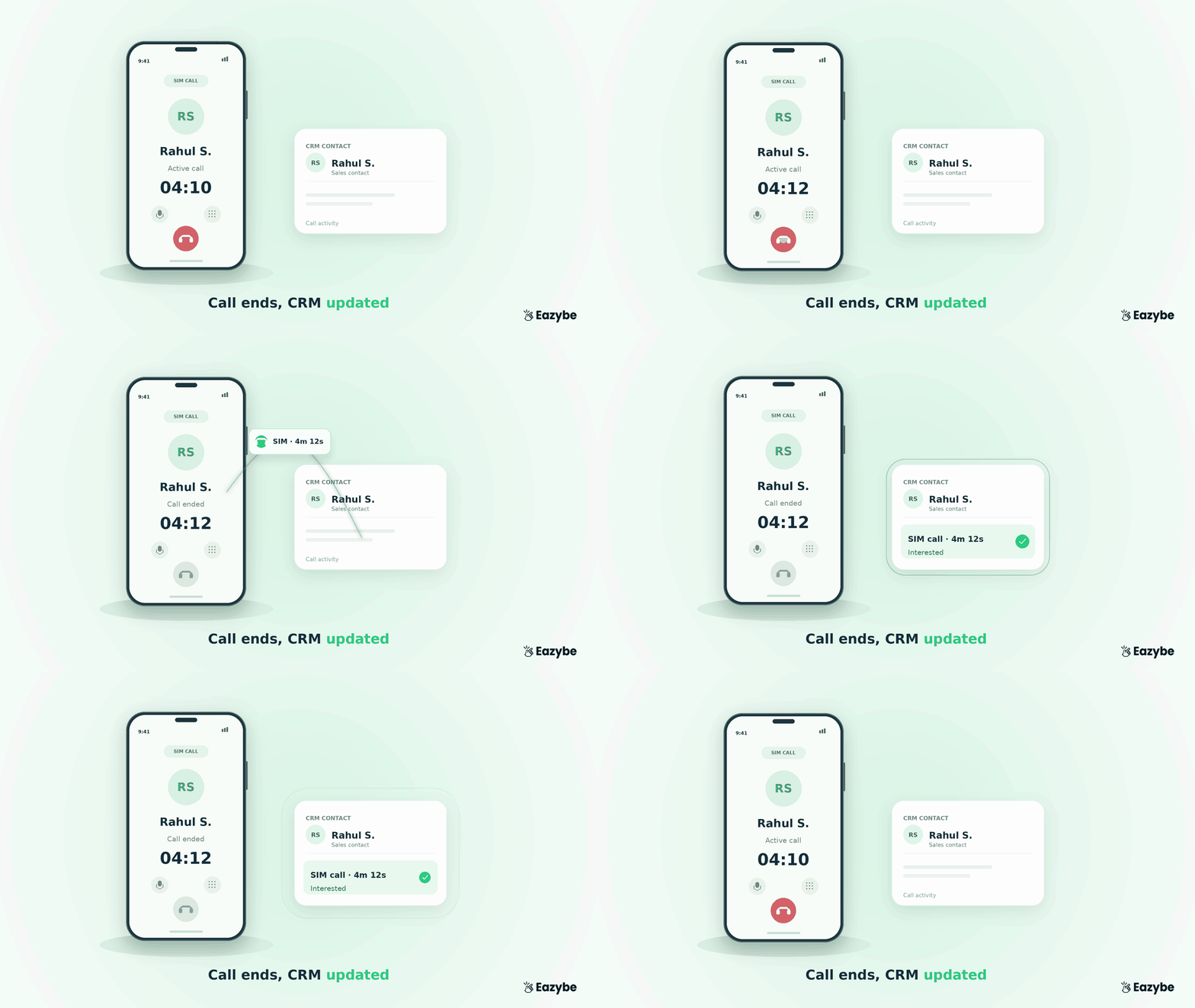
Call ends, CRM updated
Want to see your team's calls and WhatsApp chats in one place? Book a free demo.
2. Runo
Runo is a SIM-based call management CRM built for telecalling and outbound sales teams. It runs on Android, iOS and the web.
- Key features: SIM calling, free auto dialler, call recording, lead management, live dashboards, AI call quality scores.
- Good to know: it comes with its own CRM and a 10-day free trial.
Best for: outbound telecalling teams that don't have a CRM yet.
3. TeleCRM
TeleCRM is a sales platform made for Indian teams, with one-click SIM calling on any Android phone.
- Key features: SIM calling, call recording and transcription, AI call scoring, WhatsApp API, bulk broadcasts.
- Good to know: calls and WhatsApp messages are managed in the same tool.
Best for: Indian sales teams that want calls and WhatsApp API together.
4. Callyzer
Callyzer is SIM-based call monitoring software that tracks inbound and outbound calls from reps' phones.
- Key features: call tracking, call recordings, real-time reports, daily summaries, Zoho CRM integration.
- Good to know: it's built mainly for monitoring, with fewer selling features like dialling.
Best for: managers who want clear reports on team calling.
5. Salestrail
Salestrail is a mobile call tracking app that logs SIM and WhatsApp calls in your CRM.
- Key features: SIM and WhatsApp call tracking, call recording on some plans, analytics dashboard, dual-SIM tracking.
- Good to know: works on Android and iOS, and connects to HubSpot, Salesforce, LeadSquared and Bitrix24.
Best for: global teams that want mobile calls logged in their existing CRM.
6. LeadSquared
LeadSquared is a full sales CRM with a strong mobile app for field and inside sales teams.
- Key features: SIM call and SMS tracking on Android, call recording, lead distribution, field check-ins, offline sync.
- Good to know: call recording isn't supported on iPhone.
Best for: large field sales teams that need a complete CRM.
7. NeoDove
NeoDove is a telecalling CRM that lets teams call by SIM, cloud telephony or desktop VoIP.
- Key features: SIM and cloud calling, progressive, predictive and power diallers, follow-up reminders, WhatsApp API.
- Good to know: you can start with SIM calling and move to cloud calling later in the same tool.
Best for: telecalling teams that want both SIM and cloud options.
8. Calley
Calley is an auto dialler app for Android and iOS that calls numbers from a list automatically.
- Key features: automatic dialling, call outcomes, scheduled calls, HubSpot and Zapier integrations.
- Good to know: it's a dialler first, with lighter CRM features.
Best for: teams working through long call lists.
9. GoDial
GoDial turns a phone into an auto dialler and mobile CRM, with calls going out from the phone's own SIM.
- Key features: auto dialling from an imported list, mobile CRM, message after call, callback reminders, Zoho integration.
- Good to know: the free plan covers up to 100 contacts and 30 calls a day.
Best for: solo sellers and small teams on a budget.
10. CallBlaze by Picky Assist
CallBlaze is SIM-based call tracking software for Android that saves call details in your CRM.
- Key features: SIM call tracking, separate business and personal SIMs, real-time caller ID, WhatsApp messages triggered by call outcome.
- Good to know: it can send a WhatsApp message automatically after a missed call.
Best for: teams that want missed calls followed up on WhatsApp.
How To Manage Calls And WhatsApp In One SIM Calling CRM
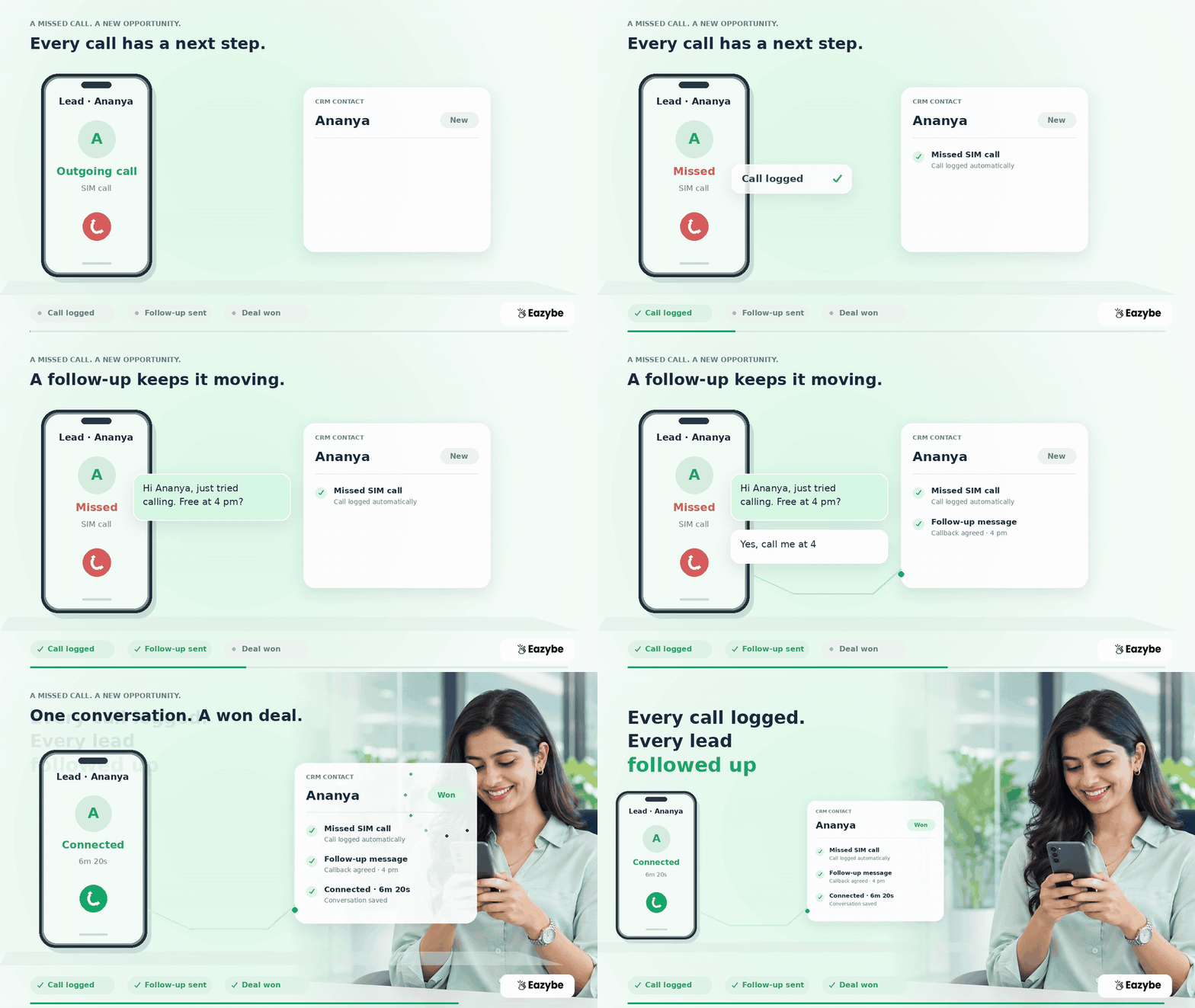
Every lead followed up
Some leads answer calls. Others only reply on WhatsApp. These five simple habits help you keep both in one place.
Log Every Call and Chat
Turn on automatic logging for every rep, including missed calls. Sync their work WhatsApp chats too.
Keep Everything on One Timeline
Put calls and chats on the same customer record. Then any rep can see the full story in one place.
Send a WhatsApp After a Missed Call
If a lead doesn't pick up, send a short message: "Hi, I just tried calling. When's a good time to talk?" Many leads reply to a message even when they skip a call.
Set a Next Step Every Time
After each call or chat, add a next step with a date, such as "Call Thursday" or "Send quote". Without a date, follow-ups get forgotten.
Eazybe saves SIM calls and WhatsApp chats on the same customer record in your CRM. Learn more on the Eazybe calling page.
Check Your Numbers Every Week
Look at calls made, calls answered, unanswered chats and late follow-ups. Help the reps who miss the most first.
Where SIM Based Calling CRM Software Falls Short
SIM calling is simple and cheap to start, but it has real limits:
- iPhone support is limited: Most tools track SIM calls fully only on Android, and call recording often isn't available on iPhone.
- The number belongs to the rep: If a rep leaves with their SIM, customers may keep calling that number. Plan how you'll hand over contacts.
- High volumes can get numbers flagged: Hundreds of calls a day from one mobile number can get it marked as spam by carriers or caller ID apps.
- No inbound routing: SIM calling doesn't give you IVR menus or a shared support line. For that, add cloud telephony.
- Recording rules vary: Call recording laws and consent rules differ by country, so check what applies to you.
SIM Based Call Tracking And Lead Response: What The Data Says
Two findings explain why a familiar number and a fast follow-up matter.
Unknown numbers often go unanswered. In a YouGov survey across 18 global markets, around a quarter of consumers overall (26%) said they never answer calls from unknown numbers.(Source: YouGov)
Speed decides who gets the conversation. In a Harvard Business Review study, firms that tried to contact potential customers within an hour of receiving a query were nearly seven times as likely to qualify the lead as those that tried to contact the customer even an hour later.(Source: Harvard Business Review)
How Much Does SIM Based Calling CRM Software Cost?
Most SIM based calling CRM software charges per user per month. The final cost depends on the plan, team size and add-ons:
Common pricing models:
- Per user per month, usually with a free trial.
- Free plans with limits on contacts or calls per day.
- Higher plans that unlock call recording, auto diallers or CRM integrations.
What listed prices look like (check each vendor's current pricing before you buy)
- Runo is listed from about $6.93 per user per month on Software Advice.
- Salestrail's call tracking plan is listed at $10.50 per user per month on the HubSpot Marketplace.
- Calley PRO is listed at $24.17 per month on the HubSpot Marketplace.
- GoDial has a free plan for up to 100 contacts and 30 calls a day.
What pushes the cost up:
- Call recording and transcription.
- AI call scoring or summaries.
- Larger teams and manager dashboards.
- Extra channels like WhatsApp API or cloud numbers.
Eazybe's plans cover SIM call tracking, WhatsApp and CRM sync, and you can start free. Check the current plans on the Eazybe pricing.
How To Set Up a SIM Based Dialer CRM With Eazybe
- Create your Eazybe account and connect your CRM: HubSpot, Zoho, Salesforce or Eazybe CRM.
- Ask each rep to install the Eazybe app on their Android phone and sign in.
- Turn on SIM call tracking so every call's time, length and outcome is logged.
- Choose which calls and chats are business, so personal ones stay out of the CRM.
- Set the call outcomes your team will use, such as interested, callback, not reachable or closed.
- Connect WhatsApp, so chats sit next to calls on each customer record.
- Check the first week's report with your team and fix any gaps in logging.
Already on Zoho? The WhatsApp and Zoho CRM integration shows how calls and chats land in Zoho.
Ready To Log Every Call? Start Free With Eazybe
How To Measure Results From Your Mobile Calling CRM

Calls, follow-ups, deals won
Track these five numbers for each rep and for the team, before and after you go live:
- Calls logged per day, compared with calls actually made.
- Connect rate, meaning the share of calls that are answered.
- Follow-ups done on time, against follow-ups set.
- Call-to-meeting rate for new leads.
- Missed calls returned within one hour.
Who Should Use SIM Based Calling CRM Software?
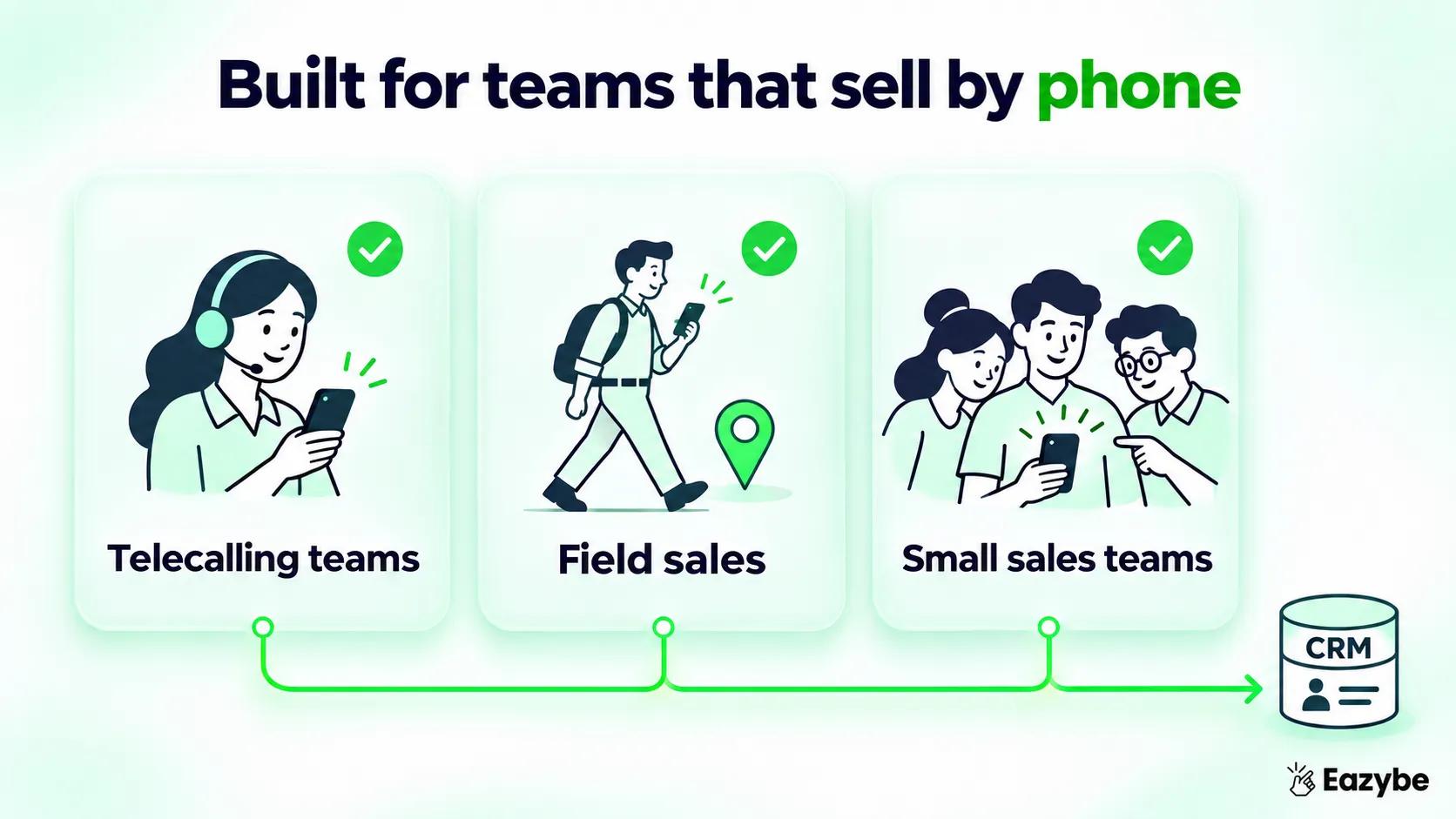
Built for phone-first teams
Good fit
- Telecalling and inside sales teams that call from mobile phones.
- Field sales teams that need calls logged while on the move.
- Small teams that want call tracking without setting up cloud telephony.
- Teams that sell over both calls and WhatsApp.
Hold off for now
- Call centres that need IVR, call queues and inbound routing.
- Teams that use only iPhones and need full call recording.
- Companies that must keep every customer number under company ownership.
Final Verdict: Which SIM Based Calling CRM Software Is Best?
The best SIM based calling CRM software depends on where your data lives. If you don't use a CRM yet, an all-in-one telecalling CRM like Runo, TeleCRM or NeoDove gets you calling and tracking fast. If you only need faster dialling, Calley or GoDial will do the job.
If your team already runs HubSpot, Zoho or Salesforce and sells on both calls and WhatsApp, Eazybe is the better fit. It logs every SIM call in your existing CRM, right beside the customer's WhatsApp chats, so nothing gets lost between the phone and the pipeline.
See your team's calls and chats in one place: book a free demo at eazybe.com.