

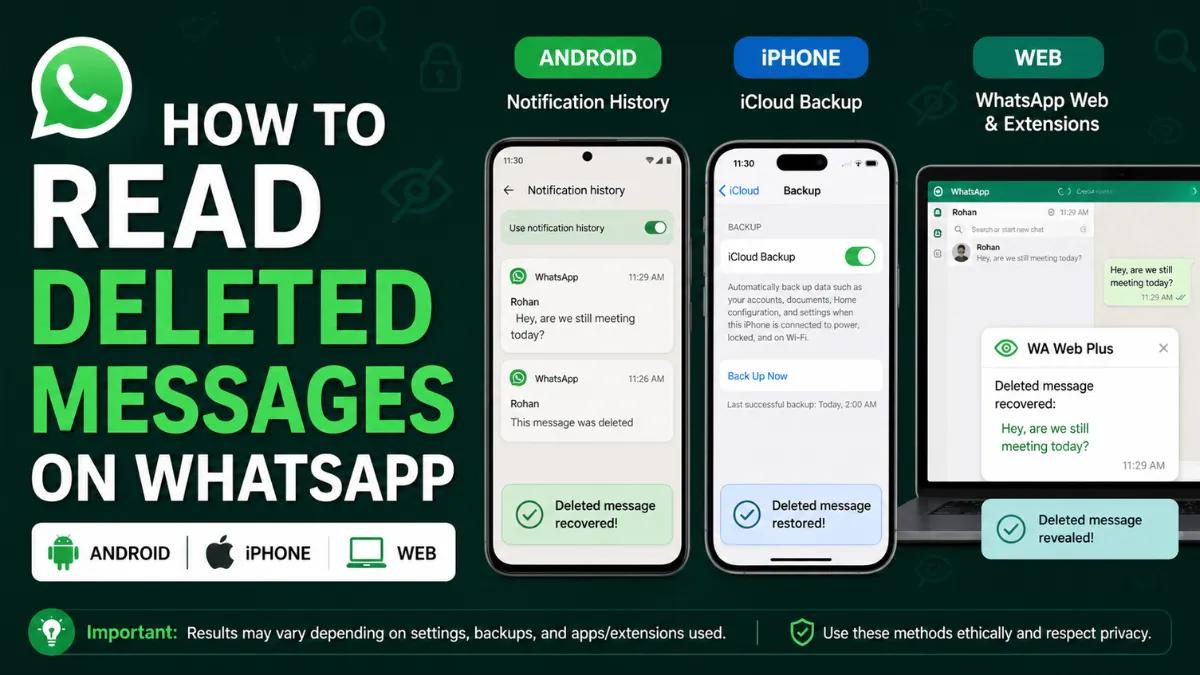


Deleted an important chat on WhatsApp accidentally? Or maybe it was a deliberate Delete for Everyone after sending something extremely important to you now are you questioning if it is indeed gone, just like that?
You're not away from company. Every month, millions wonder about reading deleted messages on WhatsApp-missed addresses, a heartfelt note, or a work detail that they cannot afford to lose.
The good thing, though? Most of the time, you can recover your whatsapp messages if you do so quickly and if you have backup settings turned on. No hacking anymore, no spyware-lesses-have paradoxical methods that respect privacy and work within WhatsApp's own inbuilt tool.
In this guide, Eazybe - WhatsApp AI Agent With CRM Integration will take you through the safest and most reliable methods to recover deleted WhatsApp messages on Android and iPhone.
What Delete For Everyone In WhatsApp Really Does
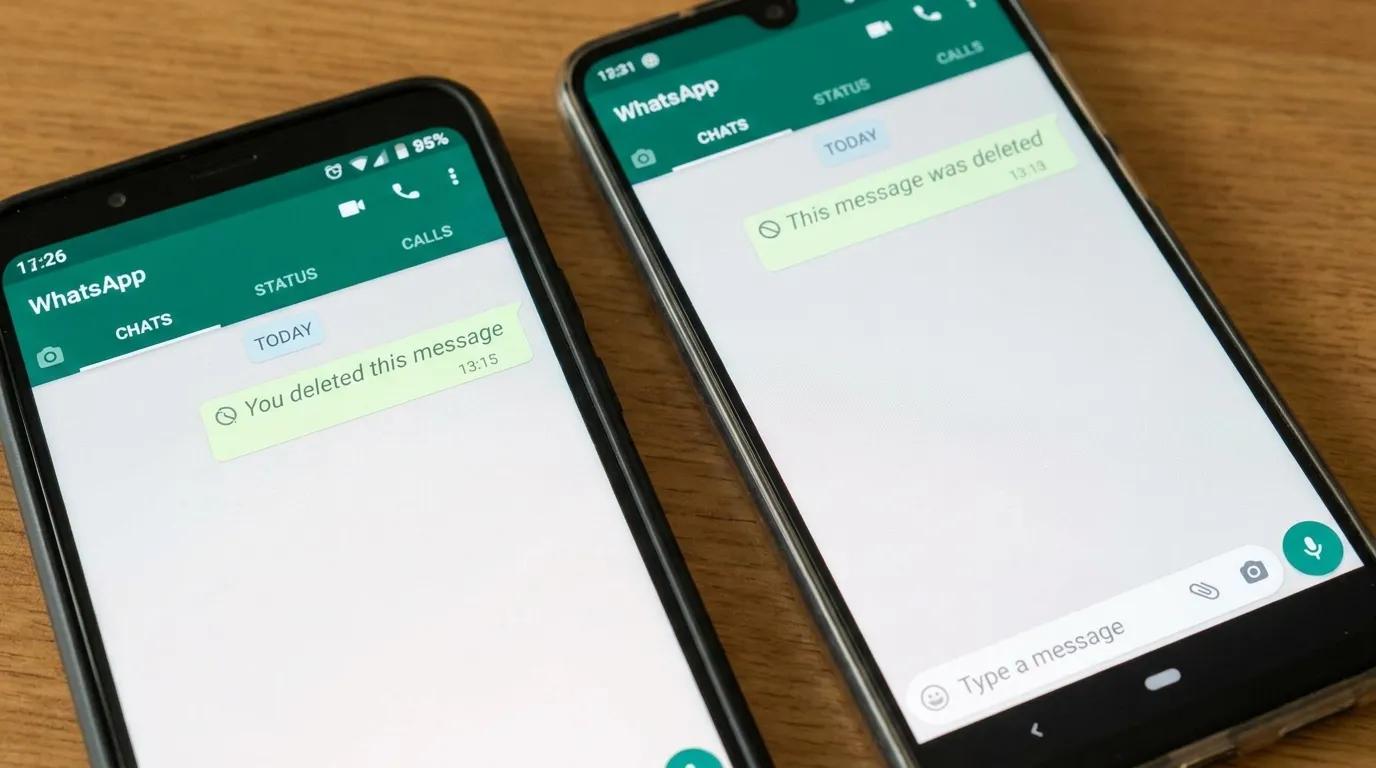
When someone taps Delete for Everyone, WhatsApp removes the message from both devices. However, you might still recover your copy if:
- The message was part of a backup created before it was deleted.
- You had Notification History on Android 11+ capturing the preview.
- You previously exported or emailed that chat.
There’s no official way to break end-to-end encryption or pull messages from WhatsApp’s servers. Any tool claiming it can read someone’s deleted messages or decrypt content server-side should be considered unsafe.
Also Read: Top 9 Best WhatsApp Business Tools
Method 1: Restore WhatsApp Chats From Google Drive Backup
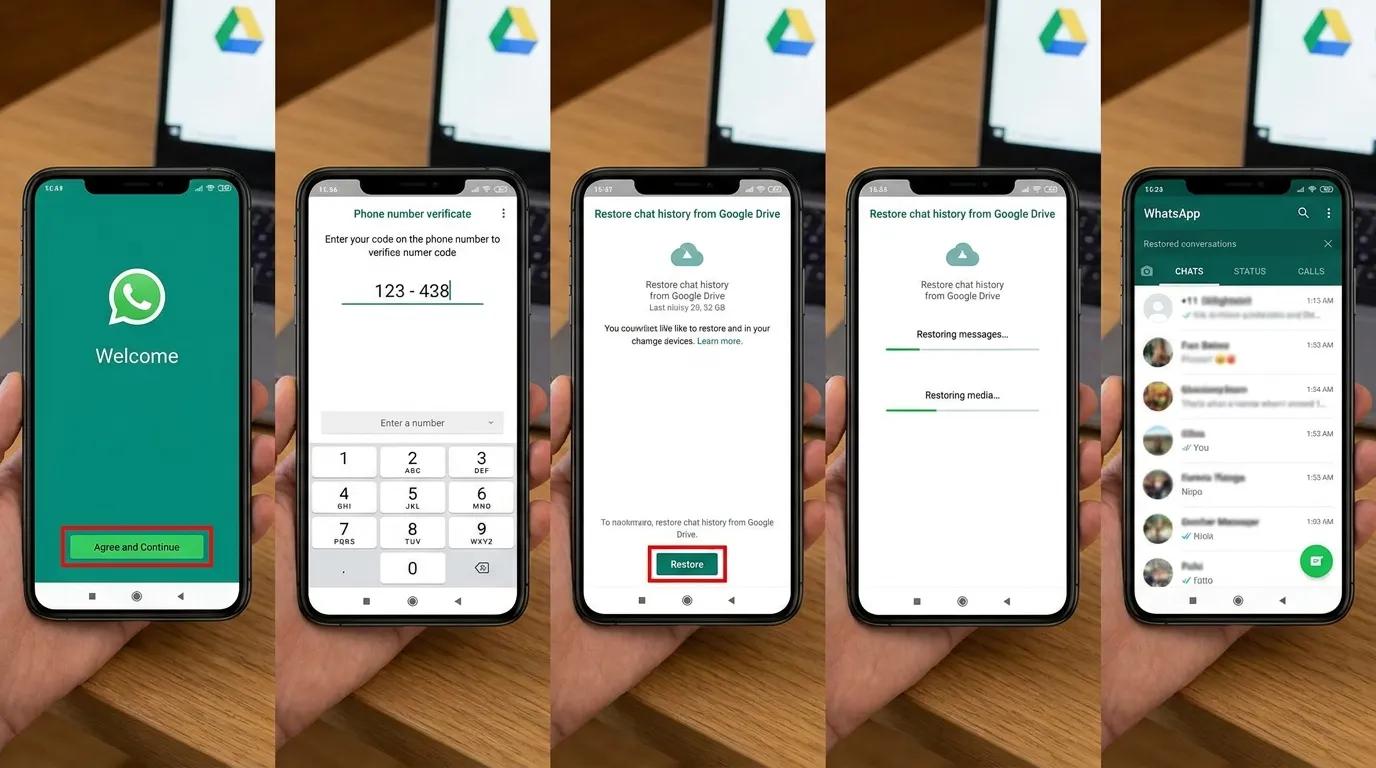
This is the cleanest way to read previously deleted messages on WhatsApp—if you had backups turned on. Check backup status first.
WhatsApp - Settings > Chats > Chat Backup - Confirm your Google account and the Last backup time. If the deleted message existed before that backup time, you can bring it back.
Steps to restore:
- Uninstall WhatsApp.
- Reinstall from Google Play and verify your phone number.
- Tap Restore when prompted.
- After restore completes, open the chat—your deleted messages (that existed at backup time) should reappear.
Limitations:
- Only messages included in the backup snapshot return.
- Anything sent/received after that snapshot but before you restored will be missing unless you made a newer backup.
- Media restores only if it was included in the backup and still available.
Also Read: How To Appear Offline On WhatsApp
Method 2: Restore WhatsApp Chats From Local Backup (Advanced)
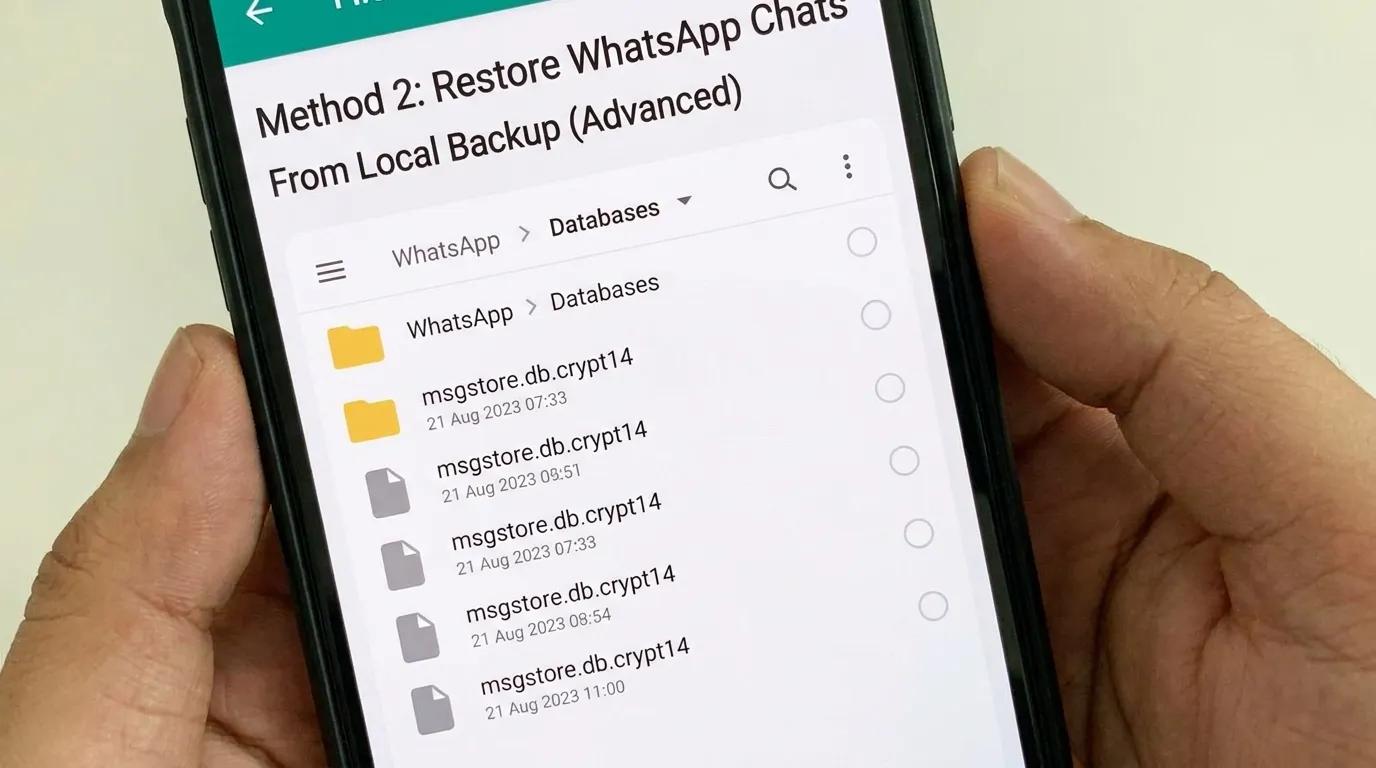
Android stores local backups (usually last 7 days) in your phone’s internal storage. If Google Drive backups aren’t available or recent enough, a local backup may save you. High-level steps:
- Using your Files app, look for:
- Internal Storage/WhatsApp/Databases/
- Files look like msgstore-YYYY-MM-DD.1.db.cryptXX.
- Pick a file dated before the message was deleted.
- Rename it to msgstore.db.cryptXX (keep the crypt number).
- Uninstall WhatsApp, Reinstall, Verify and Restore.
Do not delete or move any database files that you do not understand. Avoid cleaner apps that remove backups.
Method 3: See Deleted WhatsApp Messages Using Notification History
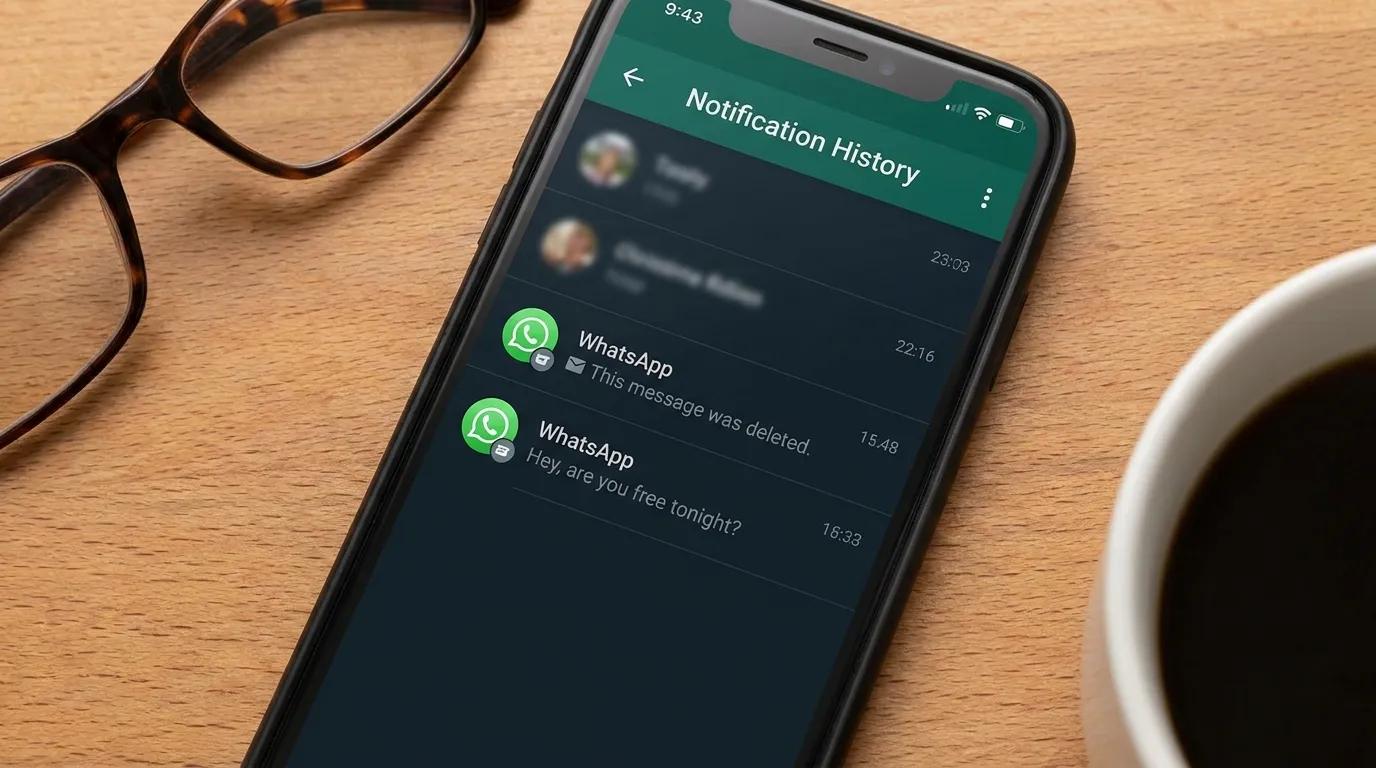
If you missed the message but saw its notification, Android can sometimes help you read messages deleted by sender on WhatsApp—provided Notification History was enabled before deletion.
Turn it on (once):
- Settings > Notifications > Advanced settings > Notification history (names vary by phone). Toggle On.
- Long Press On Your Home Screen And Select Widgets Option.
- Click On The Settings Widget.
- Click On Notification Log Section & Create A Widget.
- Your Notifications Should Be Now Visible.
How it works:
- When a WhatsApp message notification arrives, Android may log its preview.
- If the sender deletes the message later, your Notification History can still show the original preview.
Limitations:
- Only works if enabled beforehand.
- Only shows notification text previews (not entire conversations).
- Big/long messages, images, voice notes, and media typically won’t show.
- Many OEM skins truncate long texts.
Also Read: Top 9 Best Sales Enablement Tools
Method 4: iPhone Restore From iCloud Backup Or Computer Backup
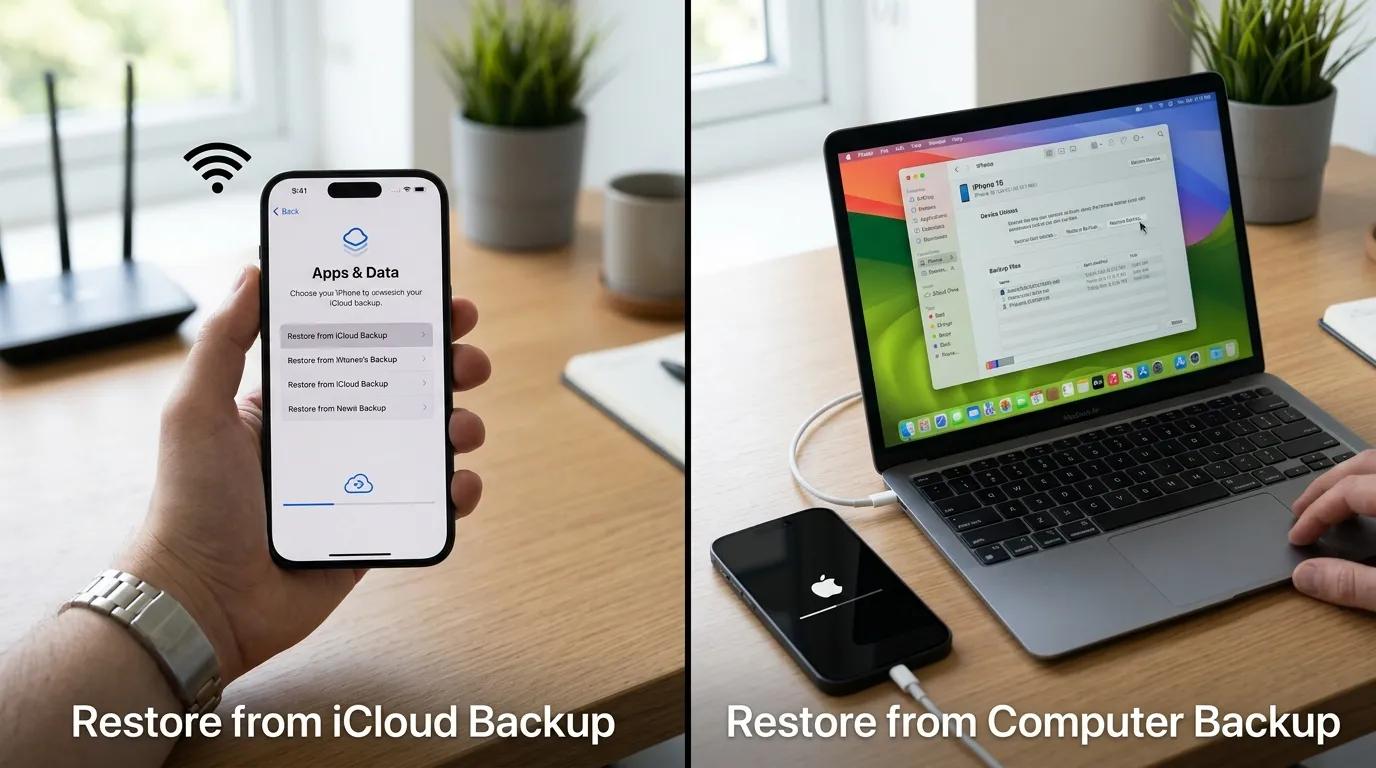
iPhone Restore from iCloud Backup or Computer Backup
On the iPhone, the reliable path to reading WhatsApp deleted massages is from backup. If your iCloud or computer backup contains the chat, you can bring it back.
Restore steps (iCloud):
- Delete WhatsApp from your iPhone.
- Reinstall from the App Store, verify your number.
- Tap Restore Chat History when asked.
Restore steps (Computer backup):
- Connect iPhone to Mac/PC
- Restore your device using a previous backup.
- Verify your number and reinstall WhatsApp.
Limitations:
- Restoring can overwrite newer data on the iPhone.
- No Notification History equivalent on iOS.
- Without a relevant backup, recovery is unlikely.
About third-party iOS recovery tools:
They may scan old temporary files or backups, but results vary, and you often grant broad device access. Use only trusted vendors, read privacy policies, and understand the risks. There’s no guaranteed way to read deleted for everyone messages on iOS without a prior backup.
Method 5: WhatsApp Web & Desktop - What’s Possible?
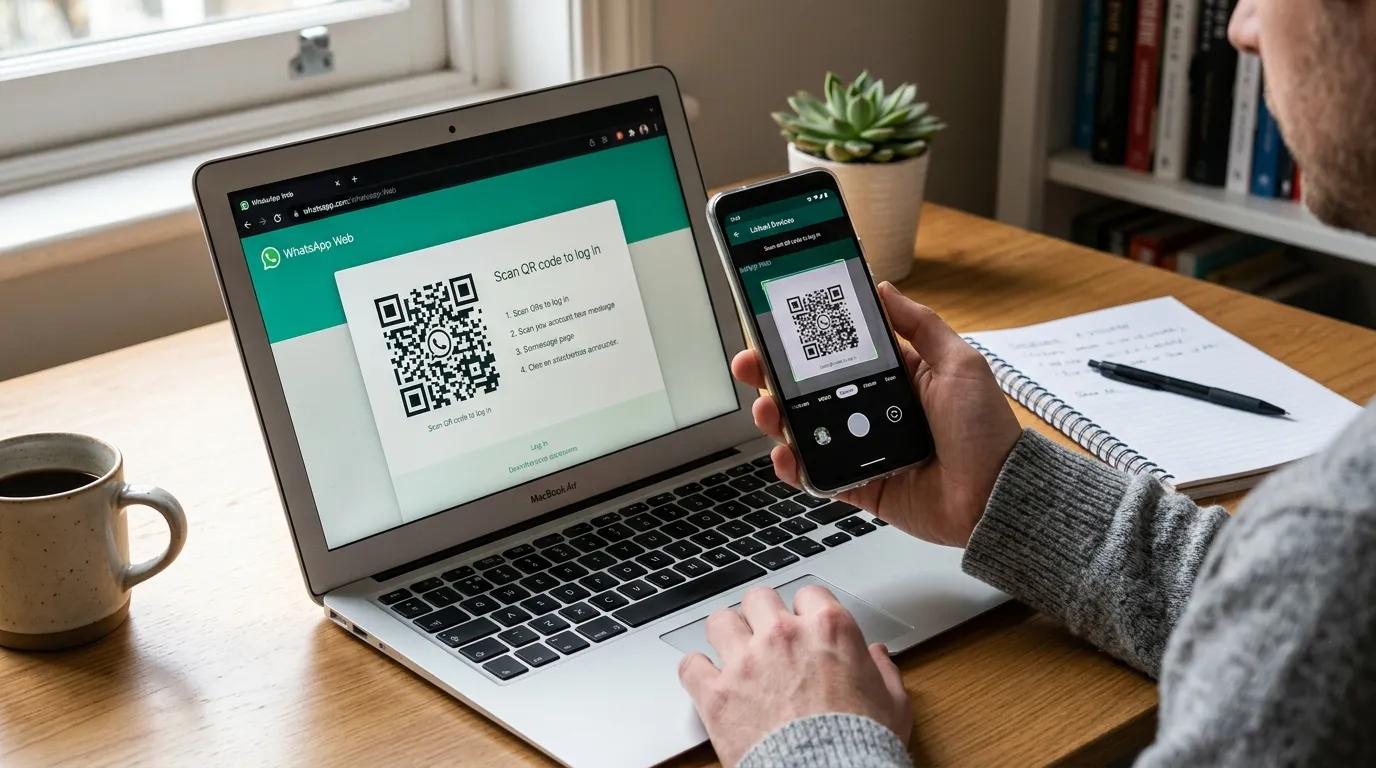
You might search for how to read deleted messages on WhatsApp Web. Here’s the reality:
- WhatsApp Web/Desktop mirrors your phone.
- If a message is deleted on your phone, it disappears on Web too.
- There’s no separate web backup.
Workaround: Recover the message on your phone first (using the Android/iPhone methods above). Once it returns to your phone, it will sync to Web.
WhatsApp Business: Same Tools, Extra Discipline. If you’re on WhatsApp Business, you use the same recovery methods (backups, Android Notification History, etc.). For teams:
- Schedule automatic cloud backups (Android: Google Drive; iPhone: iCloud).
- Export important chats tied to customers/deals.
- Set a weekly ritual: verify Last backup time for admin numbers.
Also Read: WhatsApp Automation
Best Practices So You Don’t Lose Deleted WhatsApp Messages Again
To avoid heartbreak next time, set these up today:
- Turn on daily cloud backups
- Android: WhatsApp > Settings > Chats > Chat backup > Google Drive settings → Daily.
- iPhone: WhatsApp > Settings > Chats > Chat Backup → Auto Backup: Daily.
- Keep storage headroom
- iPhone restores need free space (aim for 2× backup size).
- Android restores also need room for media.
- Enable Android Notification History (Android 11+)
Best Practices So You Don’t Lose Deleted WhatsApp Messages Again
Even if you don’t need it now, you’ll be glad later.
- Export critical chats
- Contact > More > Export chat (with or without media).
- Save to Drive/iCloud/Email. Great for legal or accounting records.
- Star important messages
- Long-press a message → Star. You can filter starred messages fast.
- Don’t rely on risky third-party apps
Many require invasive permissions and can compromise privacy.
Troubleshooting To Easily Read Deleted Messages On WhatsApp
If you've ever wanting to read the elusive erased WhatsApp messages, worry no longer. We've got you covered with our handy troubleshooting chart. To guide you through the procedure. If it's finding out how to retrieve deleted WhatsApp chats accidentally or understanding the reason. Why certain messages vanish with no trace.
Take a look at our table and be prepared to find the hidden treasures of deleted WhatsApp chats.
Must Read: Top 5 WhatsApp Automation Tools
Verdict: Best Way To Read Deleted Messages On WhatsApp
When it comes time to find those mysterious deleted messages in WhatsApp. It is crucial to be aware of that, it is important to respect others' privacy. You shouldn't attempt to read these deleted messages without their permission. Since everyone has their privacy. Instead take advantage of the constantly evolving technology world as we keep our interest going.
The excitement of recovering deleted messages on WhatsApp. That which was lost can be an adventure in itself. Who knows what exciting discovery awaits us in the future! Keep your eyes open, continue to explore and, you never know, those lost messages could resurface in the nick of time that you least expect!