
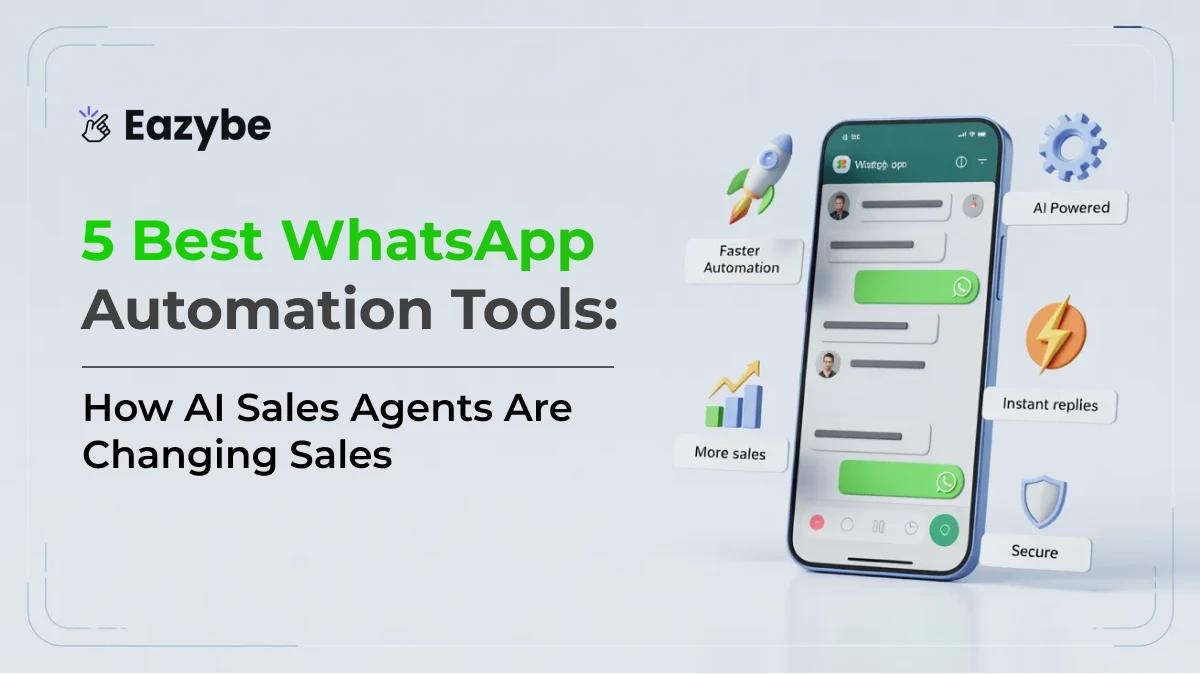


WhatsApp automation tools help businesses stop losing customers over slow replies. Over 3 billion people use WhatsApp every day and most expect a reply within minutes. When your team is handling too many chats at once leads get missed and customers move on without saying a word.
That is the reality for most growing businesses today. You are not losing customers because of bad service. You are losing them because of slow responses. In 2026 Eazybe - WhatsApp AI Agent with CRM Integration handle the routine work. First replies, follow ups lead qualification and CRM updates are all taken care of. So your team can focus on conversations that actually matter.
What Are WhatsApp Automation Tools Really?
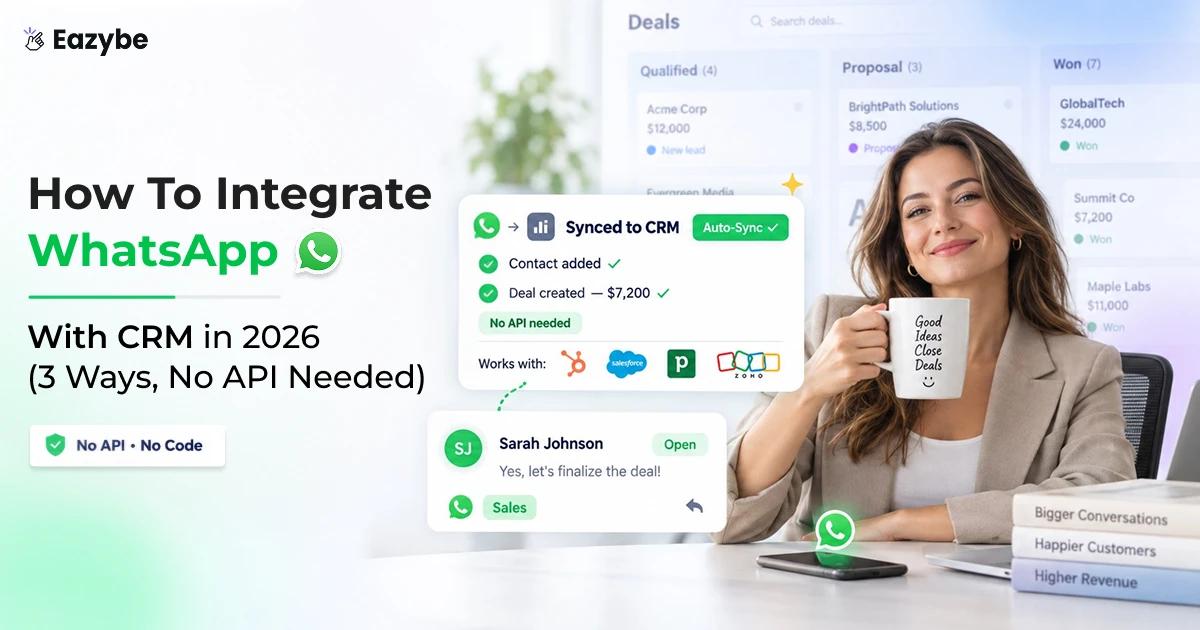
When business owners ask, What is a whatsapp automation tool?, they often expect a simple auto-responder. But an advanced whatsapp automation tool is actually a middleware layer. It’s the glue that connects your most personal communication channel (WhatsApp) to your most important business brain (your CRM like HubSpot WhatsApp integration or Zoho).
The best tools for whatsapp automation don't just talk; they manage. They identify who a customer is, what they bought last time, and what their current deal stage is, all before a human even touches the keyboard.
Top 5 WhatsApp Automation Tools At A Glance
- Eazybe — AI Agents that live inside WhatsApp and handle your sales automatically — 4.9/5
- Gupshup — Build custom WhatsApp flows with full API access — 4.5/5
- Respond.io — One inbox for all your messaging platforms — 3.5/5
- Twilio — Full control for enterprise level businesses — 3/5
- Interakt — Quickest and most affordable way to start on WhatsApp — 4/5
Also Read: Top 9 Best Sales Enablement Tools
Types Of WhatsApp Automation Tools
Not all tools are built the same. Depending on your business model you might need a lightweight B2C solution or a heavy duty RevOps engine.
| Category | Primary Focus | Best For |
|---|---|---|
| CRM-Native (Eazybe) | Tab-switching elimination & CRM Sync | Sales teams using HubSpot/Zoho who live in WhatsApp Web. |
| Template-Driven | Shipping & Order Updates | E-commerce brands (D2C) needing structured notifications. |
| API-First | High Customization | Enterprise teams with internal developers. |
| Omnichannel | Unified Inbox | Support teams managing WhatsApp, IG, and Email in one place. |
Why WhatsApp Automation Tools Are Moving From Bots To AI Agents
If you have ever interacted with a bot that kept saying "I'm sorry and I didn't get that. Please press 1," you know why customers hate traditional WhatsApp automation tools.
The best ai WhatsApp automation tool options in 2026 use Contextual AI. This means the tool doesn't just follow a script; it reads your actual company documents. With Eazybe, for instance, you can feed the AI your PDFs, help docs, and website URLs.
When a customer asks a hyper-specific question about your refund policy or a technical spec, the AI doesn't hallucinate. It pulls the answer directly from your data with an AI sales agent. This is why ai whatsapp automation tools are becoming the standard. They offer the speed of a machine with the accuracy of your best employee.
Must Read: 7 Best AI Agents For Customer Support
WhatsApp Automation Stats In 2026
Most businesses switch to WhatsApp automation after losing one too many leads to a faster competitor. Here is what the data actually shows:
- 98% Open Rate: WhatsApp messages have a 98% open rate. Emails sit at just 20%. When you send a message on WhatsApp almost every customer actually reads it.
- 12 Hours vs 1 Minute Reply Time: The average business takes 12 hours to reply to a customer. With automation that drops to under 1 minute. That is the difference between winning a lead and losing one forever.
- 78% of Customers Buy From the Fastest Responder: Studies show that 78% of customers go with the WhatsApp business tools that replies first. Speed is not just good service anymore. It is a real competitive advantage.
- 15 to 20% Abandoned Cart Recovery: Ecommerce stores using WhatsApp automation recover 15 to 20% of abandoned carts just by sending one automated follow up message. For a store doing $50,000 a month that is up to $10,000 recovered automatically every single month.
- 3 to 5 Hours Saved Per Day: Teams using WhatsApp automation save an average of 3 to 5 hours every single day. That is time that goes back into closing deals and actually helping customers.
- 30% Higher Lead Conversion: Businesses using WhatsApp automation tools report up to 30% increase in lead conversions within the first 3 months of getting started
10 Best WhatsApp Automation Tools Comparison
Find the right WhatsApp automation tool for your business with real pricing, honest ratings and a quick side by side comparison.
| Tool | Best For | Starting Price | Rating |
|---|---|---|---|
| Eazybe | Sales teams and CRM integration | $29/month | 4.9/5 |
| WATI | Order confirmations and structured messaging | $39/month | 4.5/5 |
| Interakt | Small businesses and D2C brands | $15/month | 4/5 |
| Zoko | Shopify and ecommerce stores | $34.99/month | 4/5 |
| Yellow.ai | Large teams and high volume messaging | Custom pricing | 3.5/5 |
| Gupshup | Developers and technical teams | Custom pricing | 3.5/5 |
| Twilio | Enterprises with engineering resources | Pay as you go | 3.7/5 |
| Respond.io | Teams managing multiple platforms | $79/month | 4.1/5 |
| DelightChat | Post purchase support and FAQs | $29/month | 3.7/5 |
| Freshchat | Teams already using Freshworks | Free up to 10 agents | 4.2/5 |
Top 10 Best WhatsApp Automation Tools
Here are the list of 10 best WhatsApp automation tools in 2026 and what each one is actually good at.
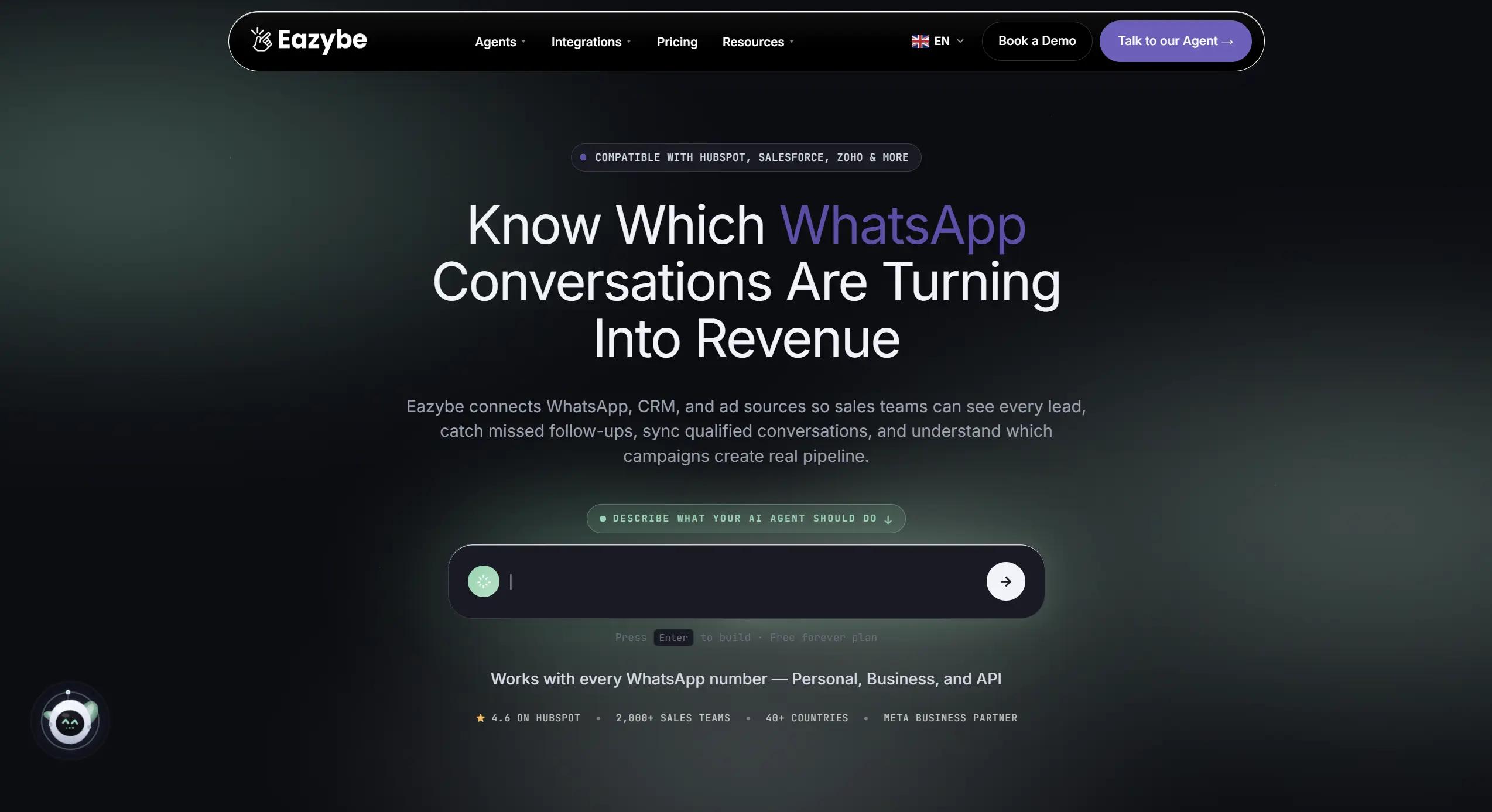
1. EazyBe
Eazybe – Best WhatsApp Automation Tool for Sales Teams
Eazybe stands out because it doesn't force you into rigid flows; it works where you already are. It turns your WhatsApp Web into a high-powered command center.
Key features:
- CRM Integration Inside WhatsApp: Eazybe connects with HubSpot, Salesforce, Zoho and Pipedrive. Your team can view contacts, update deals and sync chat history without ever leaving WhatsApp. No tab switching at all.
- No Code AI Agent Builder: No technical knowledge needed. Just upload your PDFs, help docs or website link and Eazybe builds an AI agent that answers customer questions automatically using only your data.
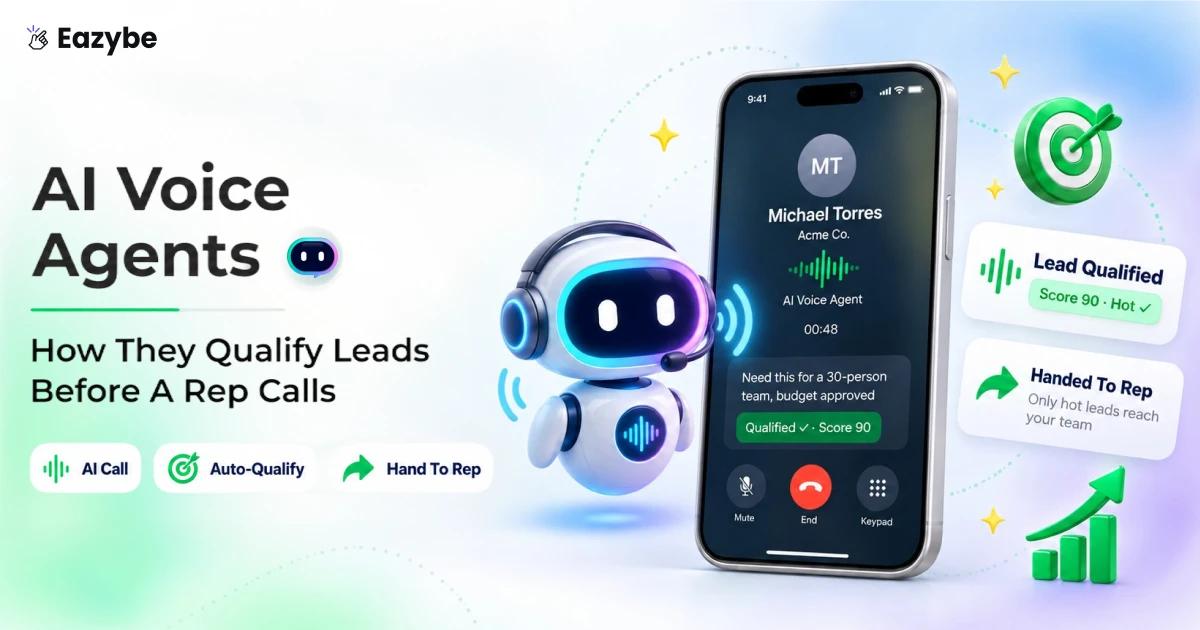
- AI Sales Agent: The AI reads every incoming message and scores it for buying intent. Hot leads go straight to your best salesperson. Cold leads get followed up automatically. Your team only talks to people who are ready to buy.
- AI RevOps Agent: This agent listens to conversations and updates your CRM automatically. If a customer mentions their budget the AI logs it instantly. No manual data entry needed from anyone.
- Works on All WhatsApp Numbers: Most tools force you to switch to WhatsApp Coexistence API only. Eazybe works with your personal, business and API number. No need to start from scratch.
- Scheduled Messages and Quick Replies: Scheduler follow ups in advance and save replies for common questions. Your team stays consistent without any extra effort.
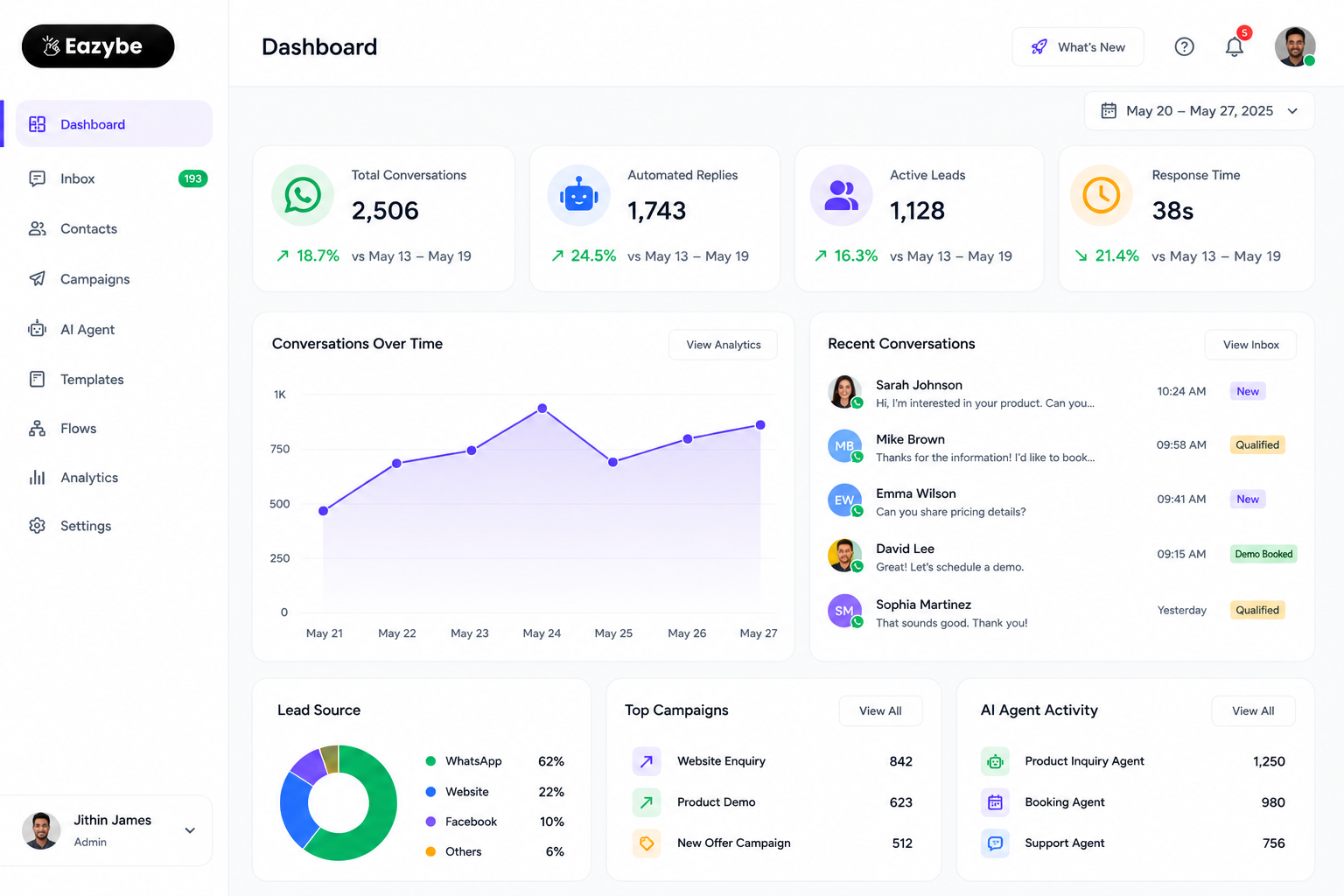
Eazybe WhatsApp Automation Tool Dashboard
What It Does: Eazybe turns your regular WhatsApp Web into a complete sales workspace. It connects your chats directly to your CRM, automates follow ups and lets you build AI agents that sound like your actual team and also cloud backup. Everything happens inside WhatsApp itself without any tab switching.
Who It Is Best For Sales teams and growing businesses that want to manage leads automate follow up and keep their CRM updated without leaving WhatsApp.
Pricing Starts at $29 per month. Over 70% cheaper than most competitors with more features included.
Pros Works inside WhatsApp Web with no separate dashboard needed Connects with more CRMs than any other tool Very affordable compared to similar tools Easy to set up without any technical knowledge
Cons Only works on WhatsApp Web through Chrome Not ideal for businesses that need multi channel messaging
2. WATI
Wati
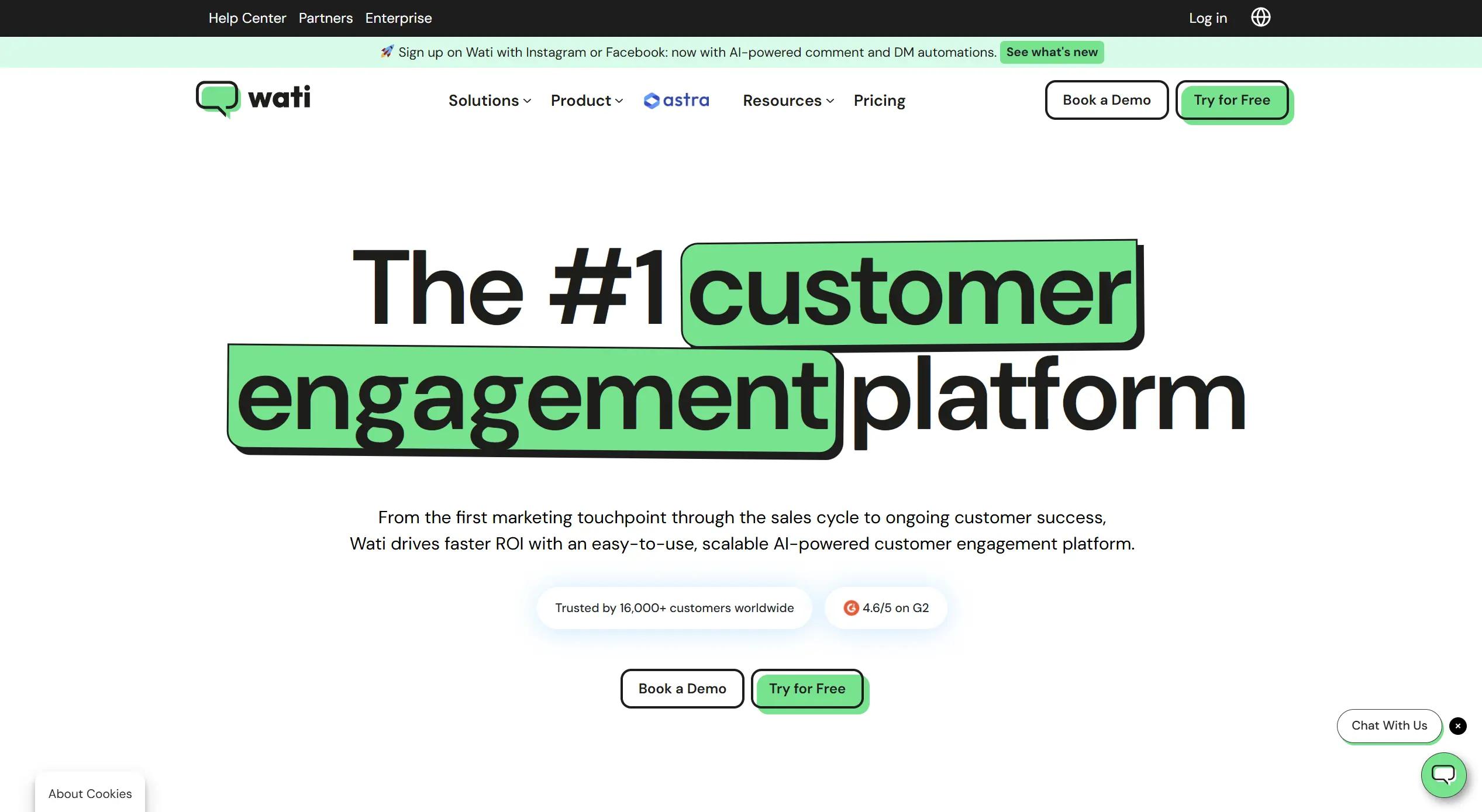
If your business sends a lot of order confirmations, shipping updates and appointment reminders WATI is a solid choice.
What It Does WATI is built on the official WhatsApp Business API. It gives your team a shared inbox, a simple chatbot builder and the ability to send broadcast messages to your customers automatically.
Key Features Simple no code chatbot builder Shared team inbox Broadcast messaging Order and shipping update automation Agent performance tracking.
Pricing Starts at $39 per month for 5 users.
Pros Easy to set up Reliable and officially approved by WhatsApp Good for transactional messages
Cons Gets expensive as your team grows Shopify integration costs extra No AI on basic plans
3. Interakt
Interakt
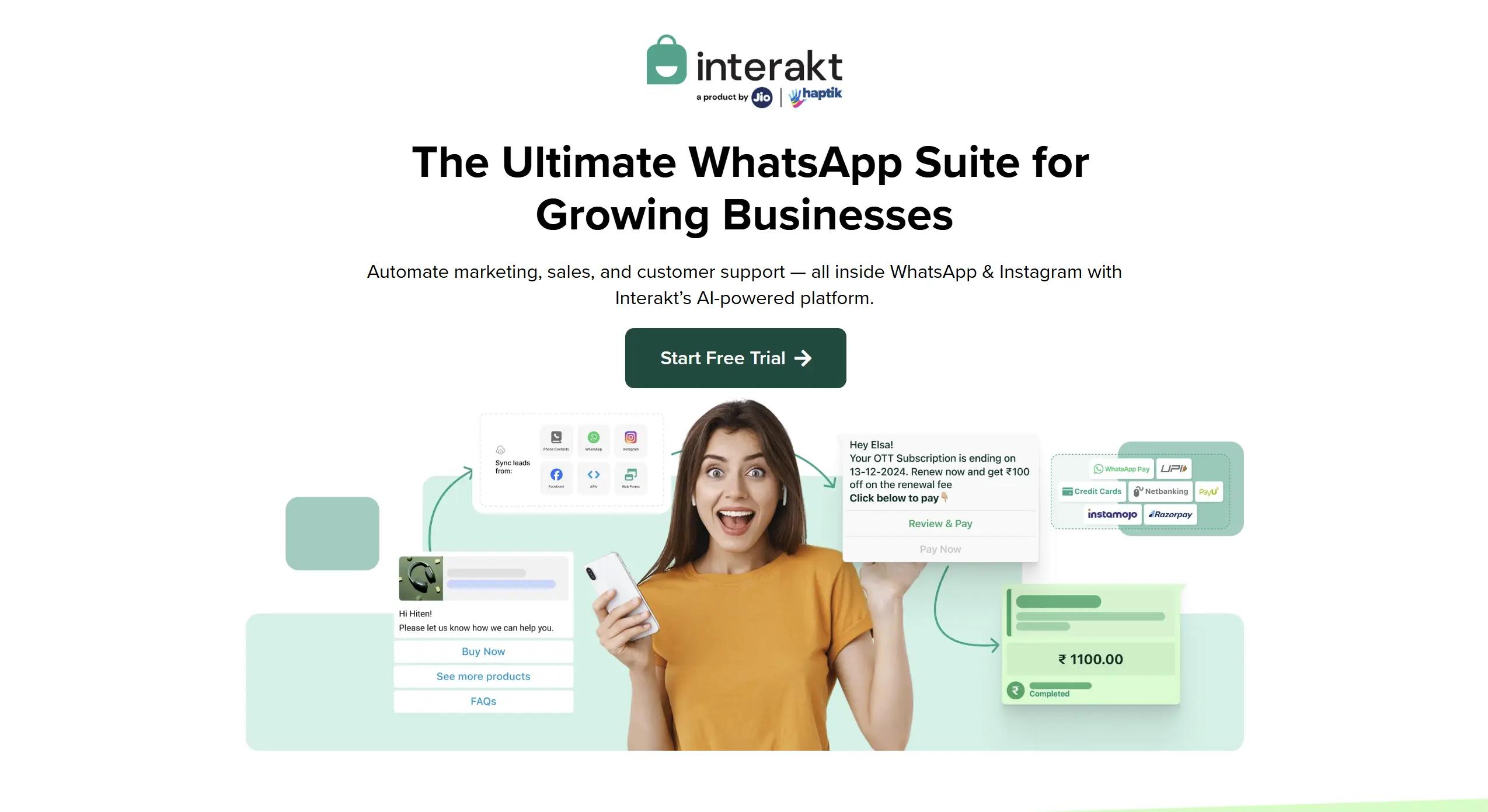
If you are just getting started with WhatsApp automation Interakt is one of the easiest and most affordable tools to try.
What It Does Interakt gives small businesses everything they need to manage chats, send broadcasts and automate basic replies without any complicated setup.
Key Features Shared team inbox Simple chatbot builder Broadcast messaging Shopify and WooCommerce integration Click to WhatsApp ad support
Who Is Best For Small businesses and D2C brand that want a simple affordable WhatsApp tool without spending too much time on setup.
Pricing Starts at $15 per month. One of the most affordable tools on this list.
Pros Very affordable Easy to set up Good Shopify integration.
Cons Limited for growing businesses No AI on basic plans Chatbot builder is basic.
4. Zoko
Zoko
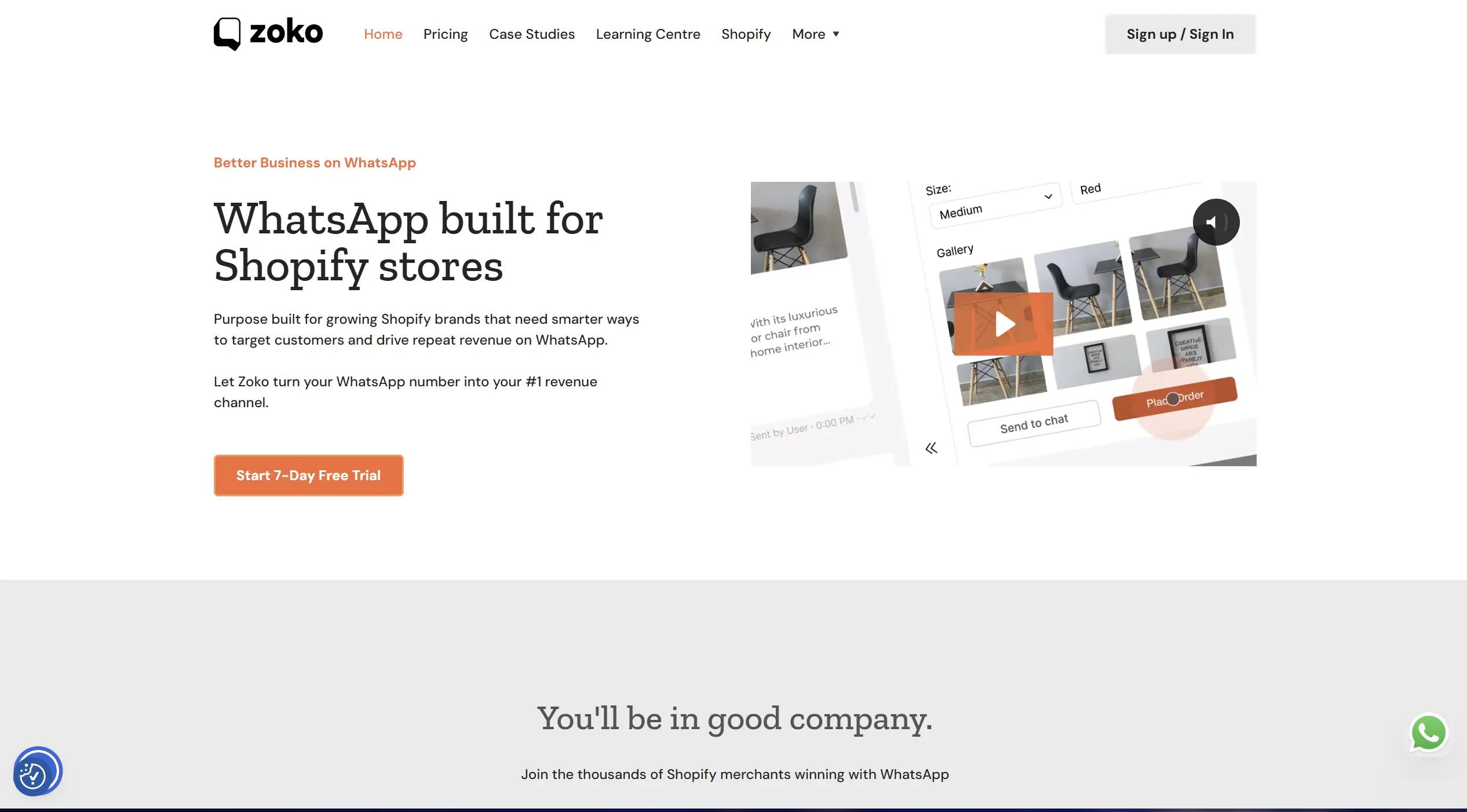
If you run an online store and want WhatsApp to actually bring in more sales Zoko is built exactly for that.
What It Does Zoko connects directly with your Shopify store. When a customer leaves without buying it sends a reminder automatically. When an order is placed the customer gets an update on WhatsApp straight away. No one on your team has to do any of this manually.
Who It Is Best For Ecommerce brands and D2C stores that want to recover abandoned cart send order updates and run broadcast campaigns all from WhatsApp.
Pricing Starts at $34.99 per month.
Pros Direct Shopify integration Abandoned cart recovery works automatically Easy to set up for non technical teams.
Cons Works best only for Shopify stores Limited features outside of ecommerce No advanced AI on basic plans.
5. Yellow.ai
Yellow.ai
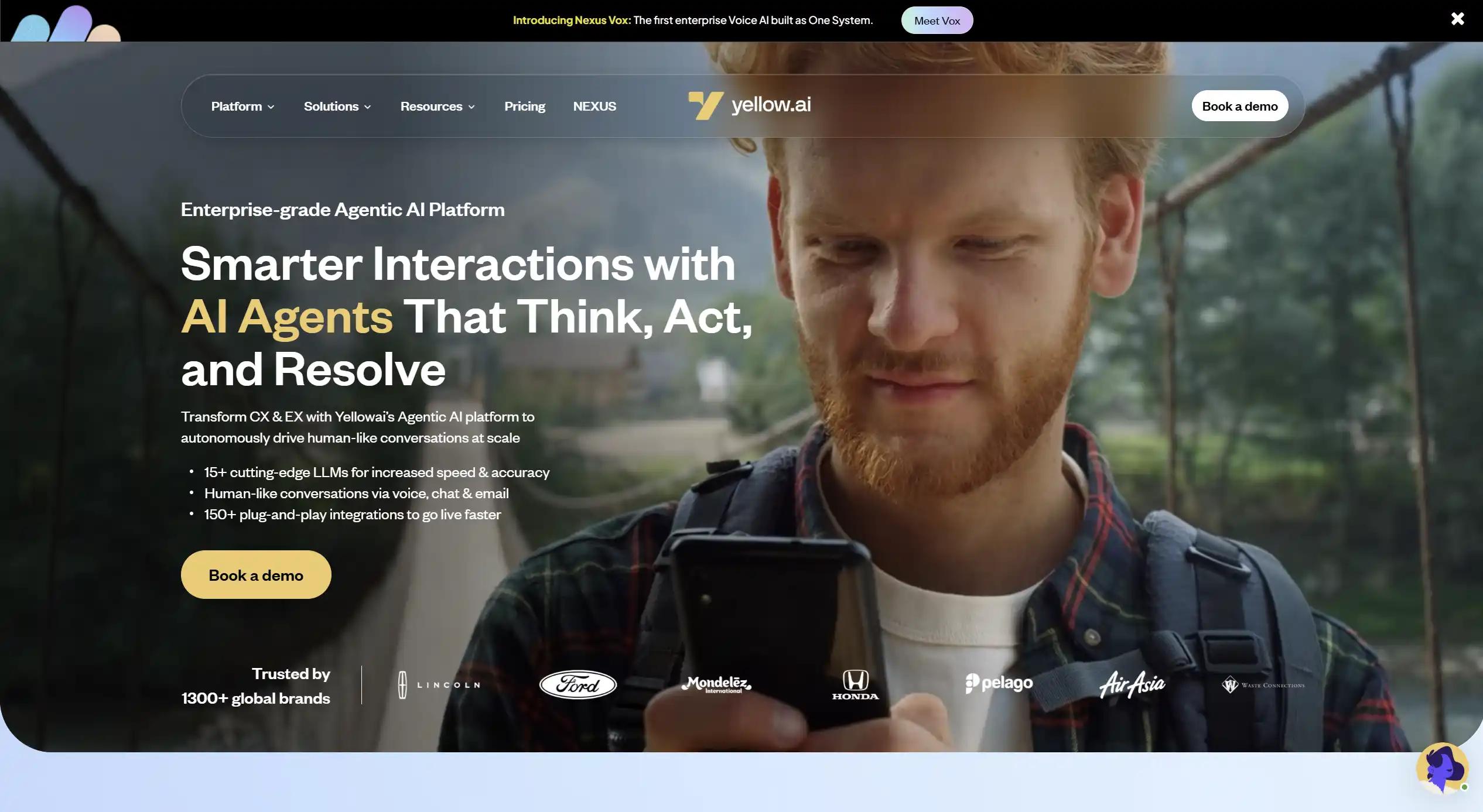
If your business is handling thousands of customer conversations every day Yellow.ai is built to manage that kind of volume without breaking down.
What It Does Yellow.ai uses AI to handle large volumes of WhatsApp conversations automatically. It works well for big teams that need serious automation at scale but it does take time and effort to set up properly.
Who It Is Best For Large businesses and enterprises that deal with high message volumes every single day and have a team to manage the initial setup.
Pricing Custom pricing based on your usage and team size.
Pros Handles very high message volumes Powerful AI for complex conversations Good for large enterprise teams.
Cons Takes a long time to set up properly Not suitable for small businesses Pricing is not transparent.
6. Gupshup
Gupshup
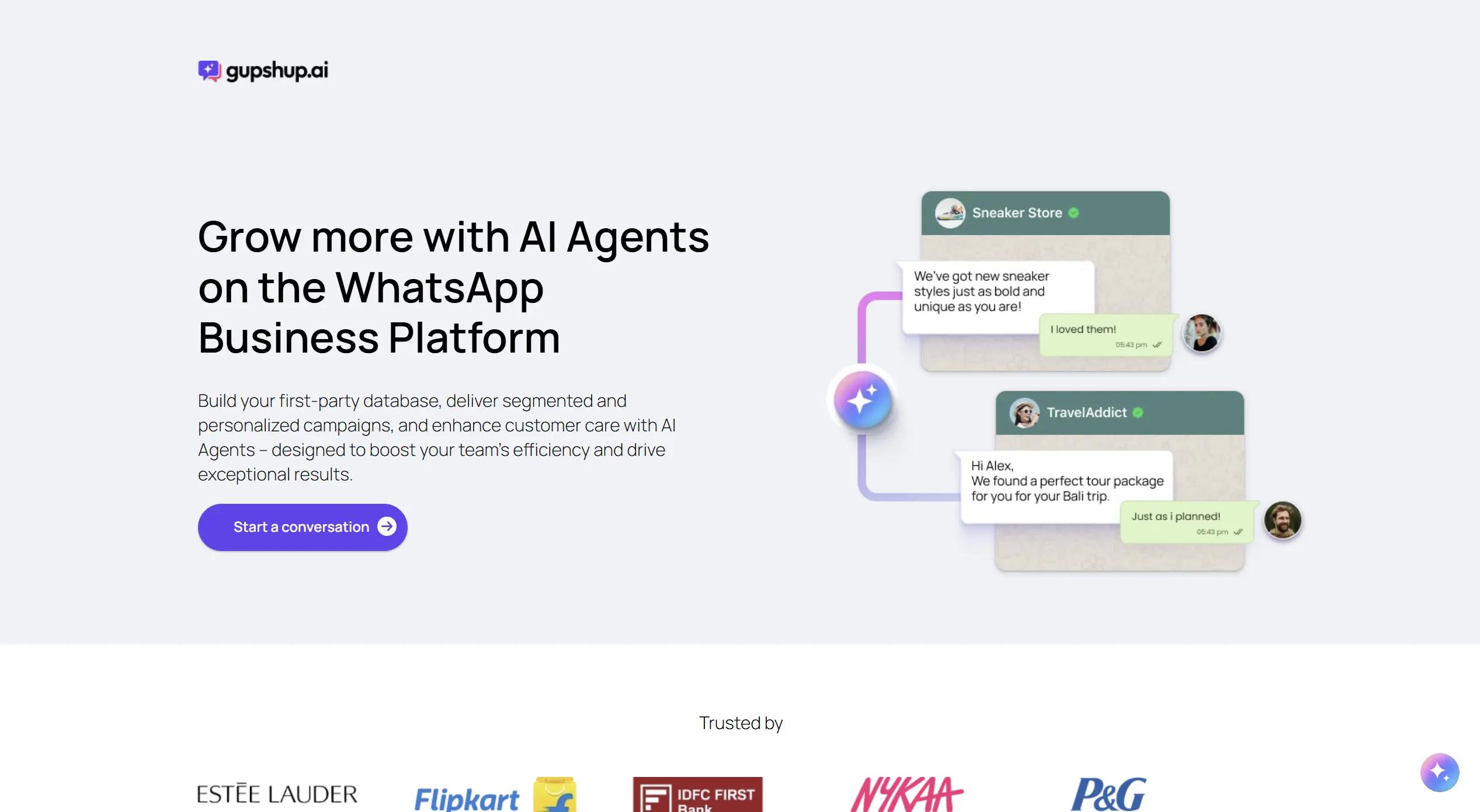
If your business needs a fully custom WhatsApp automation setup and you have a technical team to build it Gupshup gives you everything you need.
What It Does Gupshup gives developers full API access to build completely custom WhatsApp flows. You are not limited to pre-built templates or rigid flows. Your team builds exactly what your business needs from scratch.
Who It Is Best For Technical teams and businesses that need a fully custom WhatsApp automation setup and have developers available to build and manage it.
Pricing Custom pricing based on usage.
Pros Full API access for custom builds Very flexible and powerful Good for complex automation needs.
Cons Not suitable for non technical teams Requires developer knowledge to set up No ready made templates for beginners.
7. Twilio
Twilio
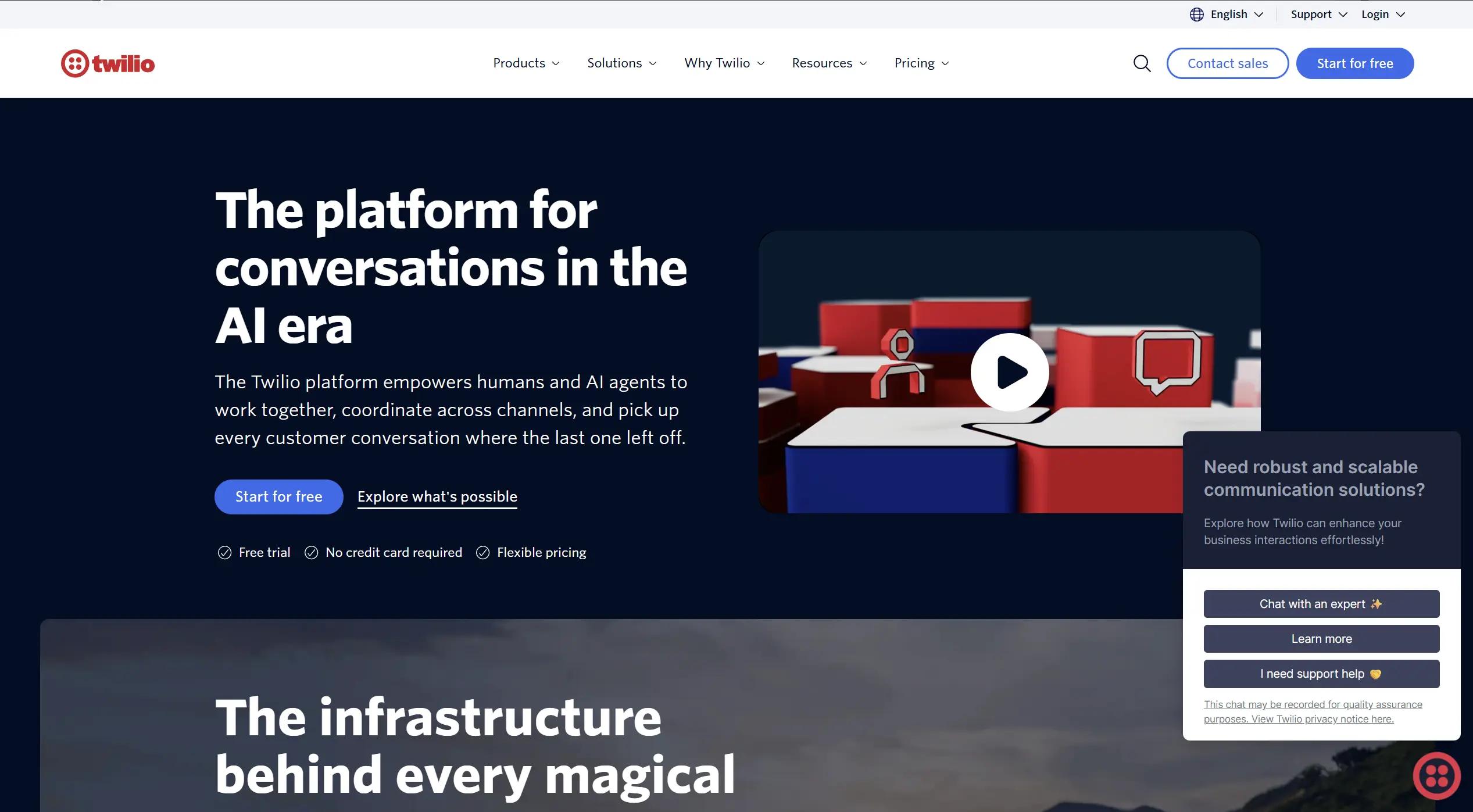
If your business needs complete control over every part of your WhatsApp setup and you have an engineering team to manage it, Twilio is the most powerful option on this list.
What It Does Twilio gives you raw API access to build anything you want on WhatsApp. There are no limits on what you can build but you need a proper engineering team to set it all up and maintain it over time.
Who It Is Best For Large enterprises that have their own engineering resources and need a fully custom WhatsApp solution built exactly the way they want it.
Pricing Pay as you go based on messages sent.
Pros Maximum customization and control Very reliable and scalable No limits on what you can build.
Cons Needs a full engineering team to manage Not suitable for small businesses No ready made features out of the box.
8. Respond.io
Respond.io
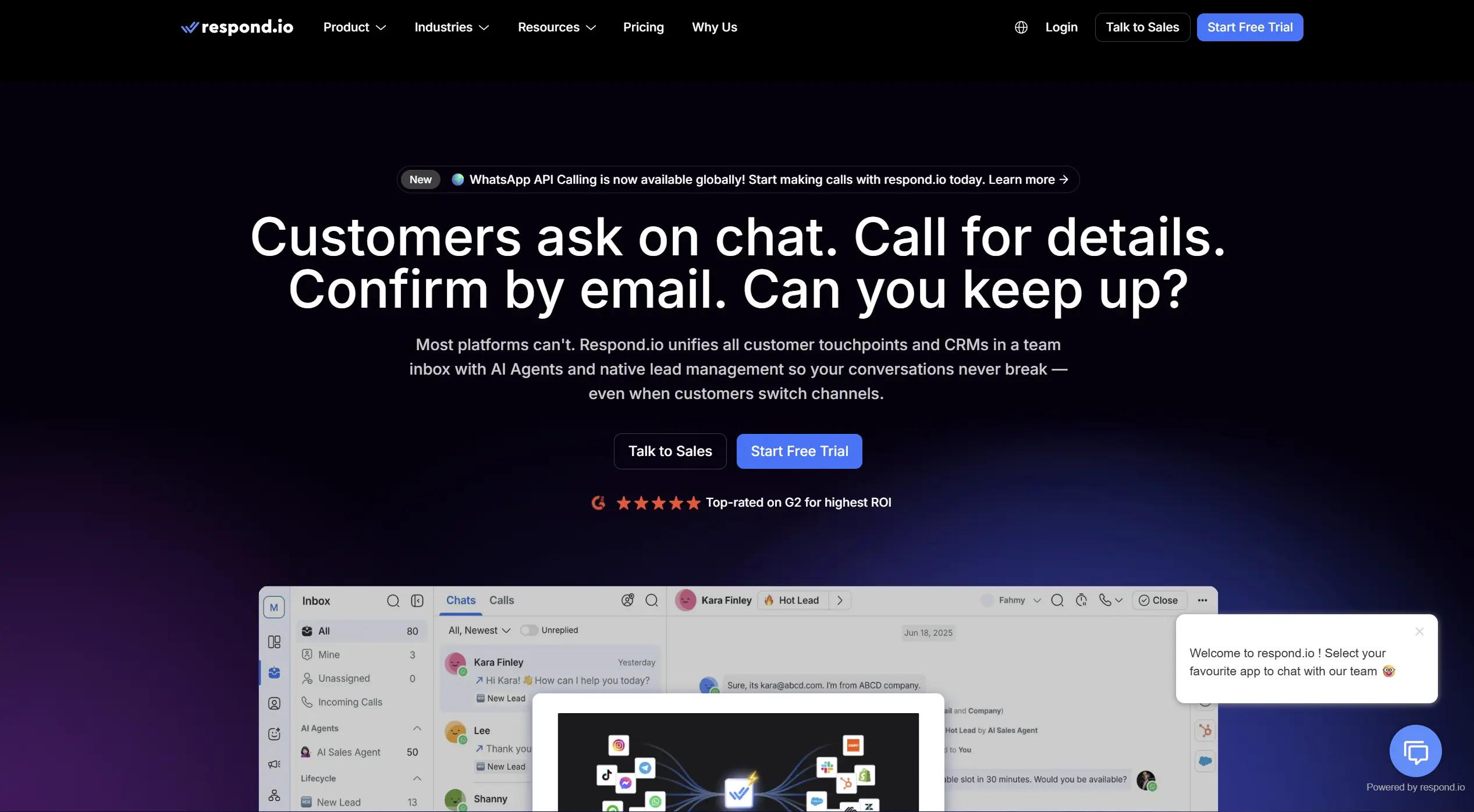
If your team is handling customer conversations on WhatsApp, Instagram, email and other channels all at the same time Respond.io brings everything into one place.
What It Does Respond.io gives your team a single inbox for all messaging platforms. Instead of jumping between different apps your team handles every conversation from one unified dashboard. Nothing gets missed and nothing gets lost.
Who It Is Best For Team that manages customer conversations across multiple platforms and need everything organized in one single place.
Pricing Starts at $79 per month.
Pros All messaging platforms in one inbox Easy for teams to collaborate Good automation features.
Cons Expensive compared to other tools Can feel overwhelming for small teams Not focused on WhatsApp only.
9. DelightChat
DelightChat
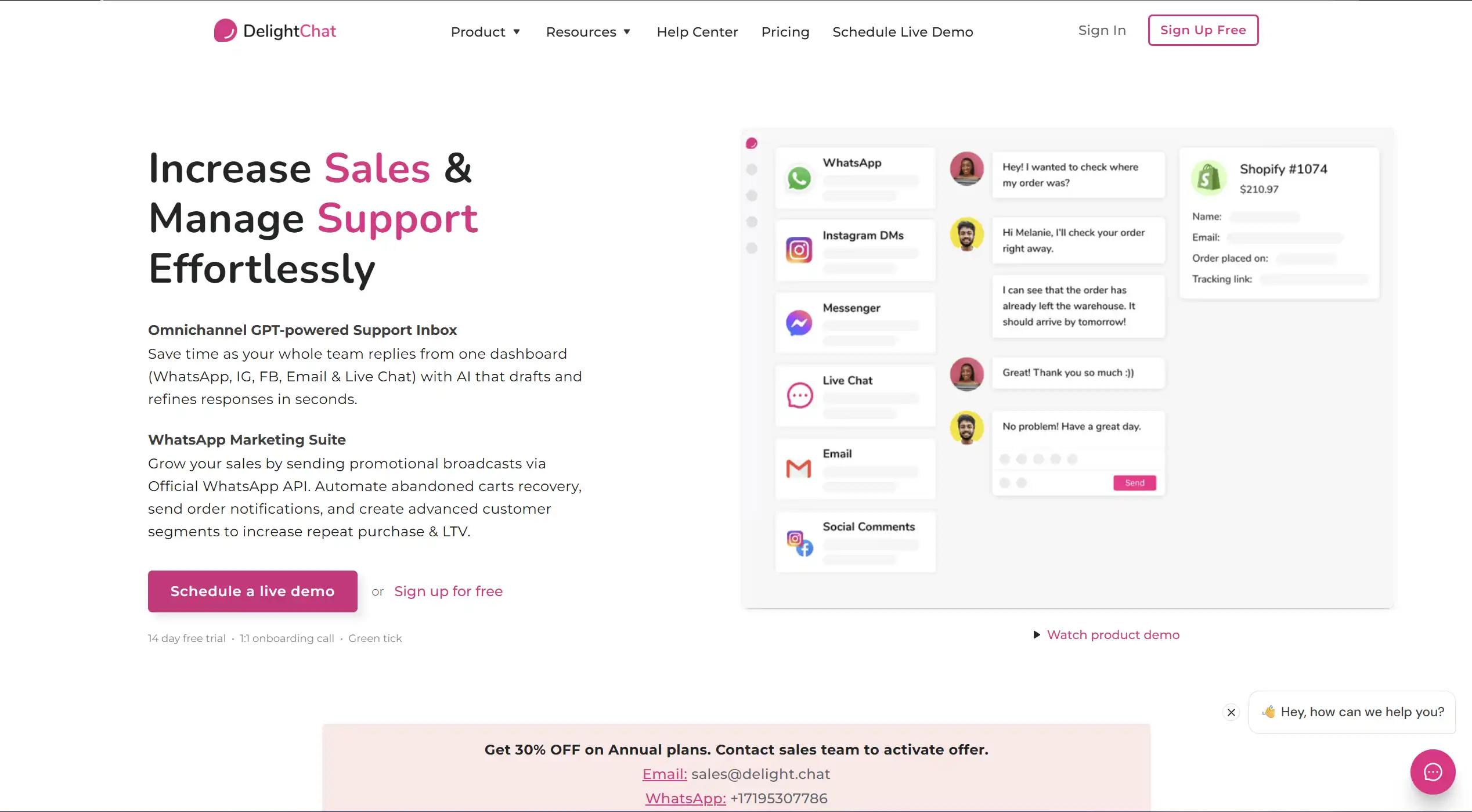
If you run a small online store and just need basic WhatsApp support automation, DelightChat is a simple and affordable place to start.
What It Does It helps small stores handle order updates and common customer questions automatically. Nothing fancy but it gets the job done.
Who It Is Best For Small Shopify stores that need simple WhatsApp automation without spending too much.
Pricing Starts at $29 per month.
Pros Simple to use Affordable Good for basic support.
Cons Too basic for growing businesses No advanced features Limited automation.
10. Freshchat
Freshchat
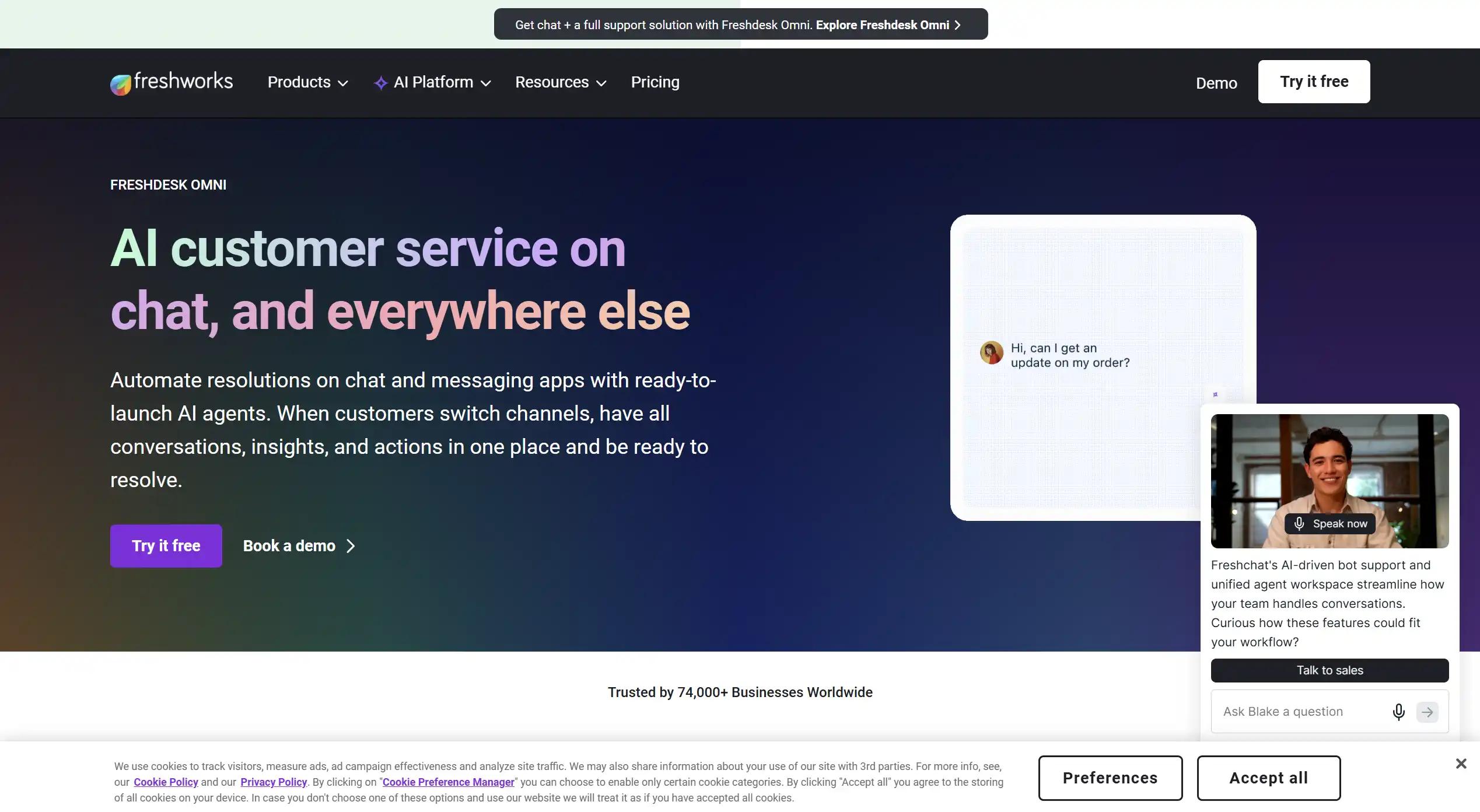
If your team is already using Freshworks then Freshchat is the easiest way to add WhatsApp to your existing setup.
What It Does Freshchat adds WhatsApp messaging and basic automation to your Freshworks account. If you are already paying for Freshworks it makes sense to use Freshchat instead of adding another separate tool.
Who It Is Best For Team that are already using Freshworks and want to add WhatsApp without switching to a completely new platform.
Pricing Free up to 10 agents. Paid plans available as your team grows.
Pros Free to start Easy to set up if you already use Freshworks Good ticketing and support features.
Cons Not ideal if you are not using Freshworks Limited WhatsApp specific features Basic automation only.
Pros Of WhatsApp Automation Tools
Measure Automation Performance
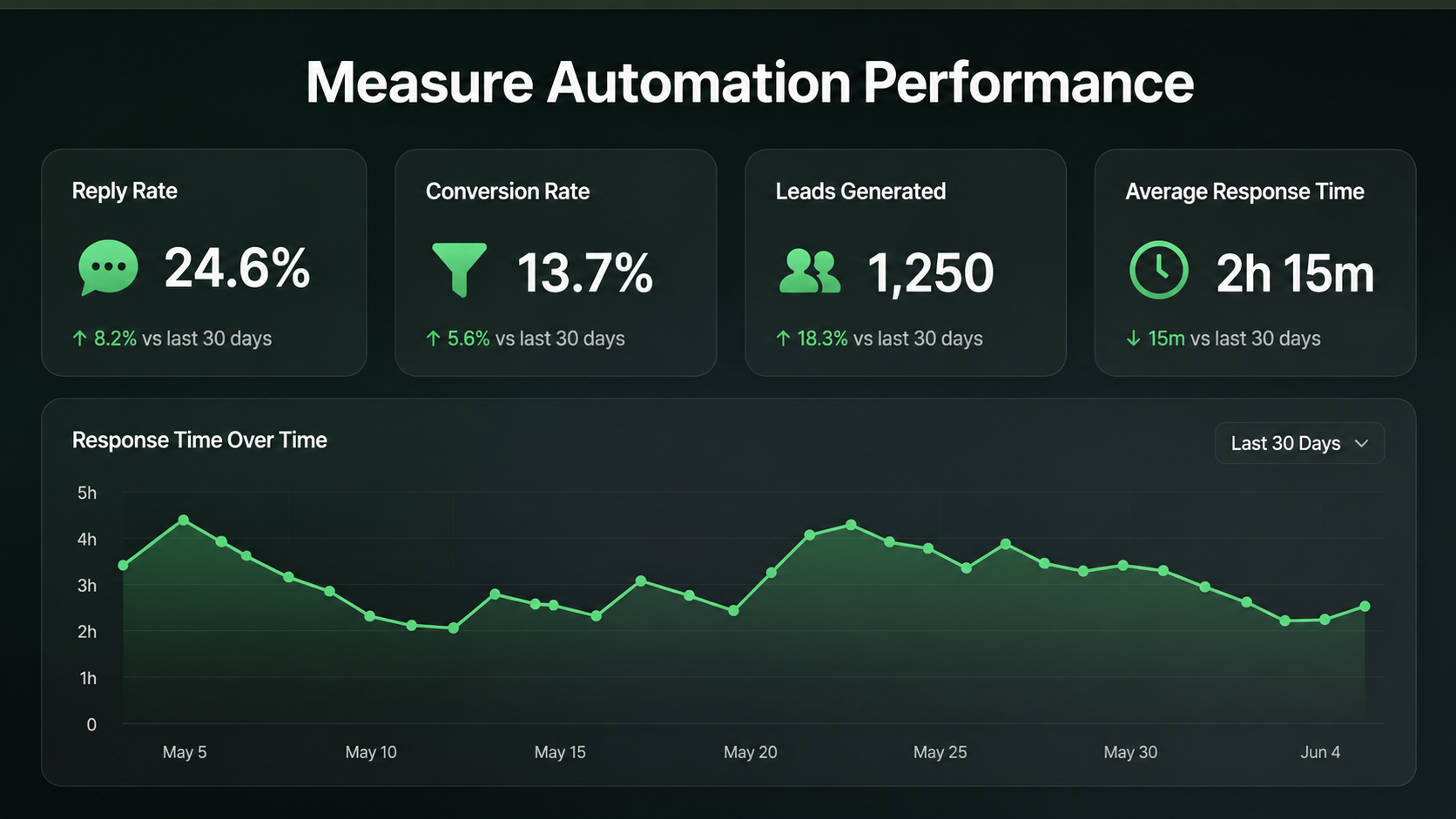
- Faster Reply Times: Think about the last time you messaged a business and heard nothing back for hours. Chances are you moved on. That is exactly what your customers do too. Studies show that 78% of customers buy from the business that replies first. When you automate your WhatsApp replies your customers hear back instantly. No waiting. No losing leads to a competitor who was simply faster.
- No More Missed Follow Ups: Every salesperson has been there. You mean to follow up with a lead but the day gets busy and it just never happens. That lead goes cold and eventually disappears. Automation takes this problem completely off your plate. Follow ups go out at the right time every time without anyone having to set a reminder or remember a name.
- Less Manual Work for Your Team: Ask any sales team what they spend most of their day doing and the answer will surprise you. A huge chunk of their time goes into sending the same messages again and again. Payment reminders, order updates, with ai agents for customer support automatically to answers to the same five questions every single day. Automation handles all of this so your team can actually do the work they were hired to do.
- Better Lead Management: When leads come in from multiple places at the same time things get messy fast. Someone always gets missed. Automation makes sure every new lead gets captured, tagged and sent straight to your CRM whatsApp chat sync the moment they message you. Your pipeline stays clean and nothing gets lost in the noise.
- Consistent Customer Experience: When your team is tired or overloaded the quality of replies drops. That is just human nature. But your customers do not care about that. They just want good service every time they reach out. Automation makes sure the experience stays the same whether it is Monday morning or Friday night and whether with whatsApp sales tracking you are handling ten chats or ten thousand.
- Your Team Focuses on What Actually Matters: This is the real benefit that most people overlook. When your team is not buried in routine messages they finally have time for the conversations that actually need a human. The tricky questions, the big deals, the customers who need a little extra care.
That is where your team should be spending their energy and automation is what makes that possible.
Cons Of WhatsApp Automation Tools
- It Can Feel Robotic: If not set up properly your customers will notice straight away. Replies feel cold and copy pasted. Nobody wants to feel like they are talking to a machine when they have a real problem.
- Takes Time to Set Up: It is not plug and play. You need to write proper messages, test everything and fix what does not work. Most businesses underestimate how long this actually takes.
- Cannot Handle Tough Conversations: Automation works great for simple questions. But when a customer is angry or confused a real human needs to step in. That handover does not always happen smoothly.
- It Costs Money Every Month: Good tools are not free. Subscriptions, conversation fees and integrations all add up. For smaller businesses this monthly cost needs to be planned carefully before jumping in.
How WhatsApp Automation Tools Learn Voice Of Your Best Salesperson
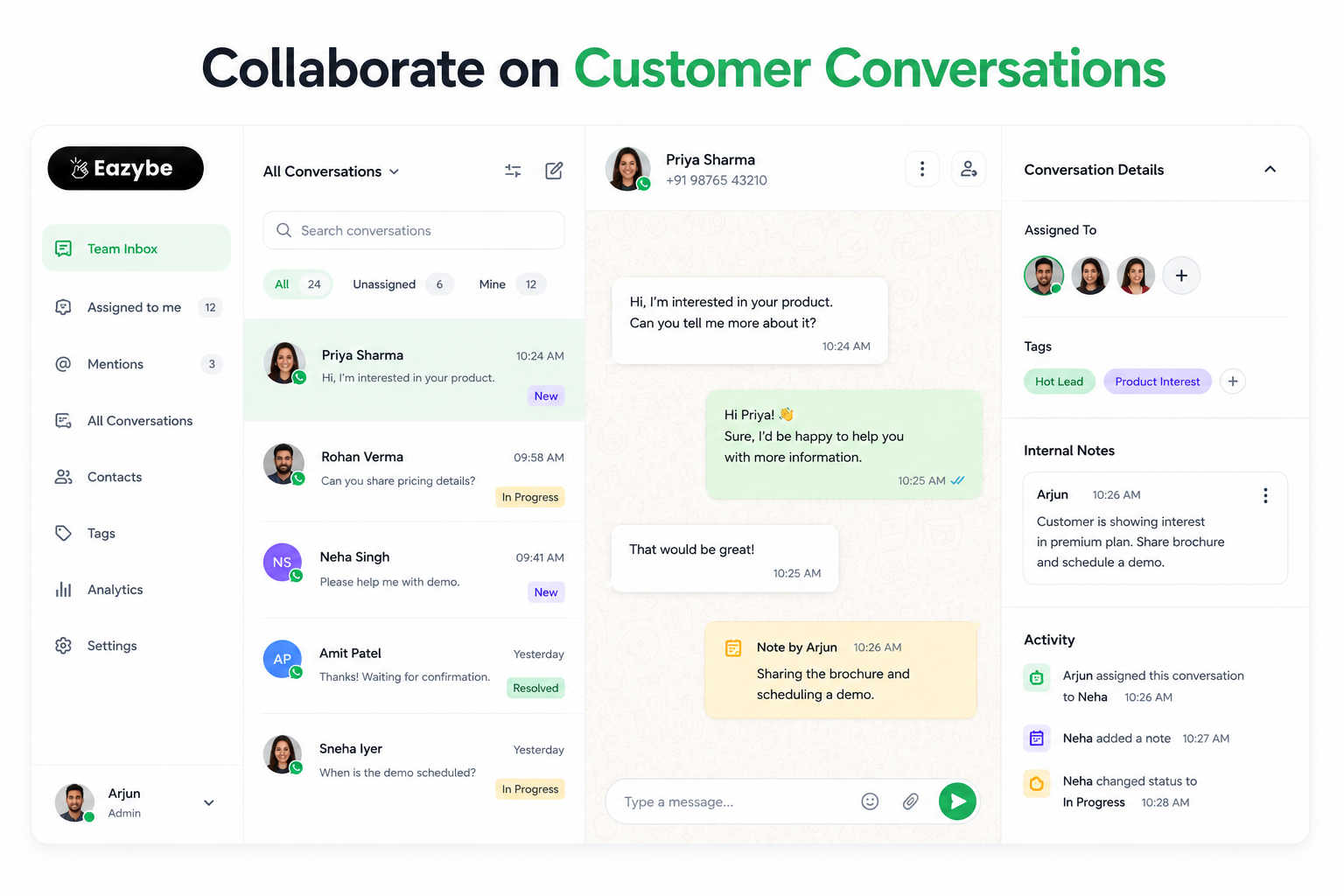
Team using WhatsApp automation tools to manage customer conversations
The biggest fear with automation tools for whatsapp is sounding like a robot. Nobody wants their brand to feel cold.
The most advanced whatsapp automation tool features now allow you to train the AI on your actual chat history. You can take the conversations of your Star Salesperson, the one who knows exactly how to handle objections and stay friendly and use that as the training data.
The result? The AI learns the specific vibe and the greetings and the voice of your brand. When the AI handles the first 80% of a conversation the customer with sales enablement never feels like they are talking to a machine. When the human finally steps in for the final 20% the closing the transition is seamless.
Who Uses WhatsApp Automation Tools And How
- Ecommerce Stores: Online stores use WhatsApp automation tool to send order updates and delivery alerts to customers automatically. No one has to do it manually. The tool handle it the moment an order is placed.
- Clinics and Hospitals: Clinics use these tool to remind patients about their appointments the day before. Instead of calling every patient one by one the tool does it automatically. The front desk team saves hours every week.
- Real Estate Agencies: When a new lead comes in the tool instantly sends property details, photos and pricing on WhatsApp. The agent only gets involved when the person is actually interested and ready to talk.
- Coaching and Education: When a student asks about a course the tool automatically sends fees, syllabus with WhatsApp copilot and batch dates right away. Follow ups go out on their own over the next few days until the student decides.
- Sales Teams: Sales teams use tools like Eazybe to follow up with leads automatically and keep their WhatsApp CRM updated in real time. No manual data entry. No missed follow ups. Just more time to actually close deals.
Final Thoughts On WhatsApp Automation Tools
The goal of a WhatsApp automation tool isn't to remove the humans and it's to remove the robotic tasks from the humans.
When your team doesn't have to spend four hours a day on data entry or answering Where is my order? They have the energy to be creative, empathetic and persuasive. That is how you grow a business in 2026.
By integrating Eazybe into your workflow you’re turning WhatsApp bulk message sender from a chaotic messaging app into a high-powered revenue engine. You’re ensuring that every customer gets an instant accurate and human-sounding response every single time.
Stop managing your inbox. Start managing your growth.