

Your best rep closed four deals last month and updated LeadSquared for none of them, because stopping a live chat to open the right opportunity and type a summary is friction nobody accepts when a customer is waiting.
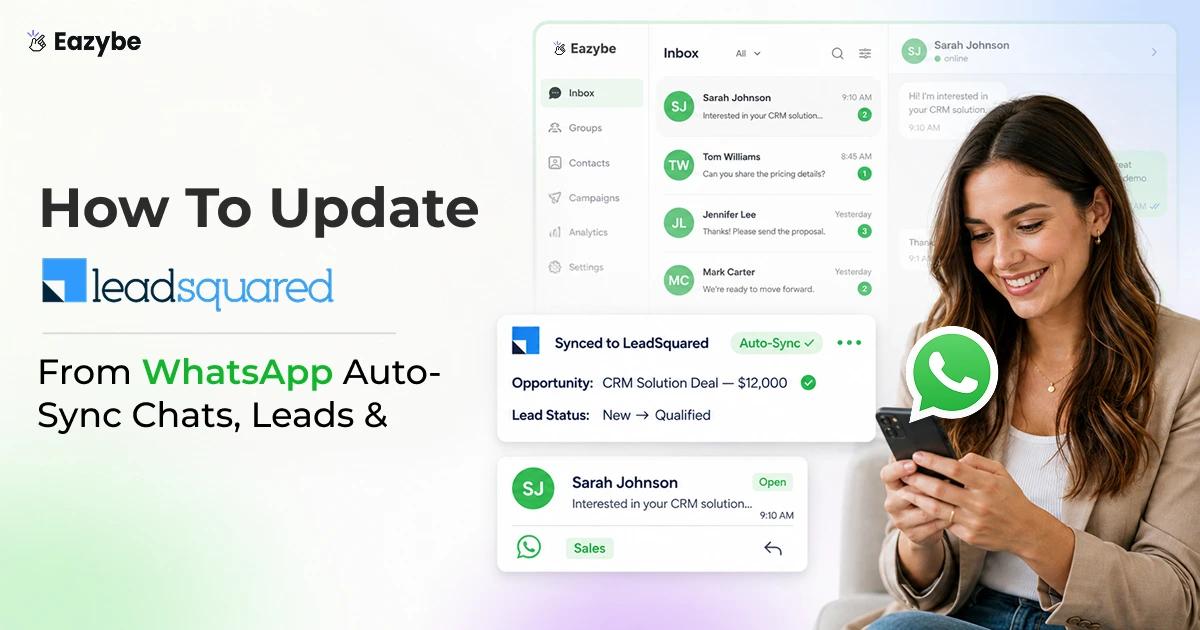
Eazybe's WhatsApp AI agents work automatically in the background, reading each WhatsApp conversation and writing the result into LeadSquared on their own chats logged against the lead, property values drafted from what was said, notes and tasks kept current. In this blog we explain how it works, which properties update automatically and where the limits are.
What Does It Mean To Update LeadSquared From WhatsApp
Updating LeadSquared from WhatsApp means your chat conversations flow into the WhatsApp CRM on their own, so the message thread is logged against the lead and the details inside it are written into your LeadSquared fields without a rep typing anything.
Most teams only get half of this. They forward a screenshot, or paste a line into a note, and call it logged. Two things need to move together for the record to actually be useful:
- The conversation itself: gets stored against the lead, so nothing stays trapped on a personal phone and anyone reviewing the account can see the full history.
- The information inside it: covering budget, product interest, timelines, objections and next steps, gets turned into property values, notes and tasks that your reports and workflows can read.
Without the first, you lose the record when a rep leaves. Without the second, you have a CRM full of transcripts nobody has time to read. Doing both is what separates a chat backup from a CRM that's genuinely current.
Why Your LeadSquared Goes Out Of Date
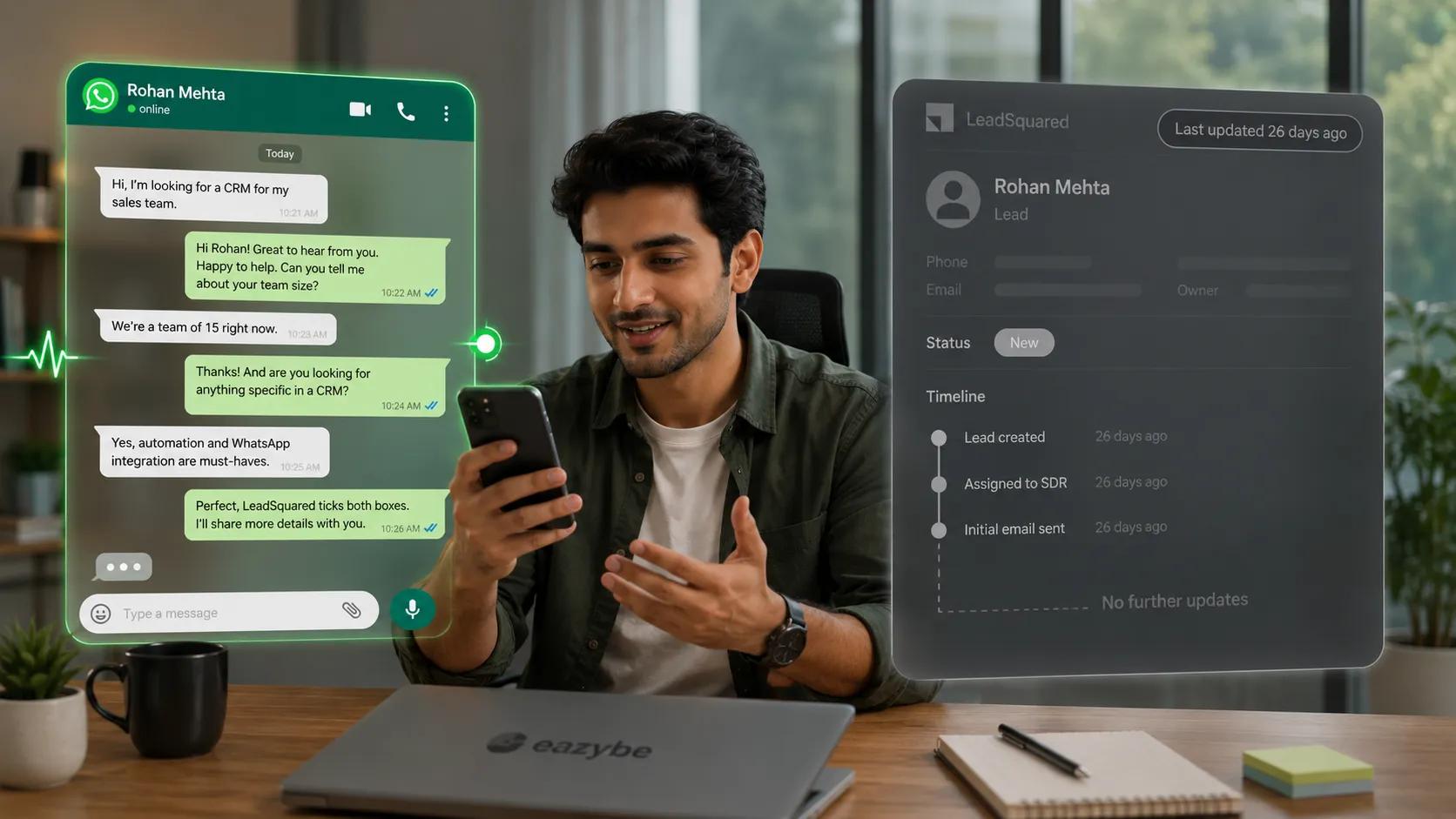
The conversation moves on; the LeadSquared record sits untouched for weeks.
LeadSquared is only as current as the last thing someone typed into it, and the person who's supposed to type is a rep juggling ten chats with a quota to hit, not a data clerk with time to spare. So the real workflow is that the rep has a great conversation, promises to update the CRM later, and later never arrives.
Multiply that across a team of eight and every dashboard leadership review is a lagging, partial picture. Forecasts get built on stages nobody moves. A lead that's genuinely warm sits in the same bucket as one that went cold two months ago, and the only person who knows the difference is the rep who hasn't written it down.
Two problems compound here:
- WhatsApp is a black box: Managers can't scroll those threads, so deals, objections and next steps stay invisible to everyone responsible for reporting on the pipeline. You end up flying blind on your own numbers with the team inbox because the pipeline lives in an app built for private messaging, not reporting.
- Reps won't update manually, and it isn't laziness: Switching from a live chat to LeadSquared, finding the lead, opening the right opportunity and typing a summary is genuine friction in the middle of a real conversation. Any system that depends on that habit is going to lose.
The CRM isn't wrong, it's just starved. It can only reflect what gets fed to it, and the feeding stopped the day your team started selling in chat. The fix isn't nagging reps harder, it's removing them from the update loop entirely.
Manual LeadSquared Updates vs Auto-Synced LeadSquared
The gap between a CRM someone updates by hand and one that updates itself shows up in more places than you'd expect. Here's how the two compare across the things that actually affect your pipeline:
| Dimension | Manual updates | Eazybe auto-sync |
|---|---|---|
| Who does the entry | The rep, after the fact, if they remember | AI agents read the chat |
| When the record updates | Whenever someone finds time | Every 3 minutes |
| Coverage | Sampled and spotty | Every conversation |
| What lands on the record | Whatever the rep types | Chat logged plus a short property gist |
| Objects kept current | Whatever the rep opens | Leads, Opportunities, Notes, Tasks |
| Manager effort to get context | Read the thread, or ask the rep | One glance at the lead |
| What happens overnight | Nothing | Sync continues |
| When a rep leaves | Their context leaves with them | Already in the CRM |
| Effect on selling time | Interrupts the conversation | None |
| Depends on rep discipline | Entirely | No |
Manual updates depend on a habit reps don't have, while Eazybe depends on a conversation that's already happening.
How Eazybe Keeps LeadSquared Updated From WhatsApp
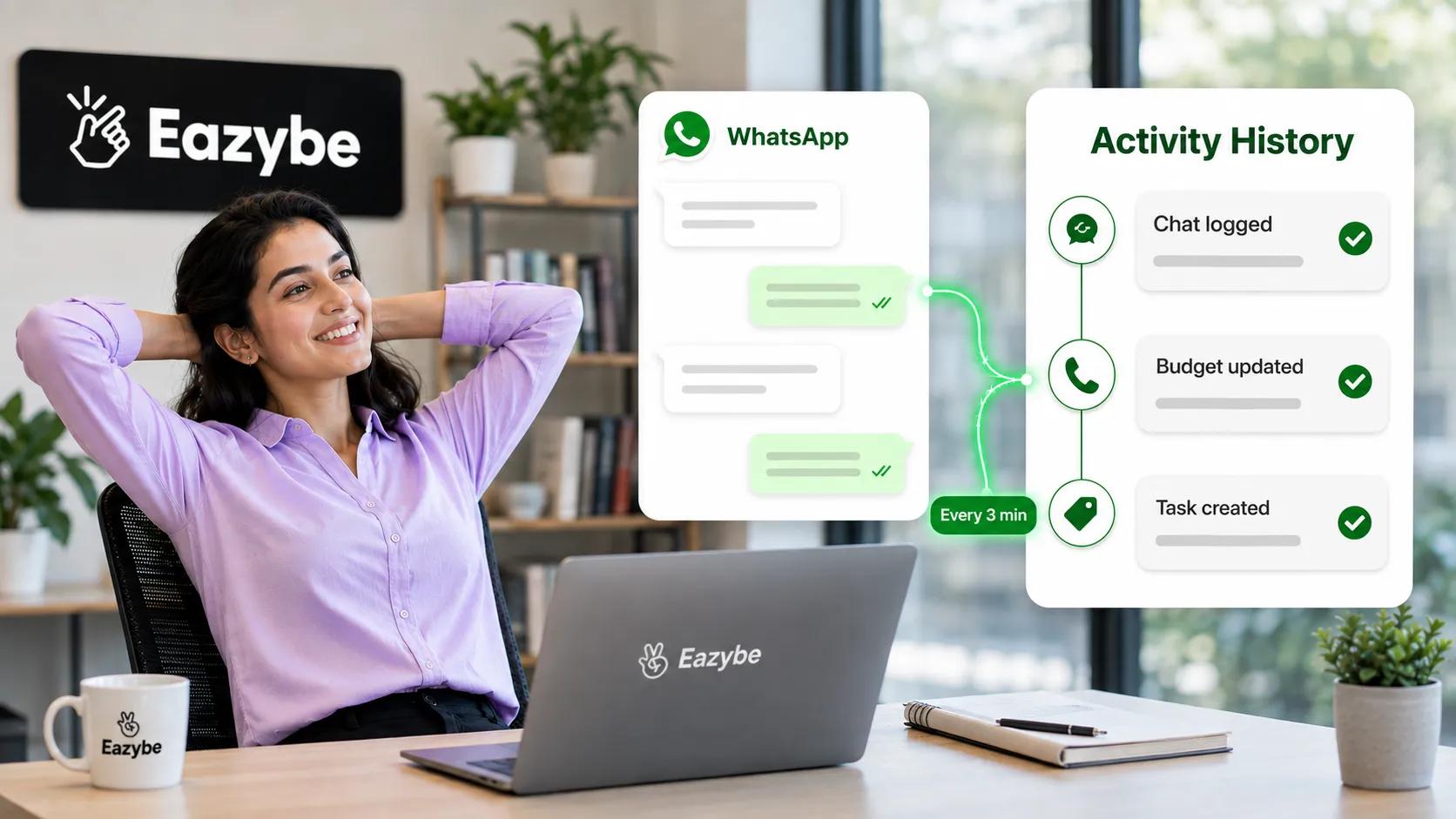
Chats, budget updates and tasks land in LeadSquared automatically.
Eazybe runs as a Chrome extension over WhatsApp Web, so reps keep working exactly where they already are and there's no new tool to adopt or number to migrate. Underneath, it works in three connected moves.
Every chat logged against the lead
Conversations sync into LeadSquared under the WhatsApp Chats by EazyBe activity object, visible at Leads → Manage Leads → lead → Activity History and against linked opportunities as well. This is the foundation layer: even before any AI touches it, the raw record exists inside your CRM with WhatsApp chat sync instead of on a device you don't control.
Property values drafted by AI agents
On top of that backup, the AI sales agents read each conversation and write values against the fields you've chosen, so stage notes and properties reflect what's actually being said rather than what someone remembered a week later. If a customer names a budget on Tuesday and pushes the timeline on Thursday, both land on the record without anyone opening the CRM.
This is AI-assisted sales intelligence rather than autopilot, since you configure which properties sync and can review what the agents write, particularly on high-value opportunities.
A Mini-CRM inside WhatsApp Web
Reps see the LeadSquared record beside the chat and can edit it directly, so anything they do want to change takes a click instead of an app switch. In practice this matters most for judgement calls the AI shouldn't make alone, like moving an opportunity stage or correcting a deal value.
Which LeadSquared Properties Get Updated Automatically
You don't want an entire chat written into the CRM, you want the handful of fields your business actually runs on. That's why the updates are opt-in by field rather than everything by default.
To set them up: open the lead card, click Edit to open the pop-up, set your property values, reorder how they display, mark fields required or optional, then hit Apply and Save. Task and opportunity forms expose their extra fields the same way through their own Edit button.
What teams usually turn on:
- Edtech: course interest, budget range, intake month, counsellor next step
- Real estate: configuration, site visit date, loan status, budget with ai agents for real estate.
- Clinics: treatment enquired, appointment slot, insurance provider, follow up date
- B2B &B2C services: company size, use case, decision timeline, objection raised
The pattern across all of them is the same. Pick the four or five fields that change what someone does next, and leave the rest alone. You define the shape of a clean record and the AI fills it in from the conversation, which is what most WhatsApp automation tools miss when they push everything into the CRM by default.
Leads, Opportunities, Notes And Tasks Eazybe Keeps Current
A stale CRM isn't only stale contacts, it's stale everything. LeadSquared's data model also doesn't match every other CRM, so it's worth naming plainly what Eazybe works across. Proper WhatsApp sales tracking means every object that holds a piece of the deal keeps moving, not just the one a rep happened to open:
- Leads: create a new one or link an existing one, then edit its properties and profile. LeadSquared uses Leads rather than a separate Contacts object, so this is where person-level data lives.
- Opportunities: create, edit or delete them, including deal value and stage. These are LeadSquared's version of what other CRMs call deals, and they require the lead to already exist.
- Lead and Opportunity Notes: auto-timestamped, as many as you need, written from the conversation rather than typed by hand.
- Lead and Opportunity Tasks: create, edit and complete, so a "call me next Monday" in chat becomes a task instead of a forgotten line.
There are no Contacts, Deals, Tickets or call log objects to update here, because LeadSquared doesn't have them, and we won't pretend otherwise. What the platform does support, Eazybe keeps current, so the whole record moves rather than just the top field.
Also Read: 19 Sales Closing Techniques That Turn Conversations Into Conversions
What Lands On The Record: The Gist, Not The Transcript
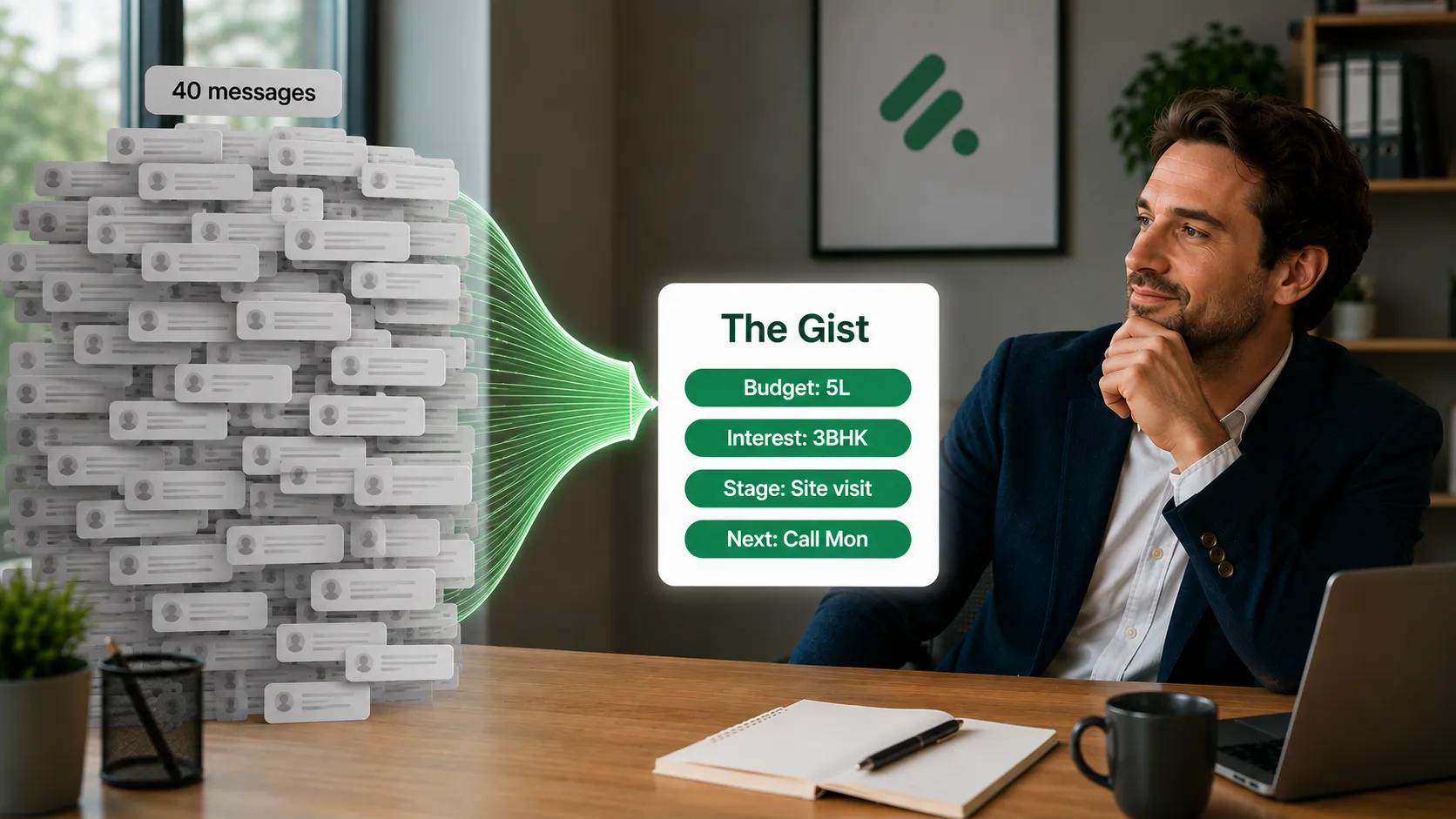
Forty messages become four fields — the gist, not the transcript.
This is the part managers feel immediately. Nobody wants to open a lead and read forty back-and-forth messages to work out where a deal stands, and if that's the experience, the integration has just moved your problem rather than solved it.
The raw chat stays preserved in the activity log if you ever need receipts, but what you act on is the gist: property values plus a short note covering what was discussed, what the customer wants and what happens next. One glance at the lead tells you the state of the deal instead of handing you a reading assignment.
That's the difference between a CRM that stores conversations and one that summarises them for you.
What Runs Without Anyone Touching LeadSquared
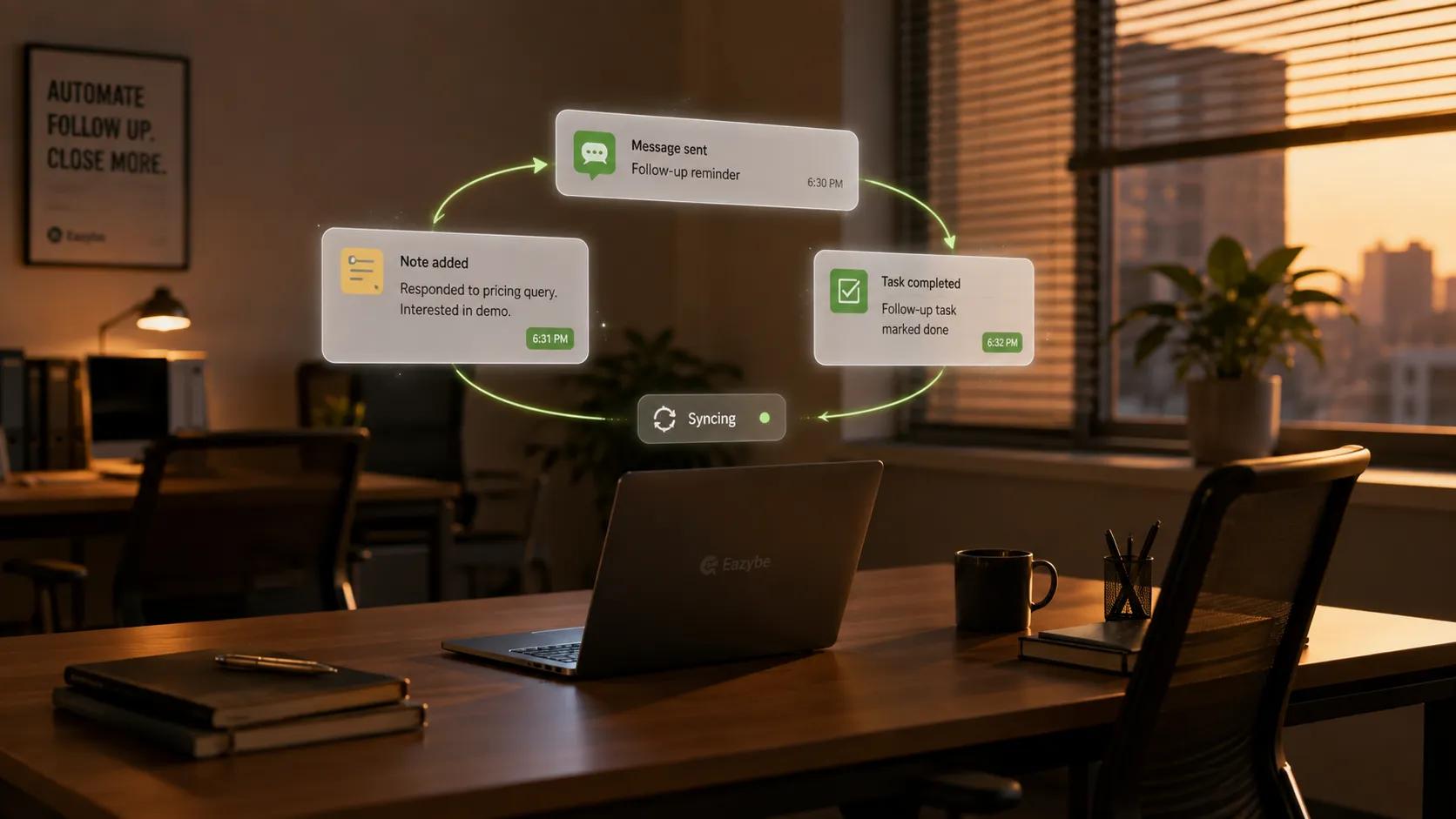
Notes, tasks and follow-ups keep syncing while nobody opens LeadSquared.
Once the connection is live, all of this happens on its own:
- Chats log into the lead's Activity History and against linked opportunities
- AI agents draft property values from each new conversation
- Notes are written and timestamped automatically
- Tasks are created from commitments made in chat
- Sync runs every 3 minutes, including outside working hours
- Rate limits auto-retry instead of dropping data
Nobody assigns any of this, and nobody has to remember it. That's sales efficiency in practice: less admin, more selling time.
How To Connect LeadSquared To WhatsApp
- Check the gates: You need an active LeadSquared account and administrator permissions to authorise the integration.
- Connect Eazybe: as the admin from WhatsApp Web, including via coexistence if you want to keep your existing number without migrating it.
- Pick your fields: using the Edit, Apply and Save flow described above, starting with a small set.
- Confirm the backup: The past 3 days of chats import on connection so you have immediate context.
- Let it run: Everything after that syncs every 3 minutes with no further configuration.
Full setup detail lives on the LeadSquared WhatsApp integration page.
What LeadSquared Teams Actually Run Into
A few patterns show up repeatedly in the first month:
- Too many fields selected at first: Teams turn on fifteen properties, then find half of them add noise. Start with four or five that drive a decision and expand once you see what the AI is writing.
- Reps still edit manually out of habit: The Mini-CRM makes this harmless, and most people stop within a fortnight once they trust the record is already correct.
- Expecting two-way sync: Changes made inside LeadSquared don't travel back into the chat, which surprises teams used to bidirectional tools.
- Assuming full history imports: Only the past 3 days come in on connection, so anything older stays where it is.
- Skipping the review pass on big deals: The AI drafts well, but on your largest opportunities it's worth a manager glancing at what landed before it feeds a forecast.
Running LeadSquared Alongside HubSpot, Zoho Or Salesforce
Plenty of teams run more than one system, whether that's marketing in one platform and sales in another, or two regions on different CRMs after an acquisition. Eazybe works the same way across them, logging chats, drafting properties and keeping objects current while respecting each platform's own data model, so a Deal in HubSpot and an Opportunity in LeadSquared each get handled on their own terms. You can see the full list on the CRM integrations page.
If you don't run a CRM at all, Google Sheets is a lighter home for chat backup and labels, though pipeline objects like opportunities and tasks are where a real CRM earns its place.
Honest Limits Of The LeadSquared Sync
We'd rather be straight about the edges than have you discover them in week two:
- The AI is assisted, not autonomous. You choose which properties sync and can review what it writes. It removes the typing, not the judgement.
- Sync is one-way, running from WhatsApp into LeadSquared, so edits made in the CRM don't flow back to the chat.
- The initial backup covers 3 days, not your full history. Everything from connection onward is captured going forward.
- LeadSquared's objects are the ceiling. No Contacts, Deals, Tickets or call logs, because the platform doesn't have them.
- Rate limits apply. LeadSquared caps API calls at 5 per second, which is the platform's limit rather than ours, and Eazybe auto-retries once the cap resets instead of dropping data.
Also Read: How WhatsApp Sales Performance Analytics Changes the Way Teams Sell
Final Verdict
LeadSquared doesn't go stale because it's a weak CRM, it goes stale because the conversations that move deals live somewhere it can't see. Eazybe closes that gap by reading the chat instead of asking reps to describe it afterwards, which means your pipeline reflects what's actually happening rather than what someone remembered to type at the end of a long day.
The trade is worth naming clearly. You give up two-way sync and full historical import, and you get a CRM that stays current on its own across every conversation your team has. For most sales teams selling in WhatsApp and reporting in LeadSquared, that's a straightforward win.
Ready to stop chasing reps for CRM updates? Connect Eazybe and keep LeadSquared current automatically