

Your Bitrix24 is telling you a story about your pipeline and most of it is out of date. Pick any ten leads and check how many have a current stage and a clear next step and a note from the last conversation. For most teams the honest answer is two or three because the real selling is happening on WhatsApp and none of it makes its way back into the CRM.
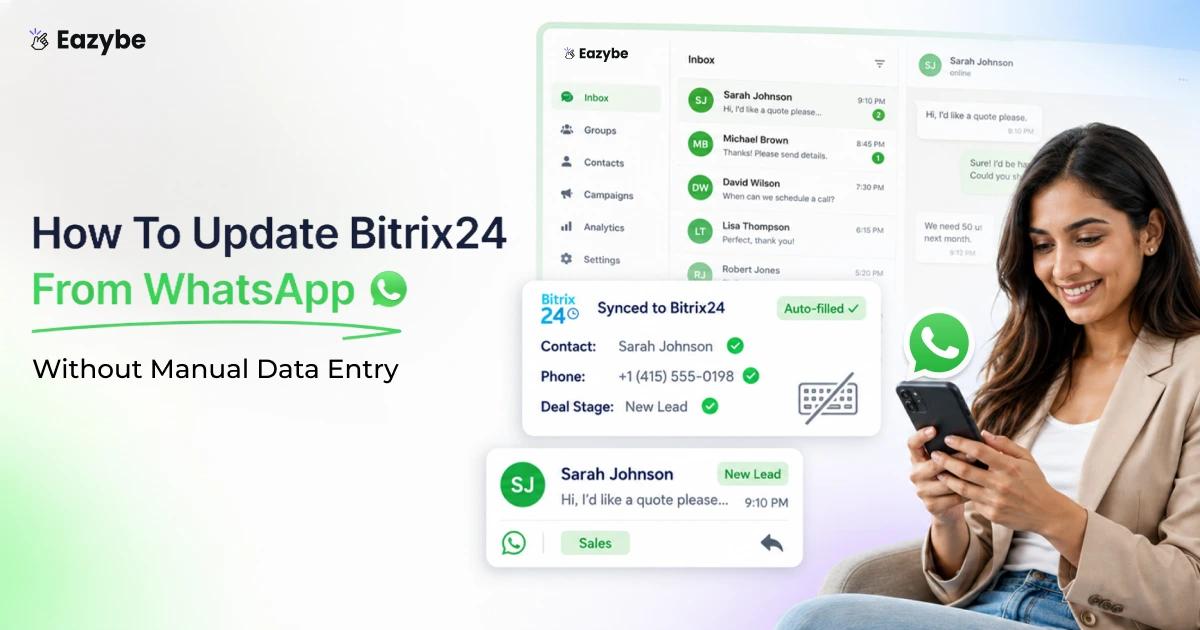
Eazybe - WhatsApp AI agents close that gap by reading the chat instead of waiting for a rep to write it up. They back up every conversation to the matching Bitrix24 record and fill the properties you selected and create the follow up tasks that usually slip. In this blog we explain how to update Bitrix24 from WhatsApp automatically without asking a single rep to log anything by hand.
Why Your Bitrix24 Is Always Out Of Date
To update Bitrix24 from WhatsApp means keeping your Bitrix24 leads and contacts current with what is happening inside your WhatsApp chats by logging the conversation and filling the fields and adding the follow up tasks so that the CRM matches reality instead of lagging behind it.
The reason your Bitrix24 sits behind reality is simple enough with WhatsApp team inbox. Updating it is manual work and manual work always loses to a busy day. A rep finishes a thread and tells themselves they will update the lead after the next call and that moment never actually arrives.
Multiply that across ten reps and a full month and the CRM stops being a source of truth. What you are left with is a rough approximation of whatever a few people remembered to enter between conversations.
Why WhatsApp Sales Conversations Never Reach Your CRM
The uncomfortable part is that your most important sales conversations are invisible to everyone except the rep holding the phone. Nothing about that arrangement is deliberate and nobody chose it. It is simply what happens when the selling channel and the reporting system are two different places with no bridge between them.
Asking reps to build that bridge by hand has never worked and it is not going to start working now. Data entry is the first thing dropped under pressure. Which is why a team inbox? That captures the conversation at source beats any process reminder you can send:
- Leadership Cannot See It: You cannot coach a rep on a conversation you will never read and you cannot forecast on a deal whose last real update lives in somebody's phone. Managers end up asking reps what happened and then writing the pipeline review from those answers which is guesswork dressed as reporting.
- The CRM Cannot See It: Bitrix24 only knows what somebody typed into it. Every objection and every price discussion and every promise about a Monday contract stays outside the system unless a human copies it in.
- The Next Rep Cannot See It: When a rep resigns or goes on leave the account history walks out with them. The next person opens the lead and finds a stage and a phone number and no idea what was already promised or refused.
How Eazybe Updates Bitrix24 From WhatsApp Automatically
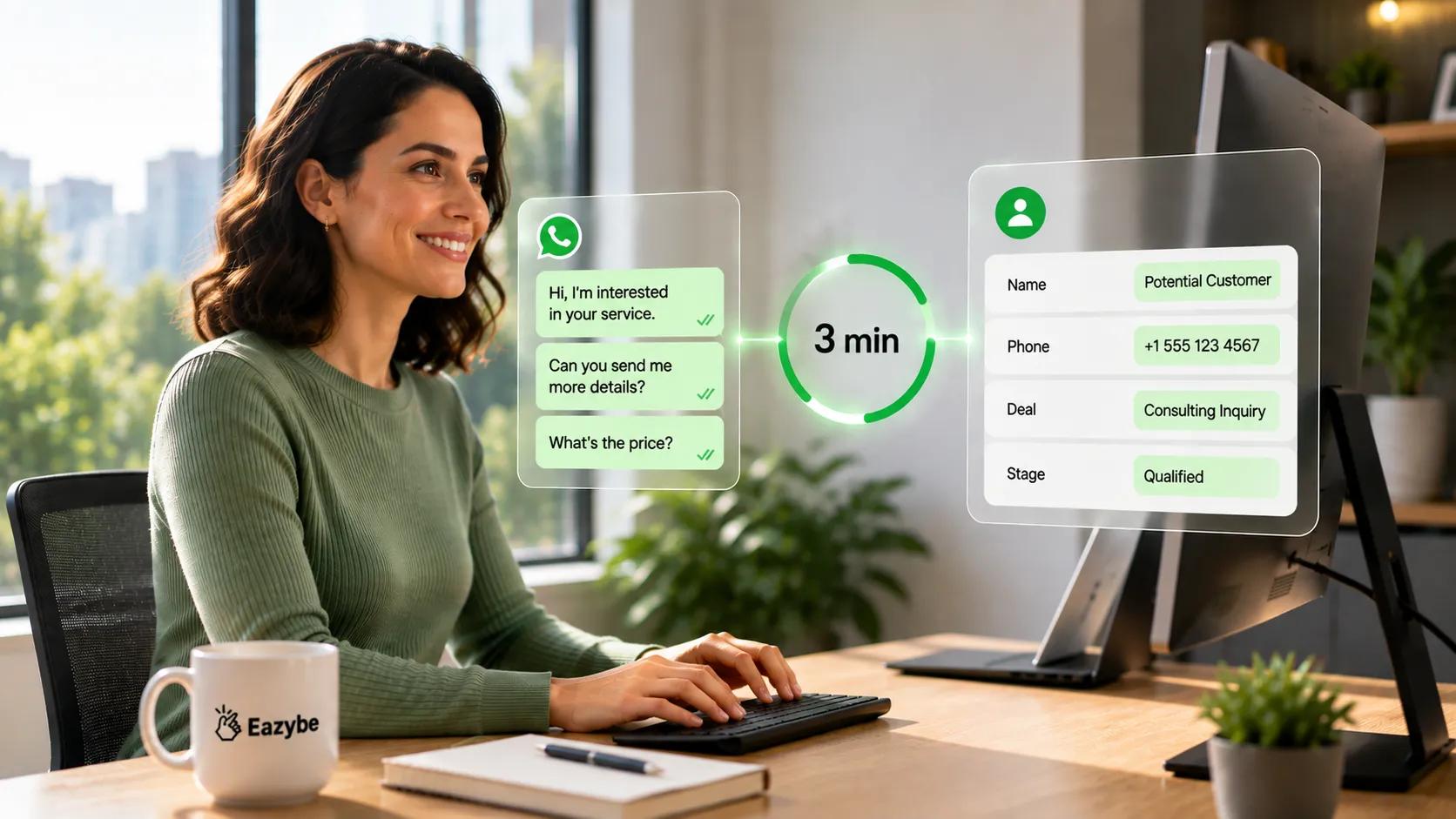
WhatsApp chats update Bitrix24 contacts and deals without anyone typing.
Eazybe runs as a Chrome extension over WhatsApp Web and sits alongside the way your team already sells. Once it is connected to your Bitrix24 account it takes over the logging so the record updates itself as the conversation happens rather than after somebody finds a spare twenty minutes.
The important shift is that you stop depending on a rep to log anything. The conversation updates the CRM and the rep just keeps selling which is the only version of this that survives a busy quarter.
Connect Your Number With No Migration
You keep the number your customers already message. Eazybe works with personal WhatsApp and the WhatsApp Business App and the API through WhatsApp coexistence which means nobody has to rebuild their contact list or tell customers to save a new number.
How The 3 Minute Sync Works
Every WhatsApp conversation tied to a Bitrix24 contact is backed up automatically to that contact's record and lands in the General section of the Contact page. Chats auto sync every 3 minutes and the initial integration backs up the past 3 days of history so you begin with recent context instead of a blank record.
Which Bitrix24 Leads Contacts And Tasks Get Updated
Keeping a CRM honest takes more than saving a phone number against a name. The Mini CRM view inside Eazybe writes to the objects your pipeline actually runs on so the update carries the same weight as one a rep would have made by hand.
That matters because a chat log on its own is passive history. A WhatsApp crm that creates the lead and fills the field and schedules the next action is what turns a conversation into pipeline movement.
Leads And Contacts In The Mini CRM
You can create a new lead or link an existing one directly from the chat window and then view or edit its profile properties without leaving WhatsApp. Contacts work the same way so a new number can become a proper record in seconds rather than sitting in someone's phone until the weekly cleanup.
Activities Comments And Tasks
On both Leads and Contacts you can add and edit and postpone or delete Activities with notes attached. Comments let you track where a conversation stands in your process and Tasks give the follow up an owner and a date so a warm lead does not quietly go cold.
Two honesty notes before you plan around this. The Bitrix24 Mini CRM covers Leads and Contacts and there is no separate Deals or Tickets object here. Call logging is handled through Activities and Comments and Tasks rather than a dedicated call log object which is the real shape of the integration.
How To Choose Which Bitrix24 Fields Update From WhatsApp
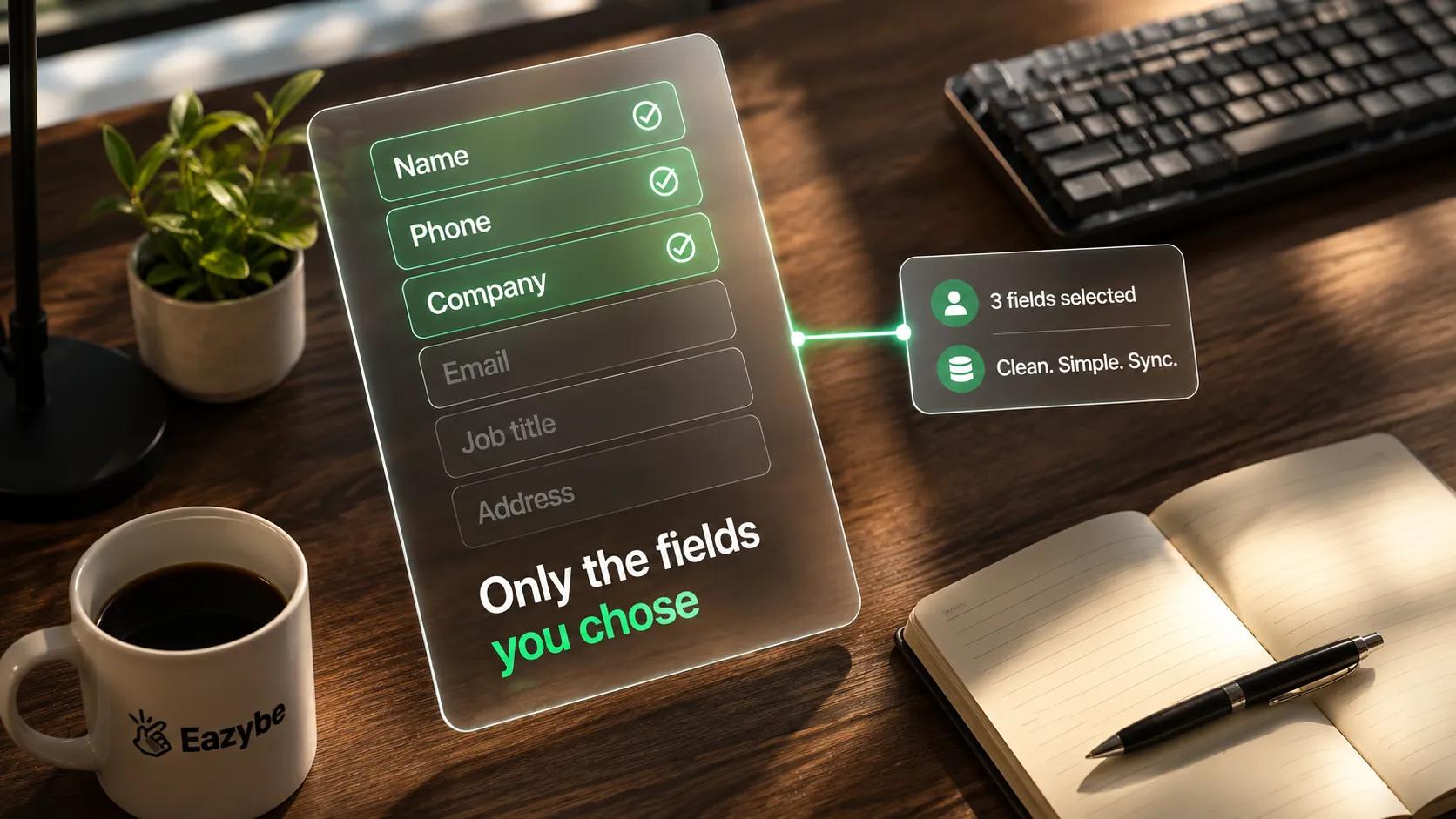
You pick which Bitrix24 fields sync — only the ones you chose get updated.
You do not want everything a customer ever said dumped onto a record. What you want is the handful of fields your team genuinely filters and reports on which is why property selection sits with you rather than with the AI.
Pick the ones your pipeline is built on such as budget and product interest and region and stage and source. From that point the AI reads each conversation and writes only against the fields you selected which gives you signal on the properties that matter instead of noise on the fifty you never open.
The Profile Section And The Edit Form
In the Profile section you view and edit the record's user properties directly and then hit Save to push the change to Bitrix24. On the create form you click Edit to choose exactly which user properties appear and stay editable so different teams can run different field sets against the same CRM.
From WhatsApp Chat Backup To Sales Intelligence
Chat backup on its own solves a storage problem. It means the conversation exists somewhere other than a rep's phone which is useful when someone leaves and useless on a Tuesday afternoon when you are trying to work out which deals to chase.
The difference shows up in what the record can answer. A backup answers what was said and only if you read it. A record filled with properties answers what stage this lead is at and what they asked for and when someone last replied without anyone opening the thread at all.
That is the whole reason property selection exists. The conversation is raw material and the fields you chose are the finished output and the value sits in the second one rather than the first.
If you want the wider version of this argument across a full sales team then WhatsApp sales intelligence covers how conversations turn into reportable data. For Bitrix24 specifically the practical version is simpler which is that the chat fills the fields and the fields run your pipeline.
How The WhatsApp Chat Summary Reaches Your Bitrix24 Record
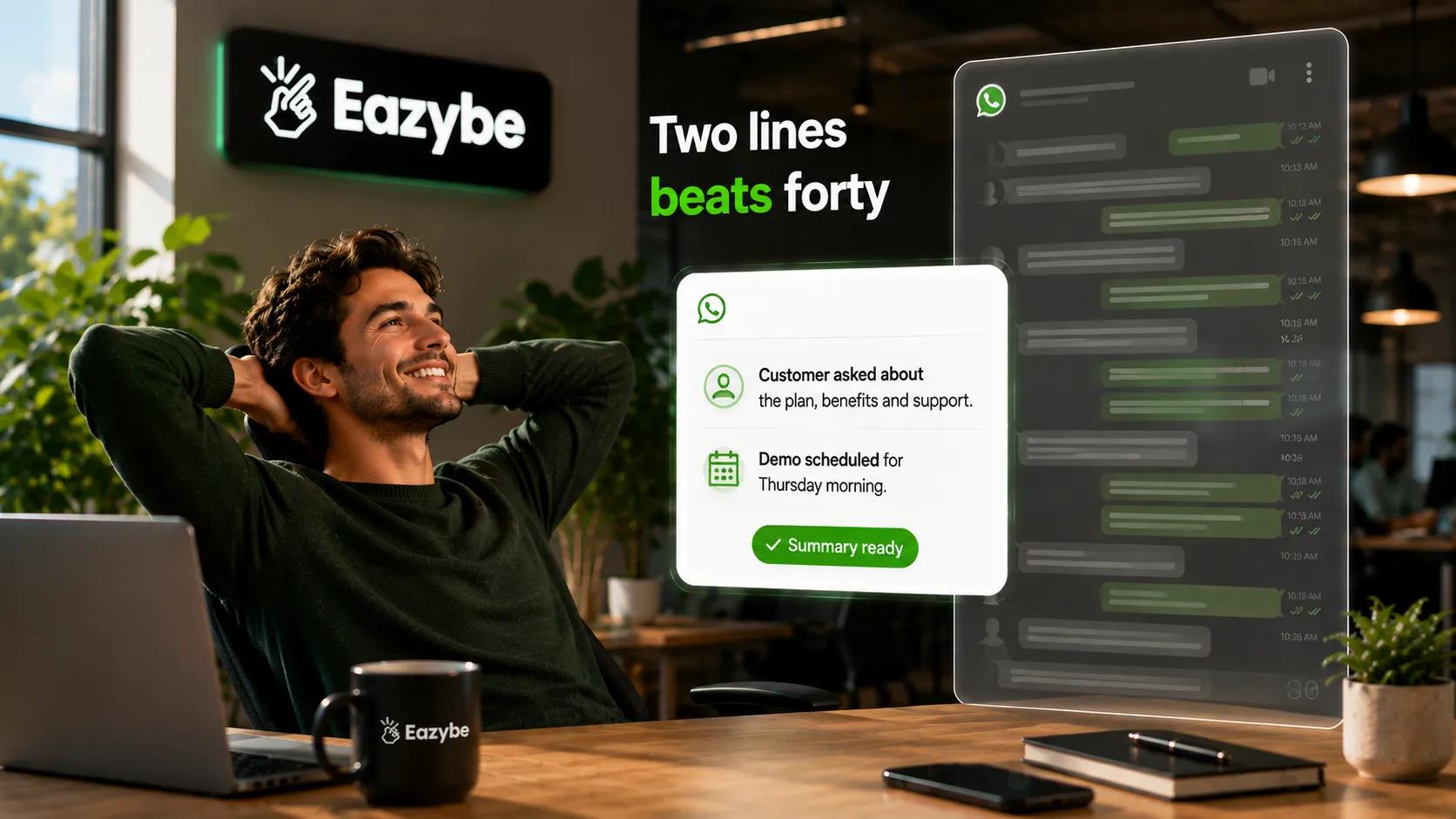
A long WhatsApp thread becomes a two-line summary on the Bitrix24 record.
Nobody wants to scroll a raw WhatsApp transcript inside a CRM record. What a manager actually needs is the two lines that say where the deal stands and what the customer is waiting for.
Eazybe keeps both layers so you are never choosing between detail and speed. The transcript is there when you need to check exact wording on a price or a commitment and the gist is there so that most of the time you do not need to.
Where The Full Conversation Is Stored
The complete conversation is preserved on the Contact record in the General section which is where you go when a dispute comes down to who promised what. This is the same cloud backup layer that keeps the history alive after a rep changes phones or leaves the company.
What The Summary Shows
The summary plus the properties you selected give the at a glance read. What the customer wants and which stage they are at and what the next action is all sit on the record in a form you can filter and report on rather than a form you have to read.
What The Conversation Tells You That The Bitrix24 Field Does Not
A field tells you what somebody decided. The conversation tells you why and that gap is where most lost deals hide.
Reading the chat back into properties is what turns those soft signals into something Bitrix24 can act on. The same discipline shows up across WhatsApp sales best practices where the winning teams are the ones capturing intent at the moment it appears rather than reconstructing it later.
1. Buying Signals Reps Never Log
Customers ask about delivery timelines and payment terms and whether the contract can start next month long before anyone changes a stage. Those questions are the strongest predictor you have and they only reach Bitrix24 if a property is waiting to receive them.
2. Deals Going Quiet Before The Stage Changes
A lead that has not replied in nine days is dying whatever the stage field claims. Because Activities carry real dates you can see the silence in the record instead of discovering it during a forecast meeting.
3. Objections That Repeat Across The Pipeline
When the same objection appears in twenty conversations it stops being a rep problem and becomes a positioning problem. Capturing it as a field value on the lead is what lets you count it rather than sense it.
What Sales Managers See Once Bitrix24 Is Accurate
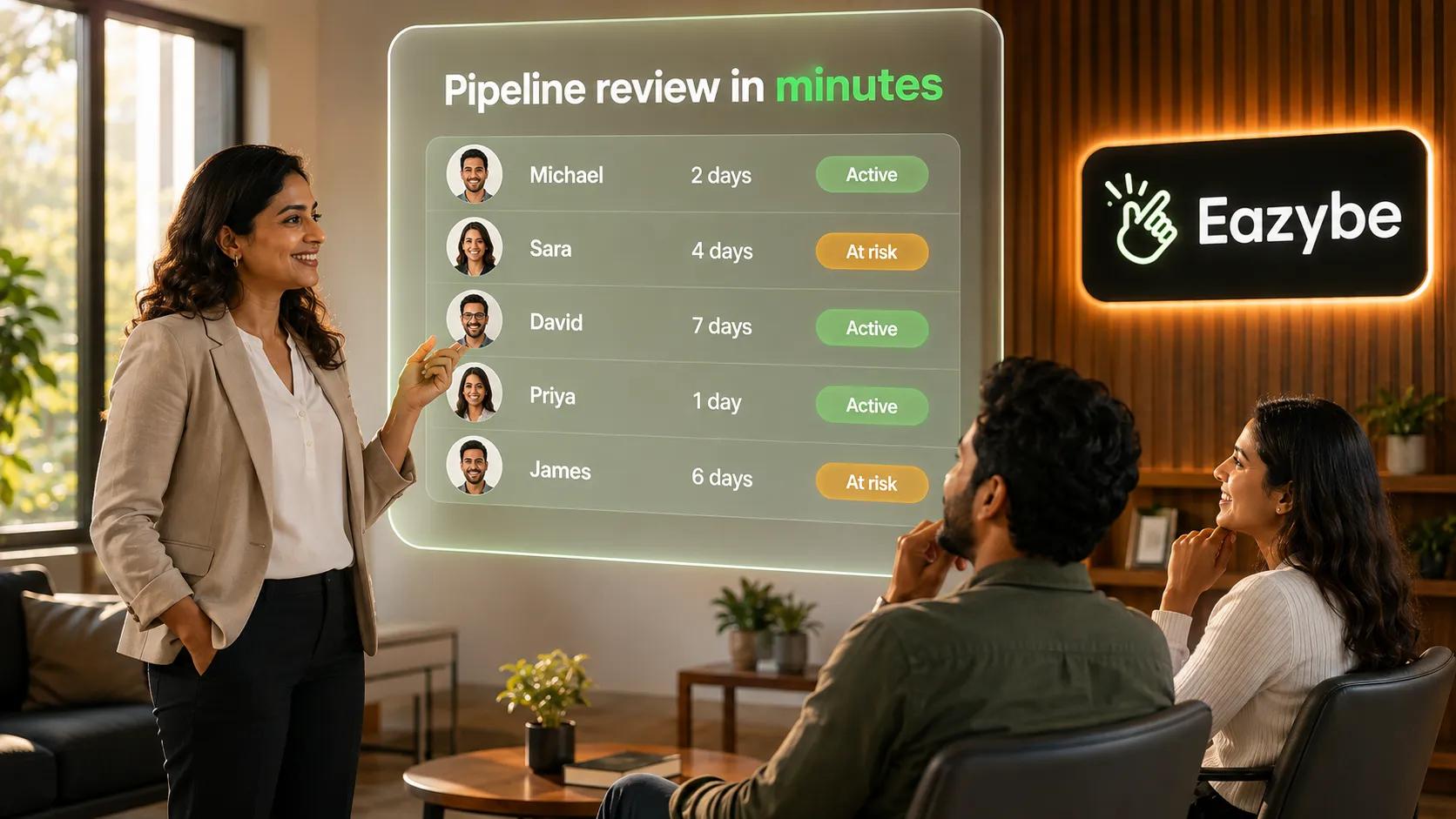
Accurate Bitrix24 data turns pipeline review into a minutes-long check.
An accurate CRM changes what a manager can do without touching a phone. The reporting you already built starts working because the underlying records finally reflect what happened.
1. Pipeline Reviews Without Reading Forty Threads
Instead of a manager opening thread after thread the night before a review they open the record and read the current state in seconds. Filters and stages become trustworthy because the fields behind them were filled from the conversation rather than from memory.
2. Which Reps Actually Follow Up
Tasks and Activities carry owners and dates which means follow up becomes visible rather than assumed. Tools like rep radar sit on top of that same data so you can see who is working their leads and who is sitting on them.
3. Forecasting On Real Data
A forecast is only as honest as the last update behind it. When every lead carries a current stage and a recent activity and the properties you chose then WhatsApp sales performance analytics start describing your business instead of describing your data entry habits.
How To Set Up The Bitrix24 WhatsApp Integration
Getting the Bitrix24 WhatsApp integration running takes a few minutes rather than an IT project:
- Connect your number to Eazybe: using personal WhatsApp or the Business App or the API with no migration and no number change.
- Connect Bitrix24: which requires an active Bitrix24 account and accepting the permissions requested during the integration.
- Link your contacts: because only chats tied to a Bitrix24 contact will sync and the first backup pulls the past 3 days of history.
- Select your properties: so that Eazybe writes only to the fields your team reports on.
- Let it run: with chats auto syncing every 3 minutes in one direction and any Mini CRM edits pushing to Bitrix24 on Save.
There are no automations to maintain and no rep checklist to police which is the point of doing it this way.
Eazybe vs Manual Bitrix24 Updates
Manual updating and automatic updating do not fail in the same places which is why the difference is easiest to see side by side. Here is what changes across the six things that actually decide whether your pipeline is trustworthy.
| What Happens | Manual Bitrix24 Updates | Eazybe Auto Updates From WhatsApp |
|---|---|---|
| Who does the data entry | Your reps after each chat if they remember | Eazybe reads the chat and you review |
| When the record updates | Whenever somebody finds the time | Every 3 minutes automatically |
| What gets logged | Whatever the rep types out | The conversation backed up to the Contact |
| Which fields fill in | Only the ones a rep bothers with | The user properties you selected |
| Coverage | The chats reps choose to log | Every chat linked to a Bitrix24 contact |
| Net result | A pipeline that is quietly stale | A record that matches what was said |
Manual updating fails for the same reason every time which is that it depends on a busy person choosing admin over selling.
Honest Limits Of The Bitrix24 WhatsApp Sync
We would rather set expectations than oversell so here is the straight version of what this integration does not do.
The sync runs one way from WhatsApp into Bitrix24 which means it keeps the CRM current from your chats but does not push messages back the other direction. Sending WhatsApp from inside Bitrix24 is not part of this integration so your team keeps messaging from WhatsApp itself.
There is no Deals or Tickets object and no dedicated call log because the Mini CRM covers Leads and Contacts plus Activities and Comments and Tasks. There is also no automatic deduplication which means you either link an existing lead or contact or create a new one deliberately.
Chat backup lands on the Contact record in the General section and is not documented as landing on leads or other objects. The AI is assistive rather than an oracle so it drafts field updates and summaries from the conversation while a human still owns the record on high value deals.
One thing that is not a caveat is where your data lives. Eazybe stores no chat data on its own servers because it sits in your Bitrix24 or your own Google Drive and it is SOC 2 Type II compliant and GDPR ready and a Meta and HubSpot partner.
Ready to stop updating your CRM by hand? See what Eazybe writes into Bitrix24