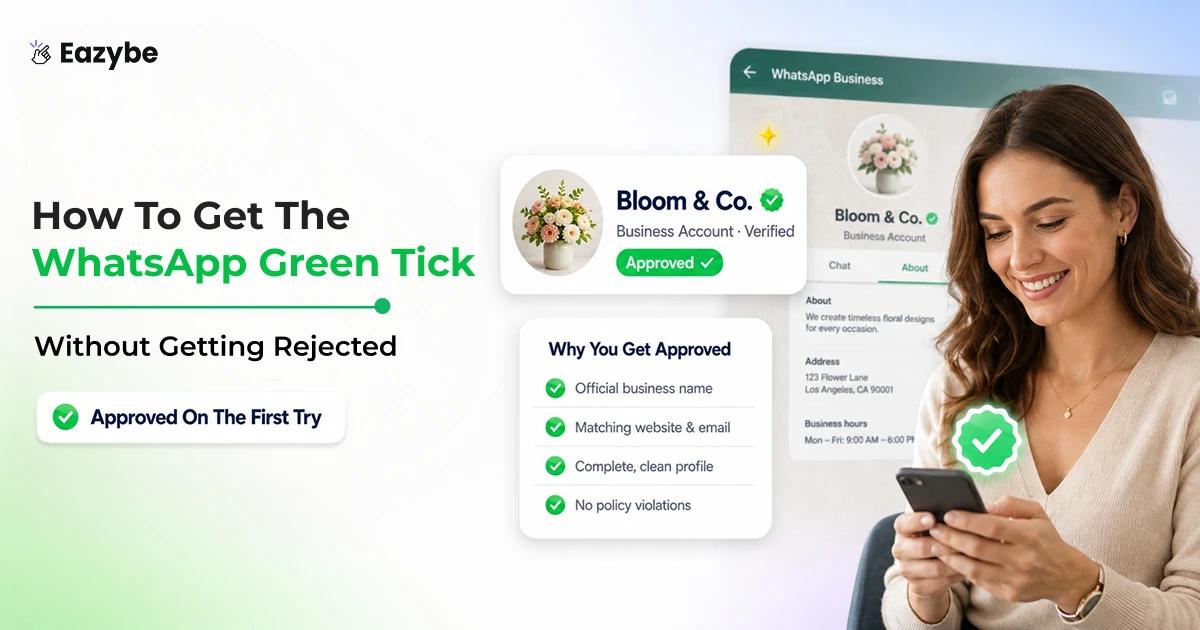


The green tick on WhatsApp is Meta saying your business is the real one. Customers see it and know they are not talking to a fake account using your name. It also shows your brand name at the top of the chat instead of a number. So, more people open your messages and reply.
Want to get the green tick? This blog shows you how, Who can apply, how the verification works, and why some people get rejected. Plus what to do once you have it, and how Eazybe - WhatsApp AI Agents, team inbox and CRM integration help you handle customer chats after you are verified.
Why The WhatsApp Green Tick Matters?
The green tick does more than make your profile look official. It builds trust from the very first message. Instead of an unknown number, people see your verified business name. So, they are far more likely to open what you send and write back.
And the research backs this up. A business messaging study by WARC together with Meta found that most people now want to reach brands this way:
- 69% of people would rather message a business than call it.
- 71% are more likely to buy from a company they can contact through messaging.
- 80% of online adults say messaging is a quick and easy way to reach a business, according to Kantar.
- More than 600 million conversations happen between people and businesses every day across Meta's messaging apps.
Getting the Green tick is not easy either. Most businesses get rejected the first time they apply, so when you have it, people notice. If you sell, support or run offers on WhatsApp, that badge does a lot of the trust work for you, and it goes even further when you set up proper WhatsApp automation behind it.
Source: WARC and Meta Business Messaging Research
What The WhatsApp Green Tick Really Means
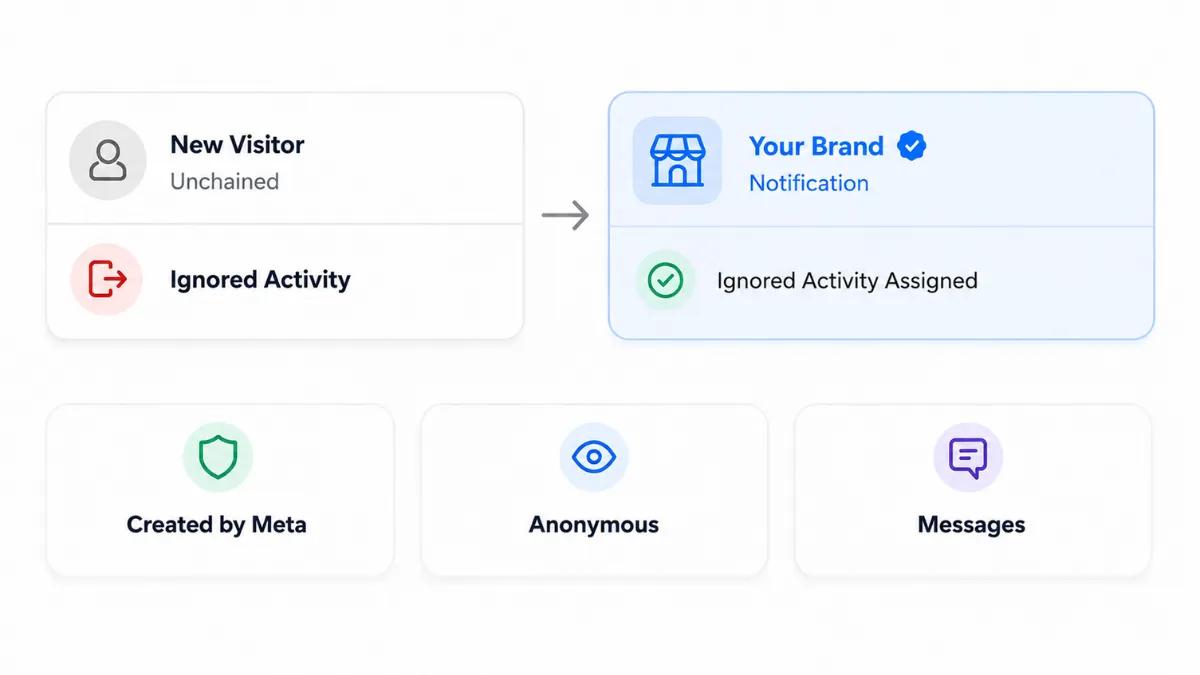
Verification changes how new contacts see you before they reply.
The green tick is a badge that shows Meta has checked your business and marked it as an Official Business Account, or OBA. It tells customers they are dealing with the real business and not a fake or a copy account using your name.
The main thing it does is show your business name at the top of the chat, even when the customer never saved your number. So instead of a random number, they see who you actually are.
That makes people trust you quicker and more of them open your messages and reply, which matters a lot when you are running everything through your WhatsApp CRM.
Green Tick vs Two Ticks On WhatsApp
People often mix up the green tick with the two ticks you see on a message. They are not the same.
The green tick sits next to a business name. Meta gives it to verified accounts, and it just means the account is real.
The ticks on a message are about delivery, nothing else:
- ✓ One grey tick, your message went out.
- ✓✓ Two grey ticks reached the other person.
- ✓✓ Two blue ticks, they read it, as long as read receipts are on.
So, two green ticks is not really a thing. People just muddle the message ticks with the business badge. Need those chats saved somewhere safe? A WhatsApp cloud backup does that.
Who Is Eligible for WhatsApp Green Tick Verification?
Not every business can get the green tick. Before you apply, check that you tick these boxes:
- Your business has to be legally registered.
- You need to be on the WhatsApp Business API. The green tick is not available on the free WhatsApp Business app.
- You need a Business Solution Provider, or BSP, to get onto the API. Eazybe is a Meta Tech Partner and sets this up for you and with WhatsApp coexistence. you can keep using the same number on both the API and the WhatsApp Business app.
- Two step verification has to be switched on for your account.
- Your business has to follow Meta's rules. Things like gambling, tobacco, drugs, adult content and weapons are not allowed.
Tick all of those and you are ready to apply for the green tick through Meta.
How To Get The WhatsApp Green Tick -The Full Checklist
Here is the thing most people miss. Nearly all of this is done in Meta Business Manager, not in WhatsApp itself. So here is the order to do it in:
- Register your business and get through Meta Business Verification.
- Get on the WhatsApp Business API using a Business Solution Provider (BSP) like Eazybe.
- Switch on two step verification for your account.
- Actually use your WhatsApp Business account for a while so it has some history behind it.
- Gather 3 to 5 solid news pieces or media mentions about your business. The free Official Business Account route needs these.
- Go into WhatsApp Manager, pick your number, and apply for the Official Business Account, which is the green tick.
- Send it in and wait for Meta to get back to you.
Most of your time goes into the setup. The actual applying part is done in minutes. While you wait on Meta, a HubSpot WhatsApp integration keeps all your chats together in one spot.
WhatsApp Green Tick Verification Process And Timeline
The green tick does not show up straight away. Applying takes a few minutes, but before that Meta checks your business and then reviews the request. Here is roughly how it goes:
| Stage | What happens | Typical time |
|---|---|---|
| Setup | Get on the WhatsApp Business API through a BSP | 1 to 3 days |
| Business Verification | Finish Meta Business Verification | A few days to 2 weeks |
| Preparation | Turn on two step verification and gather media coverage | Varies |
| Application | Send your green tick request in WhatsApp Manager | A few minutes |
| Review | Meta reviews your application | 2 to 8 weeks |
Two things trip people up the most. The first is skipping Meta Business Verification. You cannot even apply for the green tick without it. So, people get stuck wondering why nothing is moving.
The second is the number itself. If it has ever been banned or has a bad history, Meta will most likely say no and you are better off starting on a clean one. Get the setup right before you hit submit and you give yourself a real shot.
Green Tick vs Blue Tick: What's The Difference?
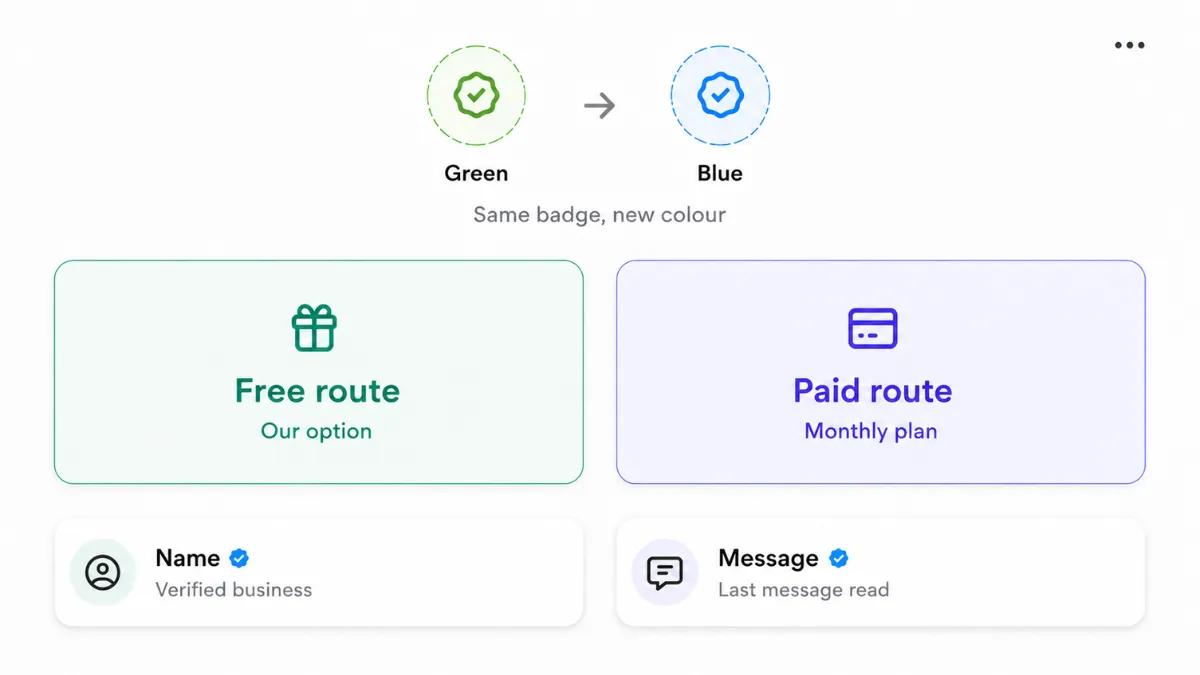
Same badge, new colour — free verification or a paid monthly plan.
The green tick and blue tick are not two different badges. It is the same badge just changing colour.
In 2024 Meta started making the verified badge blue across Facebook, Instagram and WhatsApp so they all match. A few older accounts still show green but new ones mostly come out blue now. Either colour means the same thing, that Meta checked the business and marked it as real.
What actually changes is how you get verified:
- Official Business Account: The free route through the WhatsApp Business API. You do not pay for it, but Meta only hands it out to businesses that are already known, with real press behind them. This one is harder to get.
- Meta Verified: A paid monthly subscription. Easier to qualify for, made for smaller businesses, and only live in some countries so far.
So the colour is just a look. What decides your route is how well known you are and whether you pay. One quick thing so it does not confuse you. This blue badge sits next to the business name.
The blue ticks you see on a message are a different thing, they just mean the message was read. The bigger job starts after, when you have to keep up with all those chats, and that is where a WhatsApp team inbox earns its place.
Source: Meta Verified badge on WhatsApp, WhatsApp Help Center
Common Reasons WhatsApp Green Tick Verification Gets Rejected
Plenty of applications get turned down the first time. These are the usual reasons Meta says no:
- Your business has little to no online presence or press coverage.
- Meta Business Verification is not finished.
- Your business is in an industry Meta does not allow.
- Your WhatsApp number is new, barely used, or has a bad history.
- Your business name does not match your registered company or brand name.
A rejection is not the end of it. Meta usually lets you apply again after 30 days. Use those weeks to get some press, finish any verification steps you skipped, and double check that every business detail lines up before you send it back in.
What To Do After You Get The WhatsApp Green Tick
The green tick is only the start. What you do with it after is what actually pays off, and that comes down to answering people fast and not letting chats slip.
Put everything in a shared team inbox so a few people can handle chats at once and nobody drops a lead. Add quick replies for the questions you get all day, schedule your follow ups so they do not get forgotten, and connect it to your CRM so every conversation stays in order. When people get a quick reply and a smooth experience, they trust you more, and more of those chats turn into actual sales. A good AI sales agent can take a lot of that load off by replying the moment a message comes in.
Final Thoughts On WhatsApp Green Tick
None of this is as hard as it looks. Finish your business verification, get some real press behind your brand, and apply with the right details. That is most of the work done.
Once the tick shows up, things change. People know it is really you, not a fake, so they open your messages instead of ignoring an unknown number. They reply faster and trust you sooner. On an app with billions of users, that trust adds up quickly.
Just remember, the badge only gets you in the door. What keeps people around is how you treat them after, replying fast, staying organised, and being helpful. Get that right along with the tick, and WhatsApp becomes one of your best ways to win and keep customers.