

Salesforce was built on the idea that every deal leaves a paper trail. Then selling moved to WhatsApp and the trail stopped arriving, because nothing in a chat window has ever automatically become a record. The conversation happens, the deal moves, and the org waits for a rep to come back and describe it later.
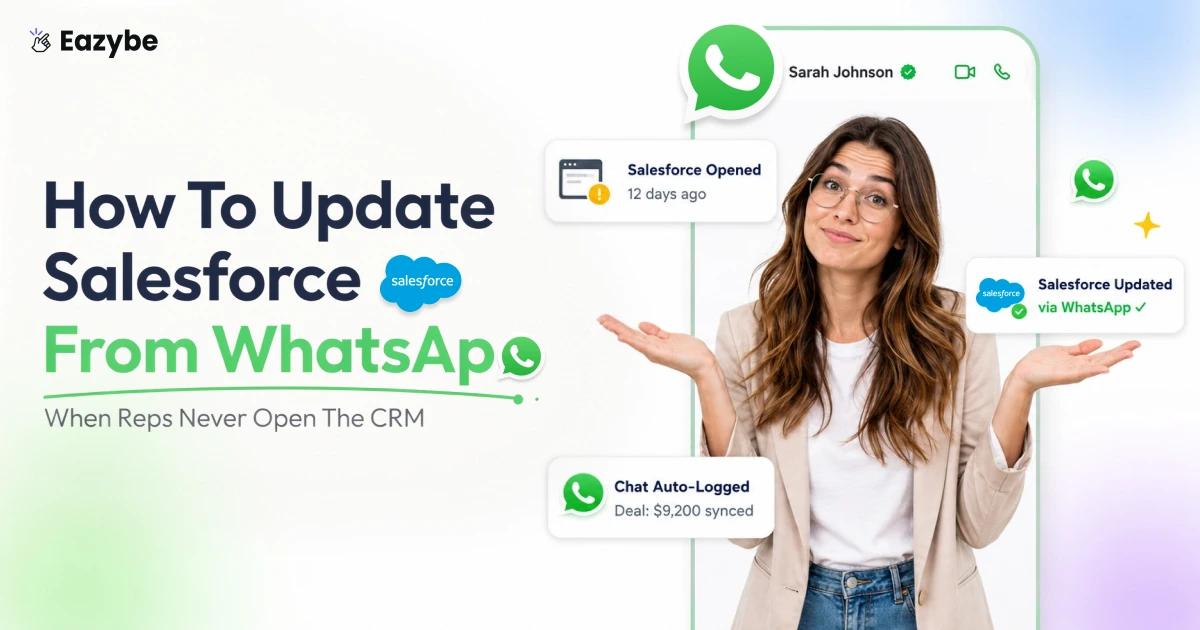
Eazybe - WhatsApp AI Agents fill that gap. The chat backs itself up onto the Salesforce record as it happens, and a panel beside the thread lets a rep raise a lead or log a task without switching tabs. In this blog we explain how to update Salesforce from WhatsApp automatically and which objects change and which properties the AI keeps current.
What Salesforce Looks Like Once It Is Connected To WhatsApp
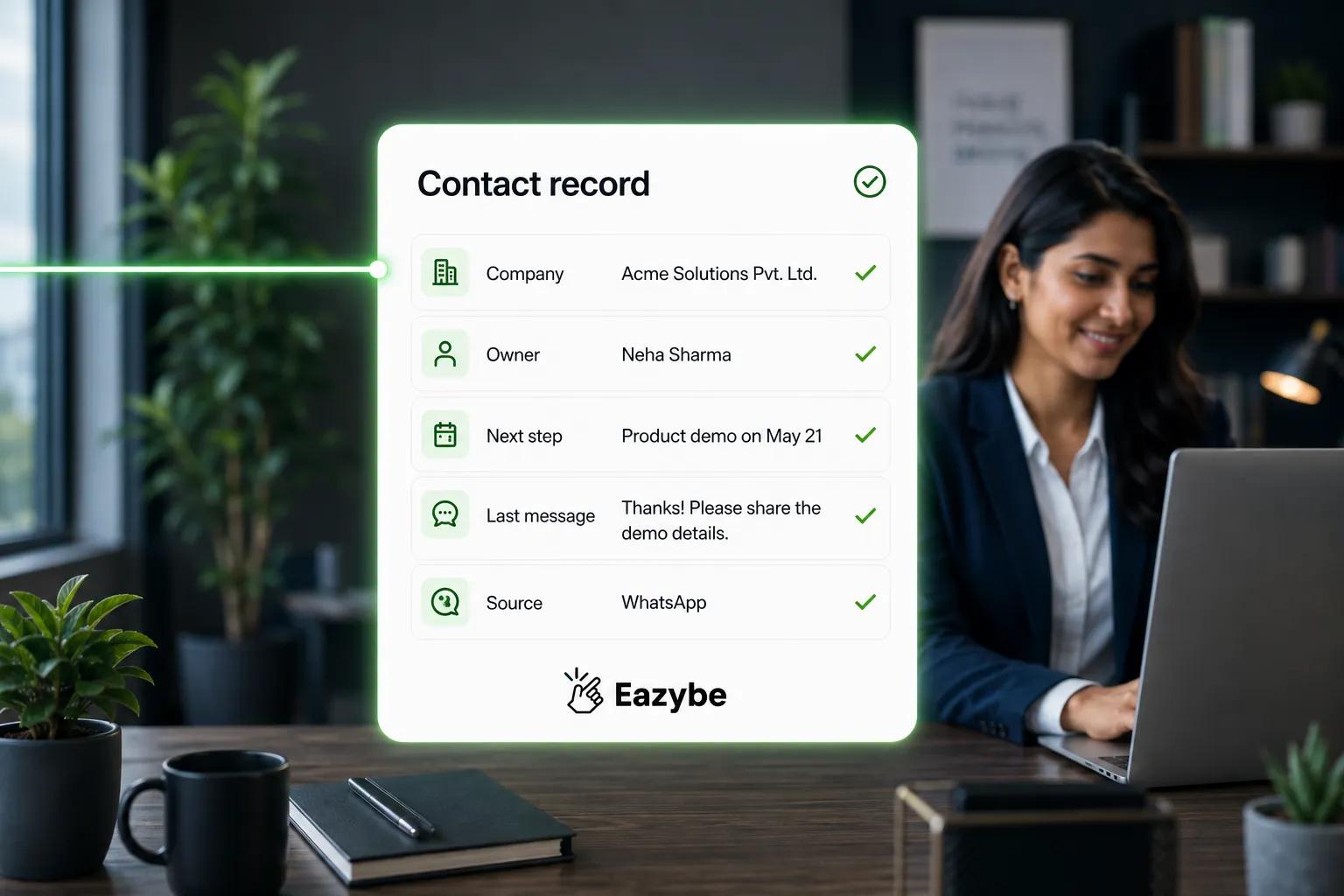
Salesforce, connected to WhatsApp
To update Salesforce from WhatsApp means keeping Contacts and Leads and their related activities current straight from your conversations, so the record reflects what was actually discussed rather than what a rep remembered to type.
Nothing about the Salesforce you already run changes. What changes is where the data comes from.
- The record fills itself because chats sync in the background instead of waiting on a rep.
- The activity trail is real since tasks and call logs come from the conversation that produced them.
- The transcript has a home in an archive on the record rather than on somebody's phone.
- The rep works in one window because the CRM panel sits next to the chat.
Your org keeps the same objects and the same reports. It just stops running on memory.
Also Read: WhatsApp Chat Sync · Top 7 CRM With WhatsApp Integration
Why Your Salesforce Org Runs A Week Behind The Conversation
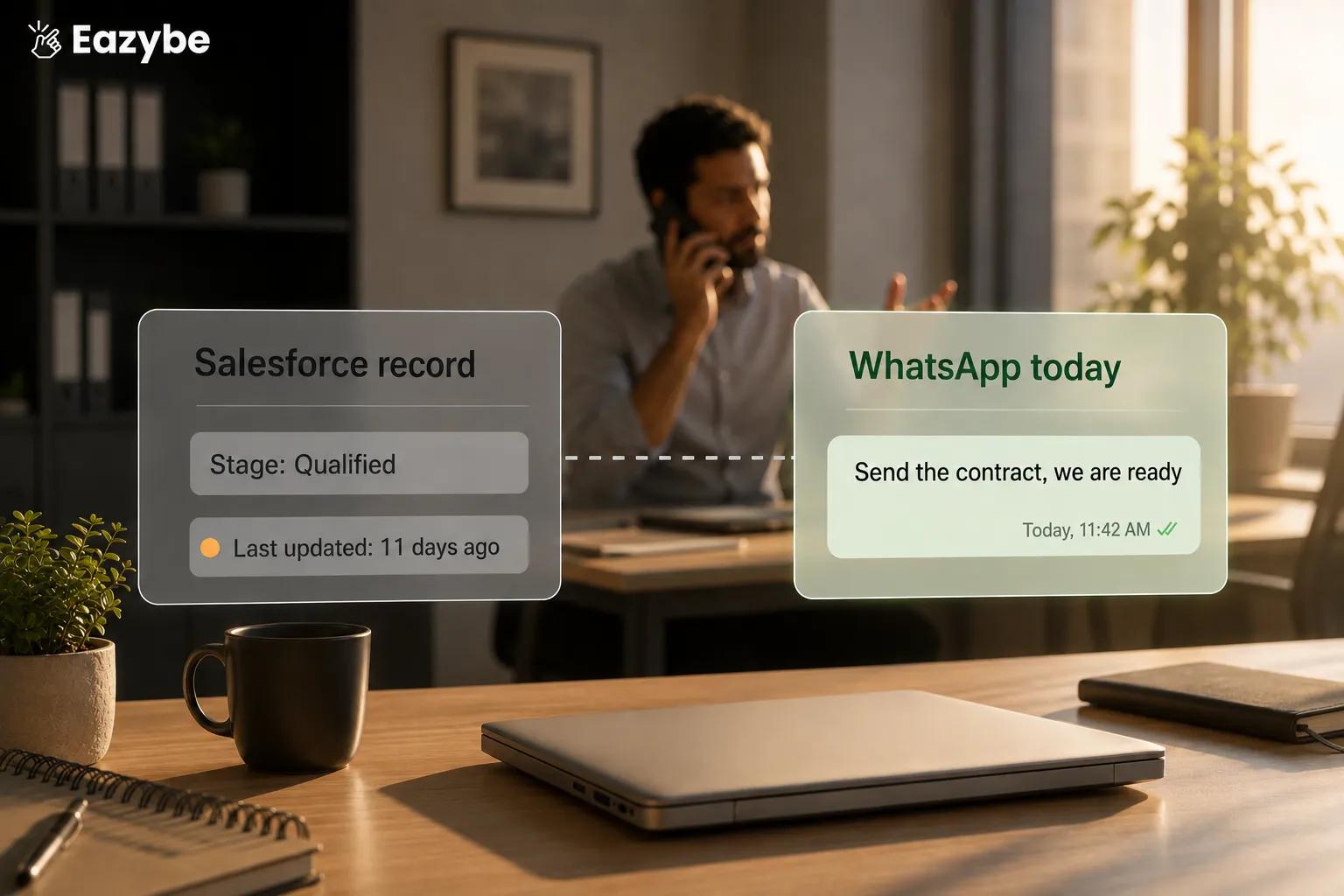
The CRM runs behind
This was never a discipline problem. You hired people to talk to buyers and then asked them to double as data entry clerks, and they will pick the conversation every single time.
Three things kill the update before it happens:
- Timing: It gets logged after this call, which becomes end of day, which becomes never.
- Recall: By the time anyone types it up the objection and the quoted number have blurred.
- Incentives: Reps are paid to close and not to type, so data entry always loses.
So, the record keeps whatever survives that trade off, which is usually a stage nobody has moved and a note that says the customer is interested. That is not a pipeline. It is a list of deals everyone still feels good about.
How Eazybe Updates Salesforce From WhatsApp Every 3 Minutes
Eazybe is a Chrome extension that loads beside WhatsApp Web. Nothing migrates and it runs on personal WhatsApp and on the Business App and on the API through coexistence, so the number your customers already reply to stays exactly as it is. Two mechanics then do the work.
1. Chats back up to the record on their own
For any synced Contact or Lead the WhatsApp conversation flows into Salesforce roughly every three minutes. There is no copy and paste and no promise to log it later, so the message history reaches the record whether or not the rep touches anything.
2. A mini CRM panel sits beside the conversation
Next to the chat your reps get a Salesforce panel where they can create or edit records on the spot, while the context is still on screen rather than being reconstructed hours later from memory.
On top of both, the reading layer takes each conversation and surfaces the gist covering intent and next steps and what changed. That layer is covered in depth in WhatsApp sales intelligence.
The AI is assisted and not hands off magic. You decide which properties matter and a person can review the read before it is trusted on a large deal, so the typing goes and the judgement stays with your team.
Which Salesforce Records Update From WhatsApp: Contacts Leads Tasks Events And Call Logs
Keeping Salesforce current is not really about a name and a phone number. The activity around a record is what tells the story, and the mini CRM covers all of it:
- Leads: created new or linked to an existing record, with the lead profile editable in place.
- Contacts: created new or linked, with the contact profile editable the same way.
- Tasks: created and edited and deleted for both Contacts and Leads.
- Events: created and edited and deleted for both.
- Call Logs: created and edited and deleted for both.
So, a rep who agrees to send a proposal on Friday can log the task without leaving the chat and it lands on the right record.
To be straight about scope, the mini CRM covers Leads and Contacts and their activities today. It does not create Opportunities or Cases. A wider view of how these records fit together sits on the WhatsApp CRM page.
How To Choose Which Salesforce Properties The AI Keeps Current
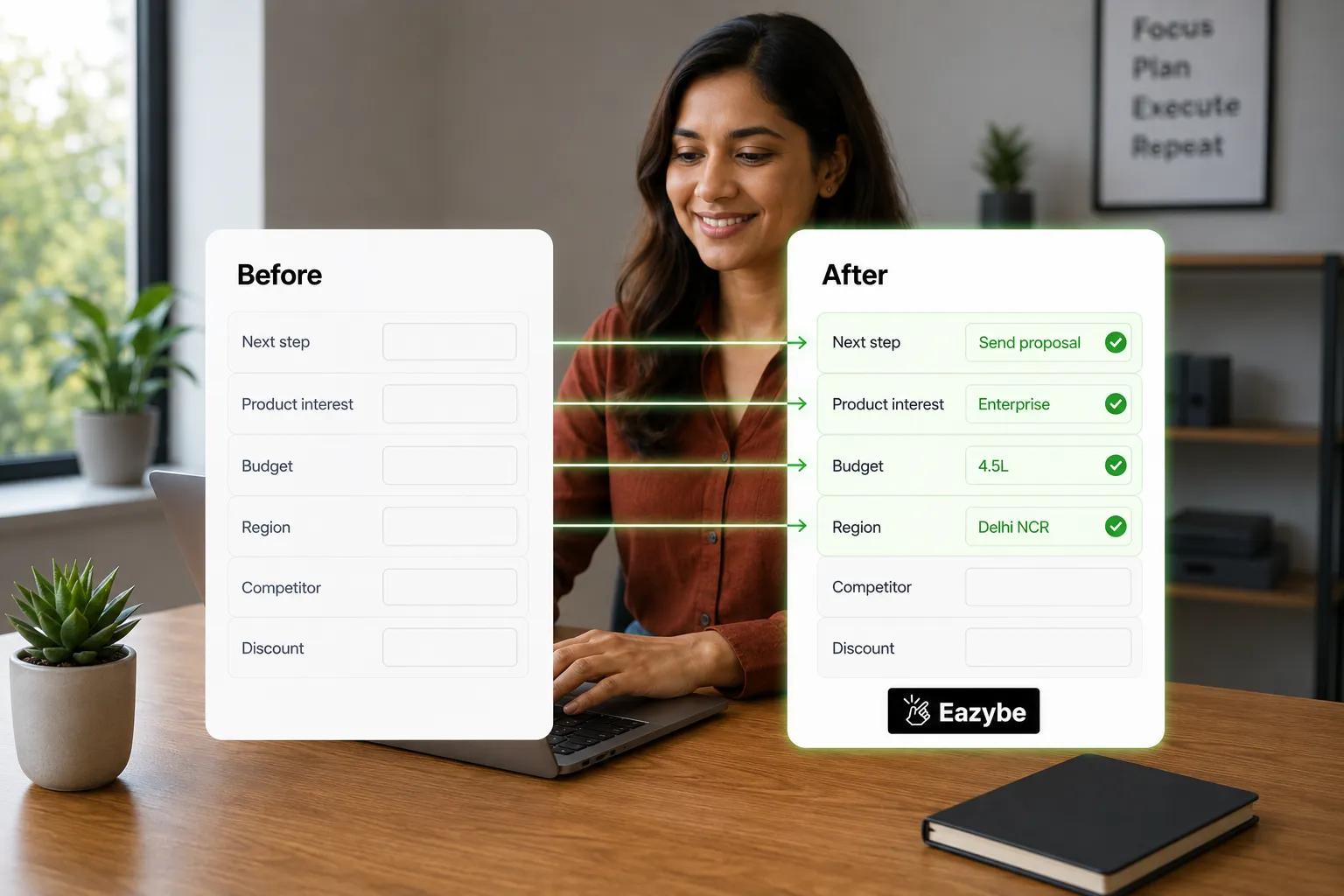
Empty fields, filled automatically
A Salesforce record can carry dozens of fields and most of them are noise for any given team.
The fields your pipeline actually runs on:
- Next step taken from what your rep promised in the thread.
- Product interest taken from what the customer asked about.
- Budget taken from the number they named rather than a guess.
- Region and contact details taken from what they already typed.
Edit and Apply and Save inside the record card:
Click Edit on the Contact or Lead card and a dialog opens where you choose which user properties appear and mark each one required or optional. Click Apply to update the card and then Save to push it to Salesforce.
That selection step is what makes automatic updating safe, because the AI writes only against fields you chose rather than everything it can reach. The same field led approach drives the Salesforce WhatsApp integration if you run both.
Where The Full WhatsApp Transcript Is Stored Inside Salesforce
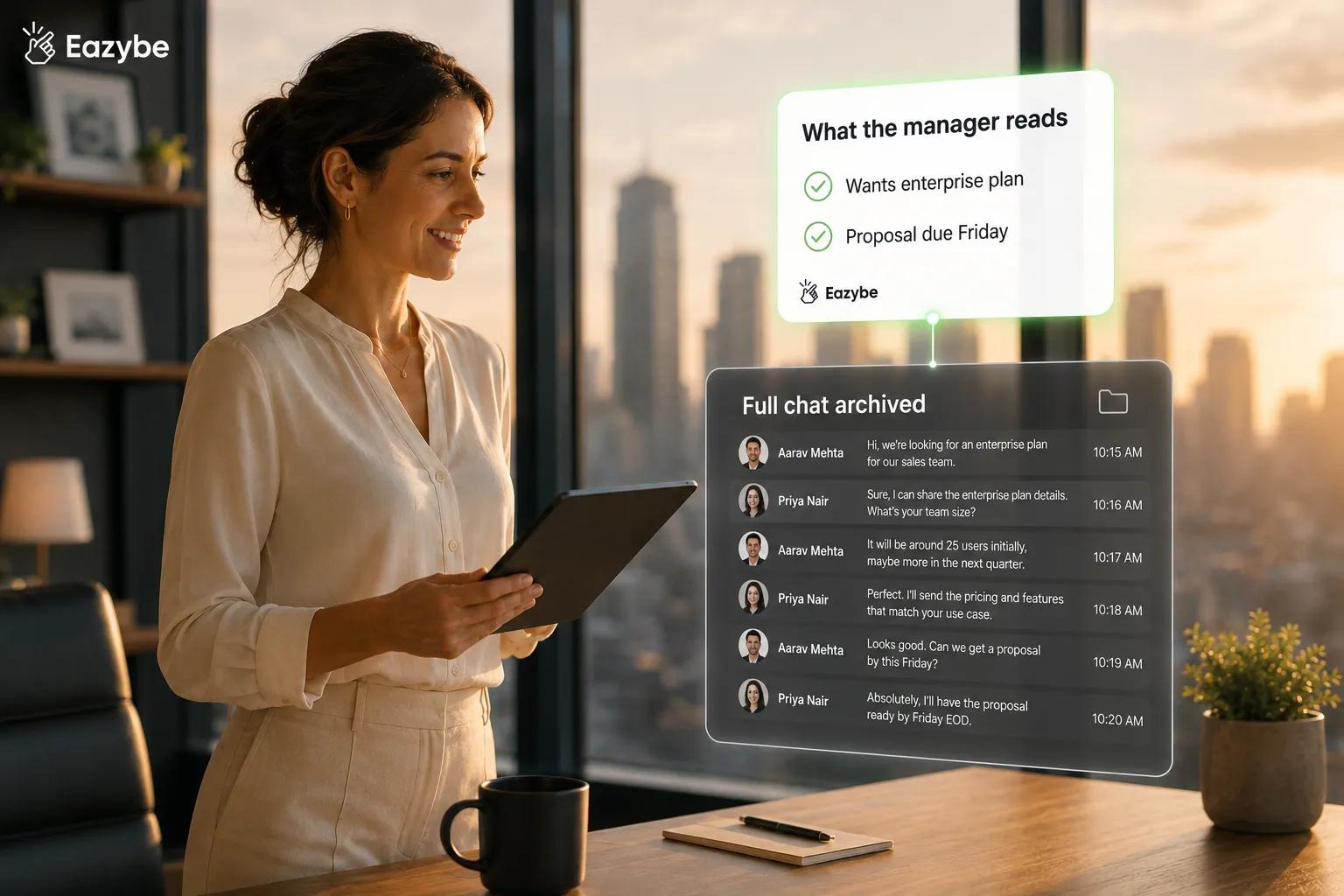
Summary up, transcript archived
Two different things are happening when a chat backs up and they land in two different places:
- The transcript is archived out of the way: in the Notes and Attachments section of the Contact record and in a custom activity object called WhatsApp Chats by EazyBe, which holds conversation data and attachments for both Contacts and Leads
- The gist is what you work from: through the properties on the card, so a manager scanning pipeline sees where things stand instead of forty raw threads
That archive is also what makes support work repeatable. When a customer comes back three weeks later with a complaint, the AI agents for customer support can read the stored history and answer from what was actually promised rather than asking the customer to explain it again, which keeps the same conversation serving both sales and service.
Your team stops reading conversations in order to manage them and starts managing from the properties those conversations produced.
How To Connect Salesforce To WhatsApp In A Few Minutes
This is a connection and not an IT project. You need an active Salesforce account and the permissions granted during the flow:
- Install Eazybe on Chrome and open WhatsApp Web so your chats stay where they are
- Start the seven day free trial on the Salesforce WhatsApp integration page or book a demo if you want a walkthrough first
- Connect Salesforce and approve the permissions the integration requests
- Let the initial backup run, which pulls the past three days of chat history to seed the records
- Self select your properties on the Contact and Lead cards so only the fields you care about appear
From there messages and images and voice notes log to the Activity Timeline on their own, and one on one chats and group chats both sync. Reps still on personal numbers can move across without changing anything customer facing, which the WhatsApp coexistence guide walks through.
Eazybe vs Manual Salesforce Updates: What Actually Changes
The gap is not about effort since your reps are already working hard enough. It is about whether the record waits on someone finding time to type:
| Dimension | Manual Salesforce Updates | With Eazybe |
|---|---|---|
| Who logs it | The rep from memory after the chat | Chats log themselves and reps edit only what matters |
| When it updates | Later and often never | Roughly every three minutes |
| What is captured | Whatever the rep remembers | Every conversation on the record |
| Objects kept current | Whatever the rep opens | Contacts and Leads and Tasks and Events and Call Logs |
| Which fields update | A free for all | Only the properties you selected |
| Where the transcript lives | On somebody's phone | Notes and Attachments plus the activity object |
| What a manager reads | A stale half empty record | The gist with the archive underneath |
| When a rep leaves | The history goes too | The history stays |
The difference is not only speed. It is whether the update depends on a human choosing to do the least enjoyable part of their day.
Teams that switch usually notice the pipeline review shrinks first, which is the clearest early read on sales efficiency.
6 Things To Know Before You Connect Salesforce
None of these are dealbreakers, but each one shapes how you roll this out:
- Backup runs one way: WhatsApp writes into Salesforce so the CRM reflects the conversation rather than acting as a mirror.
- The initial pull covers three days: Enough to seed the records, not enough to import your history.
- Objects stop at Leads and Contacts and their activities: Opportunities and Cases are outside scope today.
- Notes and Attachments is storage: It is where chats are kept and not a separate add a note action.
- You own the property list: The AI writes only where you point it and large accounts still deserve a human read.
- Outbound messaging is a separate build: Sending from Salesforce needs a Flow HTTP callout with an API number and an approved template on Enterprise.
Point AI sales agents at the volume and keep your own eyes on the deals that matter. Since the typing is what gets removed and not the responsibility.
Final Verdict
Every CRM problem comes down to one question: where does the data come from? If the answer is a rep with twenty threads open and a demo in ten minutes then your forecast runs on recall, and recall fades faster than deals move.
Letting the conversation write the record changes the source. Next steps come from what your rep promised. Budgets come from the number the customer named. Follow ups arrive as tasks with dates on them.
Scope is Leads and Contacts and their activities, which covers the daily motion of a sales team. Work inside that and Salesforce stops being the place your team updates afterwards and becomes the place the conversation already reached.